# WooCommerce
Integrate Wakilni Shipping in WooCommerce
## Integrating with WooCommerce (WordPress)
In order to import orders directly into Wakilni portal from your WooCommerce (WordPress) project, please follow the steps below:
### Prerequisite
1. WordPress project
2. WooCommerce plugin used for your shop
3. Wakilni account
### Steps
1. Generate WooCommerce/Wakilni key
1. Click on **WooCommerce** on the left menu side, then click on **Settings**, then choose **Advanced** tab.\
Click on **Rest API**, then **Add Key** and add the below details:
* **Description:** Wakilni
* **User:** *Leave it as it is*
* **Permission:** Read Write
* Click on **Generate API Key**
2. After clicking on **Generate API Key** and before closing the above page, open your Wakilni Portal, click on **Settings** on the left menu side, click on **App Tokens**, then click on **Add Thirdparty App** button and add the below details:
* **Thirdparty app:** WooCommerce
* **Shop:** *(The website URL, example: )*
* Make sure the URL ends with "/"
* **Key:** *(paste the **Customer Key** in here)*
* **Secret:** *(paste the **Customer Secret** in here)*
**NOTE:** Below sections require yearly subscription to the plugin. For more info, check the following link
2. Download needed plugin in your WordPress website
1. Click on **Plugins** on the left side menu
2. click **Add New** button
3. Search: **woo-advanced-shipment-tracking**
4. Choose **Advanced Shipment Tracking for WooCommerce**, click **Install Now** then **Activate** buttons
5. Plugin will be downloaded successfully
3. Configure **Fullfillement Settings**
1. click **WooCommerce** on the left side menu
2. click om **Shipment Tracking** on the left side menu
3. Open **Settings** tab
4. Expand **Order Statuses & Notifications** section and change configuration as below:
5. Change configuration as below:
1. Expand **Shipment Tracking API** and change configuration as below:
4. (Optional) If you have the paid version of the Plugin, add Wakilni as a Custom Shipping Carrier
1. Go to **Shipping Carriers** Section next to **Settings**
2. Click on **the three dots** on the right side of the page next to Shipping Carriers
1. Add below information:
1. **Shipping Carrier:** Wakilni
2. **Custom Display Name:** Wakilni
3. **Shipping Country:** Lebanon
4. **Image:** *You can add Wakilni logo*
5. **Tracking URL:** [https://portal.wakilni.com/orders/%number% ]()
Then click on the **Submit** button
### The Flow
Whenever a new order created on your **WordPress Shop**, it will directly be shown in **Wakilni Portal** under **Thirparty -> Shop URL (WooCommerce) -> Unshipped**. Here you will find all your unhandled orders with Wakilni. You should fix the data and select multiple or one by one to send shipment request.
Your job is done, now Wakilni will handle your request.
### Statuses Used
In order to track the orders, you will have 4 statuses:
**`Processing`** Order is created and waiting you to handle shipping through Wakilni, the payment is paid by credit card, or the payment is on delivery.
**`Partially Shipped`** You have created this order in Wakilni portal and currently Wakilni is handling your order.
**`Delivered`** This order is delivered to the shopper. But you didn’t get your money from Wakilni yet.
**`Completed/Shipped`** This status you will set it manually from your shop. Whenever you get your piggy bank from Wakilni, you will be checking the payments for each order and the order you got your money from you can select multiple orders and set them as shipped. So, you can be sure that these orders are completed, and your money is received.
### Self-Pickup
To set up the self-pickup from Wakilni option, kindly follow the instructions here:
{% content-ref url="/pages/EV6eoSziBcCbjnmfKzfX" %}
[Create "Self-Pickup From Wakilni Option" on Woocommerce - July 2023](/release-notes/create-self-pickup-from-wakilni-option-on-woocommerce-july-2023)
{% endcontent-ref %}
# API
the Wakilni offers an API to help create and manage orders from third-party applications.
Developers can use this API to integrate Wakilni into their custom applications.
Below are steps required, along with detailed documentation on the API.
### Testing environment
For `Testing` use the data below instead of the data in the [Production Environment](#production-environment) section
`URL` ->
### Setup
You need to register as a new client in [`https://dev.wakilni.com/sign-up`](https://dev.wakilni.com/sign-up) and complete the integration as followed in the documentation.
### Production environment
If everything went right, please find the `Production` data (use data below instead of the data in the [Testing Environment](#testing-environment) section)
`URL` ->
`JORDAN URL` ->
### **Integration with Wakilni steps:**
1. Each client will be able to generate an access token that is attached to your account to be used in the API.
1. Login to customer back office
2. Go to Settings
3. Open tab “Api Tokens”
4. Click “Link to your custom app”
5. Enter your shop name/label.
6. Click create
7. A key/secret combination will be created for this client.
8. Copy these credentials and pass them to the request of the auth api.
9. A token will be generated, which you can pas as a bearer token in the other apis.
### **Order flow**
* Bulk process is divided into 2 flows: pickup bulk and delivery bulk
* Pickup bulk: driver pickups the product from the vendor
* Delivery bulk: driver delivers the product to the recipient
* Shipping price: Wakilni has default delivery prices based on pickup/delivery locations. Also, each customer can have his own customized prices.
* Api process:
* Start bulk: creates pickup bulk order (multiple bulks can be created)
* Add delivery: creates delivery order related to pickup bulk (multiple deliveries can be created)
* End bulk: orders become active and are sent to portal for shipping
* Show order status: shows order status based on the flow update\
Status/ Status Code:
* PENDING = 1
* CONFIRMED = 2
* DECLINED = 6
* CANCELED = 7
* PROCESSING = 3
* SUCCESS = 4
* FAILED = 5
* CLOSED\_FAILED = 8
* POSTPONED = 9
* PENDING\_CANCELLATION = 10
* SUCCESS, REJECTED = 4
* When the order is delivered but the client rejected it
### **Authentication**
**API**: [https://api.wakilni.com/api/v2/third\_party/auth\_token](#testing-environment)
**Method**: GET
**Body**:
```
{
"key": string,
"secret": string
}
```
* `key`: App key
* `secret`: App secret
**Response**
```
{
"message": "Auth token retrieved successfully",
"token": "*****"
}
```
### **Start bulk**
**API**: [https://api.wakilni.com/api/v2/clients/start\_bulk](#testing-environment)
**Method**: POST
**Header**: **Authorization**: Bearer {token}
**Body**:
```
{
"location_id": number,
"longitude": number,
"latitude": number,
"floor": number,
"area": string,
}
```
* `location_id`: customer’s location id reference from your app
* `longitude`: customer’s location’s longitude
* `latitude`: customer’s location’s latitude
* `floor`: customer’s location’s floor
* `area`: it is preferable to send us the area name from the list provided from get area’s list
**Response**
```
{
"message": "Bulk order opened",
"bulk_id"
}
```
### **Add delivery**
**API**: [https://api.wakilni.com/api/](#testing-environment)[v2/](#testing-environment)[clients/add\_delivery/{bulk\_id}](#testing-environment)
**Method**: POST
**Header**: **Authorization**: Bearer {token}
**Body**:
```
{
"get_order_details": boolean,
"get_barcode": boolean,
"waybill": number,
"receiver_id": number,
"receiver_first_name": string,
"receiver_last_name": string,
"receiver_phone_number": string,
"receiver_gender": string,
"receiver_email": string,
"receiver_secondary_phone_number": string,
"receiver_location_id *": number,
"receiver_longitude": number,
"receiver_latitude": number,
"receiver_building": string,
"receiver_floor": number,
"receiver_directions": string,
"receiver_area": string,
"currency": number,
"cash_collection_type_id": number,
"collection_amount": double,
"note: string,
"car_needed": bool,
"is_express": bool,
"packages": [
{
"quantity": number,
"type_id": number,
"name": string,
"sku": string
},..
]
}
```
* `get_order_details`: Set to true if you want to display order details after creating order
* `get_barcode`: Set to true if you want the barcode label returned
* `waybill`: To reference or identify your order
* `receiver_id`: The recipient’s unique reference id from your app or system
* For example: your recipient's id in your system is 123, then `"receiver_id" : 123`
* `receiver_first_name`: Recipient’s first name
* `receiver_last_name`: Recipient’s last name
* `receiver_phone_number`: Recipient’s phone number
* `receiver_gender`: Recipient’s gender (1 -> male, 2 -> female)
* `receiver_email`: Recipient’s email
* `receiver_secondary_phone_number`: Recipient’s secondary phone number
* `receiver_location_id *`*:* The recipient’s location's unique reference id from your app or system
* For example, your recipients shipping address location id is 123, then\
`"receiver_location_id" : 123`
* `receiver_longitude`: Customer’s location’s longitude
* `receiver_latitude`: Customer’s location’s latitude
* `receiver_building`: Customer’s location’s building
* `receiver_floor`: Customer’s location’s floor
* `receiver_directions`: Customer’s location’s directions
* `receiver_area`: It is preferable to send us the area name from the list provided from get area’s list
* `currency`: 1 -> USD, 2 -> LBP
* `cash_collection_type_id`: (paid: 54, on delivery: 52)
* `type_id`: (paper: 57, regular box: 58, small box: 59, large box: 60, very large box: 61)
* `is_express`: When `true`, creates an **Express** order and prices accordingly. Omitting it (or `false`) defaults to a standard **Bulk** order.
**Response:**
```
{
"message": "Delivery order added",
"delivery_id",
"tracking_url",
"tracking_id",
"packages": [
{ "barcode_package_number": string },
..
],
"barcode_label",
"order_details"
}
```
* `packages`: Array of barcode objects generated for this order's packages. Each object has a `barcode_package_number`. The array is empty if no barcode records exist yet, and is always present (never `null`). Barcodes are auto-generated when packages are created.
**Note**: for use of barcode label to display barcode image, add the blob value to the image src as follows:
```
```
### **End bulk**
**API**: [https://api.wakilni.com/api/](#testing-environment)[v2/](#testing-environment)[clients/end\_bulk/{bulk\_id}](#testing-environment)
**Method**: POST
**Header**: **Authorization**: Bearer {token}
**Response:**
```
{
"message": "Closed Bulk order",
"bulk_id"
}
```
### **Update order**
**API**: [https://api.wakilni.com/api/v2/clients/orders/{id}](https://api.wakilni.com/api/v2/clients/orders/%7Bid%7D)
**Method**: PUT
**Header**: **Authorization**: Bearer {token}
**Description**: Updates a pending delivery order. Uses PATCH semantics — only fields present in the body whose value differs from the stored value are changed; any omitted field is left unchanged.
**Note**: Only orders with status **Pending (1)** can be updated. Updating a non-pending order returns a `422`.
**Body** (all fields optional — send only the fields you want to change):
```
{
"waybill": string,
"car_needed": boolean,
"try_on": boolean,
"exchange": boolean,
"is_express": boolean,
"currency": number,
"cash_collection_type_id": number,
"collection_amount": number,
"note": string,
"require_signature": boolean,
"require_picture": boolean,
"self_pickup": boolean,
"self_pickup_details": { "office_id": number },
"new_receiver_location": boolean,
"receiver_first_name": string,
"receiver_last_name": string,
"receiver_phone_number": string,
"receiver_secondary_phone_number": string,
"receiver_gender": number,
"receiver_email": string,
"receiver_building": string,
"receiver_floor": number,
"receiver_directions": string,
"receiver_longitude": number,
"receiver_latitude": number,
"receiver_area": string,
"packages": [
{ "quantity": number, "type_id": number, "name": string, "sku": string },
..
]
}
```
Field reference:
* `waybill` (max 100): Your internal reference / waybill number.
* `car_needed`: Whether a car (van) is needed for delivery.
* `try_on`: Whether the receiver can try on the item before accepting.
* `exchange`: Whether the order involves an exchange.
* `is_express`: Toggle express. `true` on a standard bulk order switches it to **Express Single** and reprices; `false` on an express order reverts it to **Bulk** and reprices.
* `currency`: Collection currency ID — `1 = USD`, `2 = LBP`.
* `cash_collection_type_id`: `54 = Paid`, `52 = On Delivery`. Switching to Paid (54) automatically resets `collection_amount` to 0.
* `collection_amount` (≥ 0): Amount to collect from the receiver. If the collection type is Paid, the effective amount is always 0 regardless of what is sent.
* `note` (max 5000): Order note / instructions. Also stored as a public comment on the order.
* `require_signature`: Whether a signature must be collected on delivery.
* `require_picture`: Whether a picture must be taken on delivery.
* `self_pickup`: Whether the receiver will pick up from a Wakilni office. Setting `true` requires `self_pickup_details.office_id`. Setting `false` removes the self-pickup record and reprices.
* `self_pickup_details.office_id`: Required when `self_pickup = true`. The ID of the Wakilni pickup office.
* `new_receiver_location`: Controls whether location changes apply to all orders sharing the same location, or to this order only. `false` (default) updates the existing location record in place — all ongoing orders sharing it see the change. `true` clones the location into a new record assigned only to this order; the original is untouched. Only applies when location fields are changed (`receiver_building`, `receiver_floor`, `receiver_directions`, `receiver_longitude`, `receiver_latitude`, `receiver_area`). Recipient fields (name, phone, etc.) are always updated in place regardless of this flag.
* `receiver_first_name` / `receiver_last_name`: Receiver's name.
* `receiver_phone_number` / `receiver_secondary_phone_number`: Receiver's phone numbers.
* `receiver_gender`: `1 = Male`, `2 = Female`.
* `receiver_email`: Receiver's email.
* `receiver_building` / `receiver_floor` / `receiver_directions`: Receiver's location details.
* `receiver_longitude` / `receiver_latitude`: Receiver's location coordinates.
* `receiver_area`: Receiver's area name (e.g. "Hazmieh").
* `packages`: **Replace-all** — if present, all existing packages are deleted and replaced with exactly the list sent. To keep existing packages you must re-send them. Each element requires `quantity`; other sub-fields are optional.
* `packages.*.quantity` (≥ 1): Required when `packages` is present.
* `packages.*.type_id`: `57 = Paper`, `58 = Regular Box`, `59 = Small Box`, `60 = Large Box`, `61 = Very Large Box`. Defaults to 58 if omitted.
* `packages.*.name` (max 255): Package description / item name.
* `packages.*.sku` (max 255): Package SKU.
**Price recalculation**: The delivery price is automatically recalculated and applied to the order's `price` field when `is_express` changes.
**Response**:
```
{
"message": "Order updated successfully",
"id": number,
"tracking_url": string,
"tracking_id": string,
"packages": [
{ "barcode_package_number": string },
..
]
}
```
* `packages`: Current barcode objects for the order's packages after the update.
**Error responses**:
* `404` — Order not found or does not belong to this customer → "Order not found."
* `422` — Order is not in Pending status → "Cannot update a non-pending order."
* `422` — `self_pickup = true` sent without `office_id` → "The office id is required when self pickup is true."
* `422` — `is_express = true` but `ClientCanExpress` feature flag disabled → "You cannot update this order to express, you can contact the operator."
* `422` — Validation failure (e.g. invalid currency ID) → field-level validation messages.
**Example — update collection details & receiver area**
Request:
```
PUT https://api.wakilni.com/api/v2/clients/orders/98765
Authorization: Bearer eyJ...
{
"currency": 2,
"cash_collection_type_id": 52,
"collection_amount": 250000,
"receiver_area": "Hamra",
"note": "Call before delivery"
}
```
Response:
```
{
"message": "Order updated successfully",
"id": 98765,
"tracking_url": "https://track.wakilni.com/WK123456",
"tracking_id": "WK123456",
"packages": [
{ "barcode_package_number": "WKB2401010001" },
{ "barcode_package_number": "WKB2401010002" }
]
}
```
**Example — replace packages**
Request:
```
PUT https://api.wakilni.com/api/v2/clients/orders/98765
Authorization: Bearer eyJ...
{
"packages": [
{ "quantity": 2, "type_id": 58, "name": "Shoes", "sku": "SH-001" },
{ "quantity": 1, "type_id": 59, "name": "Hat", "sku": "HT-002" }
]
}
```
Response:
```
{
"message": "Order updated successfully",
"id": 98765,
"tracking_url": "https://track.wakilni.com/WK123456",
"tracking_id": "WK123456",
"packages": [
{ "barcode_package_number": "WKB2401010003" },
{ "barcode_package_number": "WKB2401010004" },
{ "barcode_package_number": "WKB2401010005" }
]
}
```
### **Show order status**
**API**: [https://api.wakilni.com/api/](#testing-environment)[v2/](#testing-environment)[clients/orders/{id}](#testing-environment)
**Method**: POST
**Header**: **Authorization**: Bearer {token}
**Response:**
```
{
"status"
"status_code"
"completed_on"
}
```
### **Show order status from tracking id**
**API**: [https://api.wakilni.com/api/](#testing-environment)[v2/](#testing-environment)[clients/tracking/orders/{tracking\_id}](#testing-environment)
**Method**: POST
**Header**: **Authorization**: Bearer {token}
**Response:**
```
{
"status"
"status_code"
"completed_on"
}
```
### **Cancel order**
**API**: [https://api.wakilni.com/api](#testing-environment)[/v2/clients/orders/{id}/cancel](https://api.wakilni.com/api/v2/clients/orders/%7Bid%7D/cancel%60)
**Method**: PUT
**Header**: **Authorization**: Bearer {token}
**Body**:
```
{
"reason": string,
}
```
* `reason`: Reason for canceling the order
**Response:**
```
{
"message": string,
"delivery_id": number
}
```
**Note**: You are able to cancel an order only if the status is pending
### **Get areas**
**API**: [https://api.wakilni.com/api/v2/areas](#testing-environment)
**Method**: GET
**Header: Authorization:** Bearer {token}
**Pagination:** [https://api.wakilni.com/api/v2/areas?with\_pagination=true\&page=2](#testing-environment)
**Filter:** [https://api.wakilni.com/api/](#testing-environment)[v2/](#testing-environment)[areas?search=name:beirut\&searchJoin=and\&with\_filter=true](#testing-environment)
**Pagination and Filter:** [https://api.wakilni.com/api/](#testing-environment)[v2/](#testing-environment)[areas?search=name:beirut\&searchJoin=and\&with\_filter=true\&with\_pagination=true\&page =2](#testing-environment)
### Get order status
**API**:
**Note:** You may use either the tracking\_id or the order\_id based on your preference
**Method**: GET
**Header: Authorization:** Bearer {token}
**Response:**
```
{
"success": true,
"data": {
"tracking_id": string,
"comments": array of strings,
"logs": [
{
"status": string,
"status_code": number,
"created_at": string
},
]
}
}
```
**Example response:**
```
{
"success": true,
"data": {
"tracking_id": "WK2312120840222729128YIbYK",
"comments": [
"Call before delivery",
"No answer",
"Not available",
"Order rejected"
],
"logs": [
{
"status": "Success",
"status_code": 4,
"created_at": "2023-12-12 11:22:24"
},
{
"status": "Success, Rejected",
"status_code": 4,
"created_at": "2023-12-12 11:22:24"
},
{
"status": "Processing",
"status_code": 3,
"created_at": "2023-12-12 10:58:49"
},
{
"status": "Closed Failed",
"status_code": 8,
"created_at": "2023-12-12 10:50:39"
},
{
"status": "Processing",
"status_code": 3,
"created_at": "2023-12-12 10:47:37"
},
{
"status": "Canceled",
"status_code": 7,
"created_at": "2023-12-12 10:40:37"
},
{
"status": "Confirmed",
"status_code": 2,
"created_at": "2023-12-12 10:40:22"
},
{
"status": "Pending",
"status_code": 1,
"created_at": "2023-12-12 10:40:22"
}
]
}
}
```
# Shopify
1. Install Wakilni App from Shopify app store: \
If you already have the app installed before and want to re-install, please remove the app token in settings in your portal first
2. After installing the app on Shopify or when clicking on the Wakilni App from Shopify, you will be redirected to .
3. Choose the country where you're working with Wakilni (Lebanon or Jordan), insert your email and password and click Login
4. You will be redirected to the unfulfilled orders page where you should see all your Unfulfilled orders coming from Shopify
* **`Note`** orders should be unfulfilled on Shopify for them to show on Wakilni's portal. They should be shipped with Wakilni from Wakilni's portal
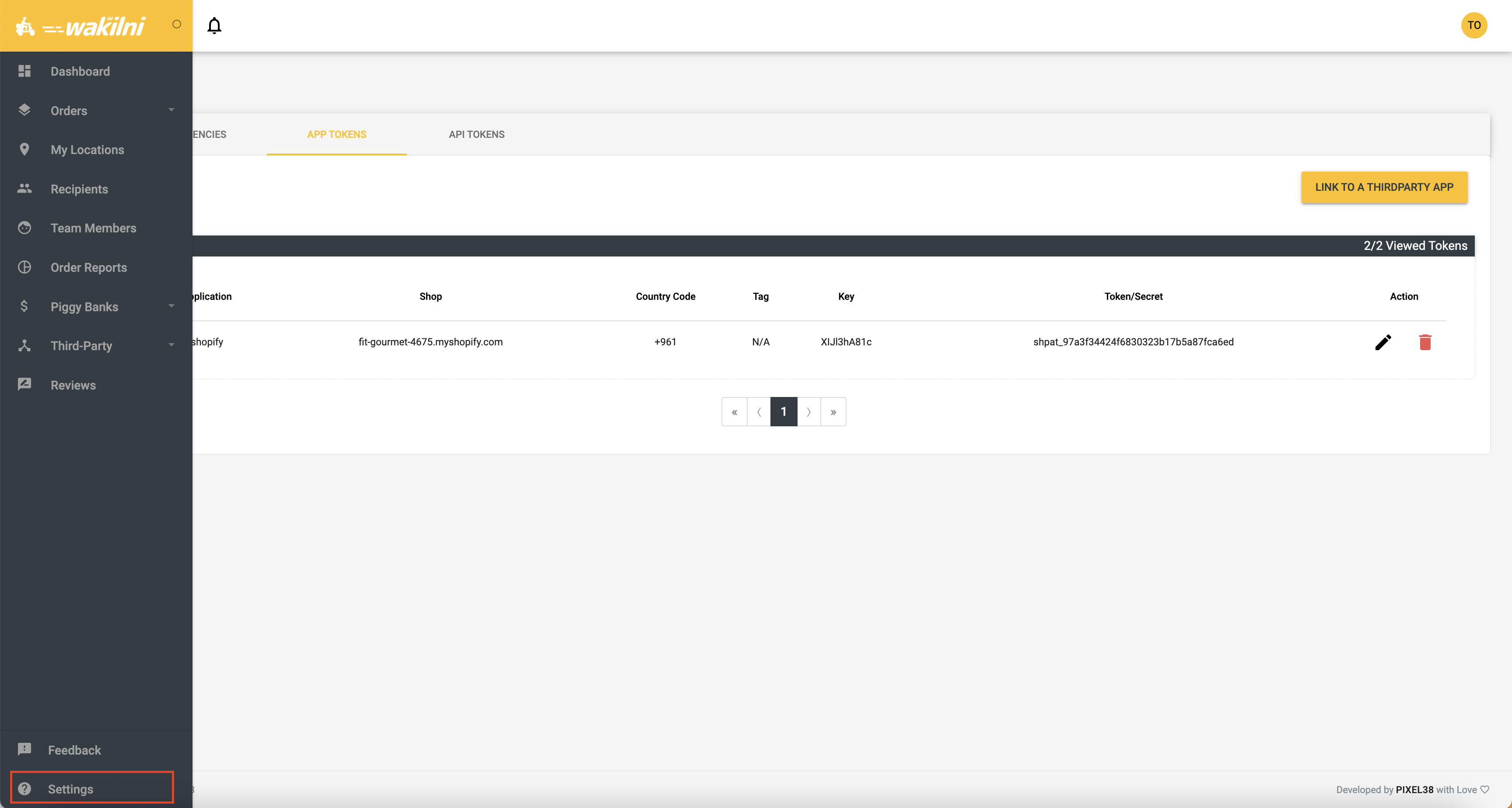
5. Once done, log out from , close it, and visit , login from the menu on the left, Third-Party -> your-store -> Unshipped tab, your orders will be viewed.
You can edit and request shipment for multiple orders
* **`Note`** you may need to clear your browser's cache before this step for the portal to work normally or hard reload by pressing ctrl+shift+R. Please refer to [this](https://support.google.com/accounts/answer/32050?hl=en\&co=GENIE.Platform%3DDesktop) link to learn more about Clear cache in Google Chrome
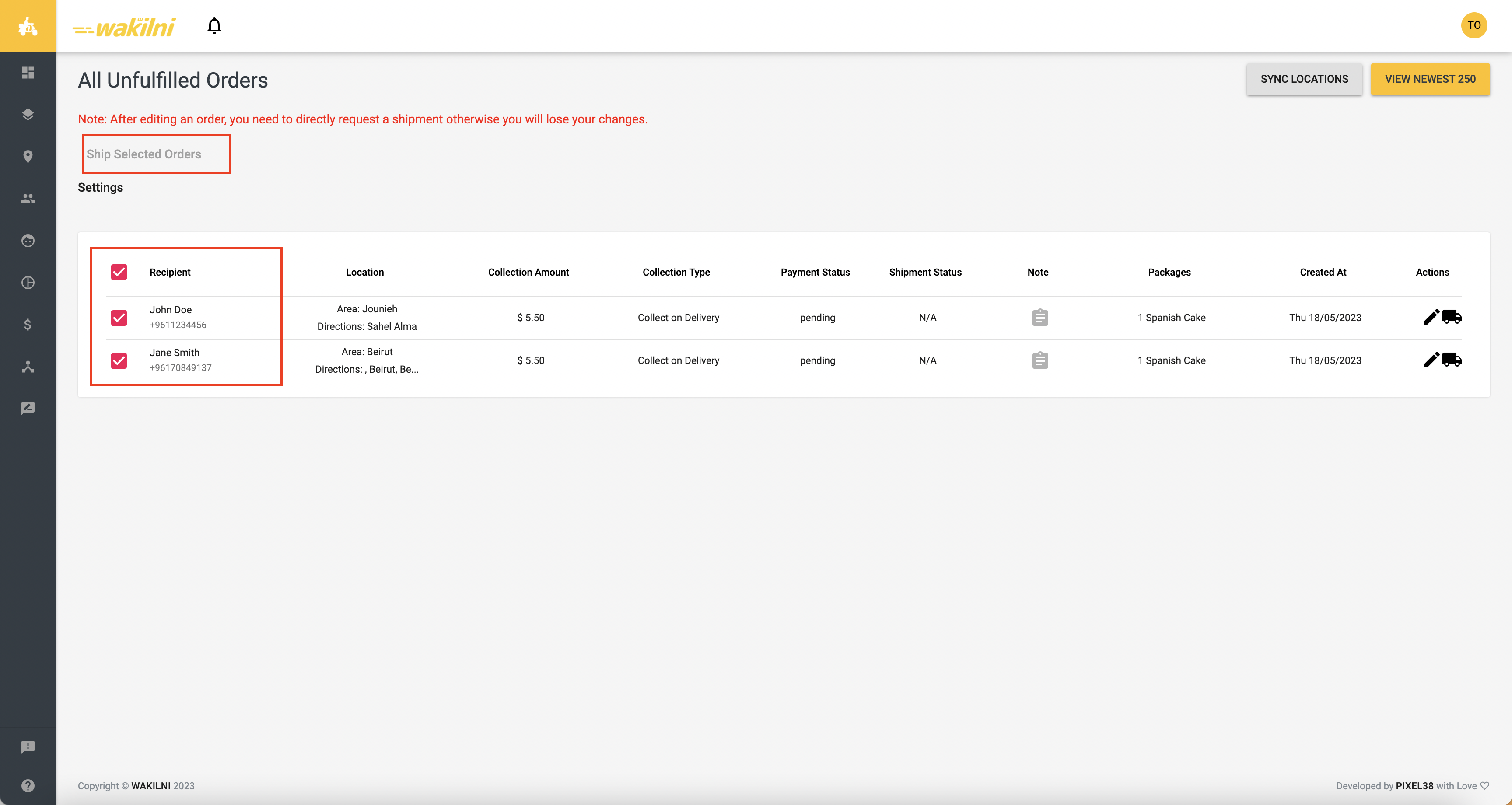
6. To ship an order with Wakilni, make sure all details are valid. That means you don't have any red lines or red messages for the orders. You can edit the order details if needed
7. When the order is ready to be shipped, you can click on the "truck" icon on the left of the order row or select multiple orders and click "Ship Selected Orders" on top of the page. Once done, you can see your orders in the Active page accessible from the left-menu, Orders -> Active
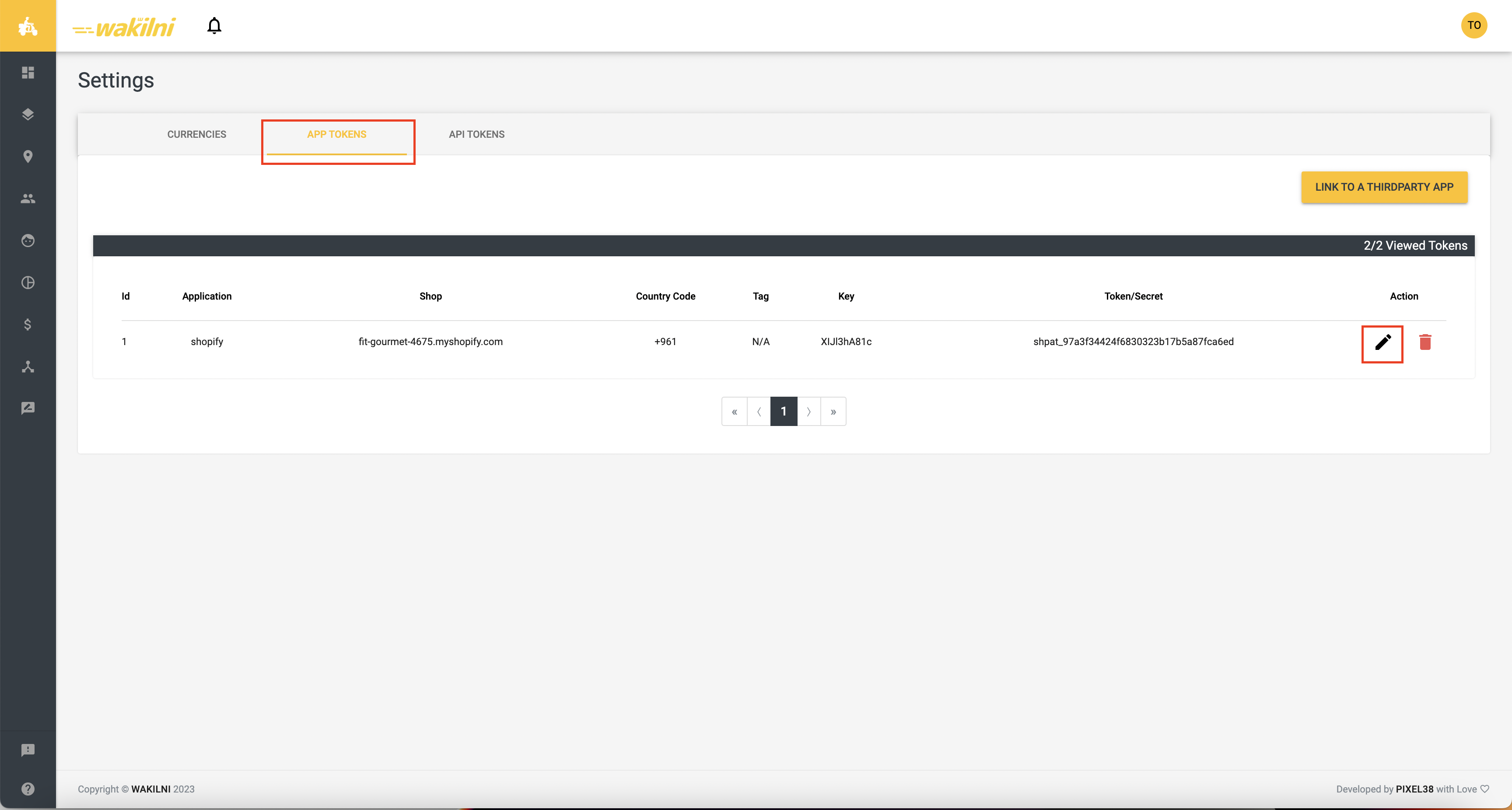
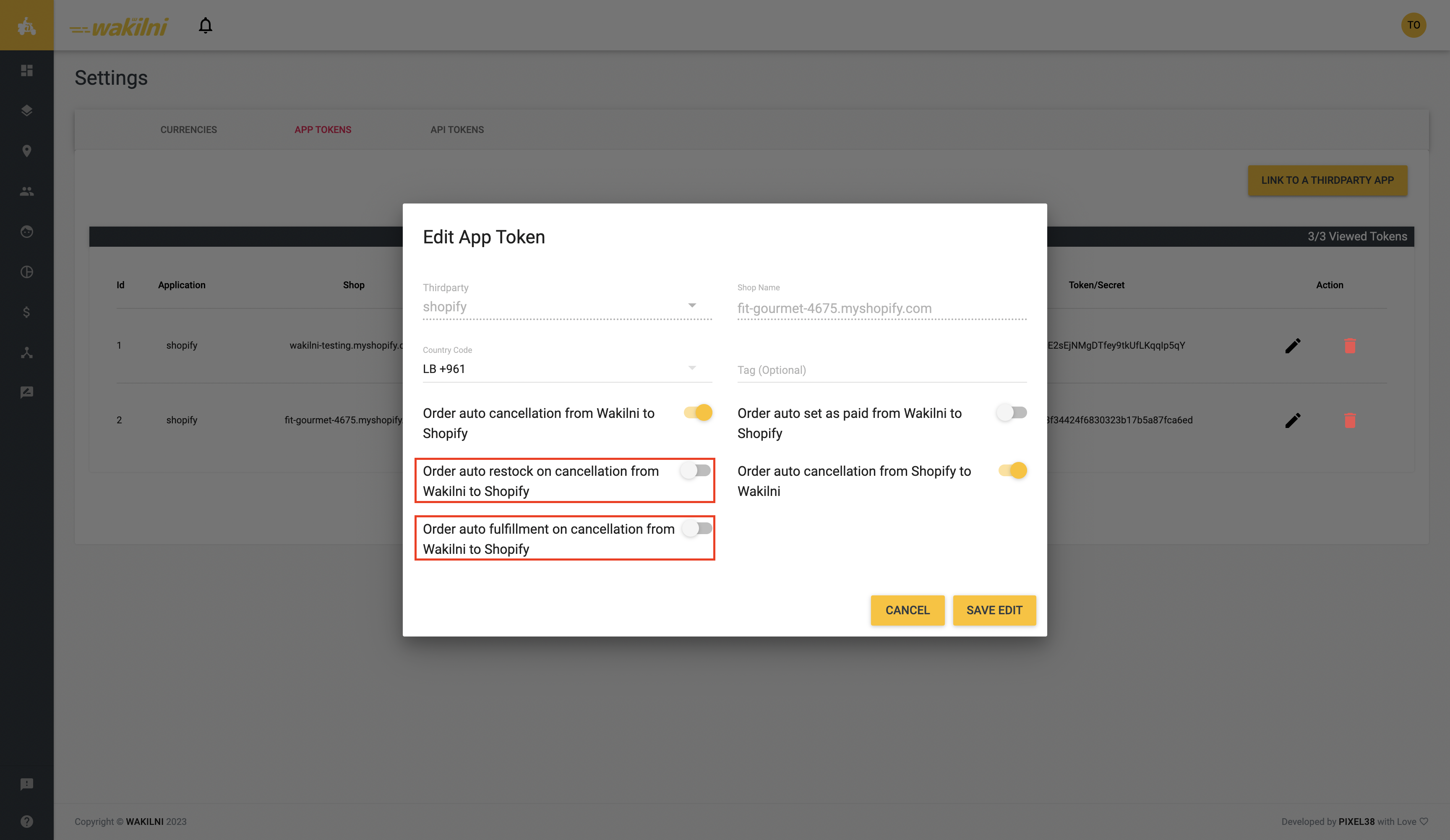
8. In Settings -> App Tokens, on edit, you can edit the following Shopify Settings:
* Add a tag for the orders based on the tag defined in your Shopify to filter orders by this tag
* Enable/Disable Order Auto Cancelation from Wakilni to Shopify
* Cancel an order on Shopify when cancelled through Wakilni. This feature can be accompanied with the following settings:
* Order auto restock from Wakilni to Shopify
* When an order is cancelled through Wakilni, the items are restocked in your Shopify store inventory.
* Order auto refund from Wakilni to Shopify
* When an order is cancelled through Wakilni, the payment transaction will be:
* Voided when the order payment method is Cash on Delivery
* Refunded when the order is already paid
* Order auto set as paid from Wakilni to Shopify
* Order auto cancellation from Shopify to Wakilni
* Only pending orders will be cancelled on Wakilni when cancelled through Shopify/
* Order auto fulfillment on cancellation from Wakilni to Shopify
* Sets the order as unfulfilled on Shopify when cancelled through Wakilni
* Order auto creation from Shopify to Wakilni:
* Orders will be created on Wakilni portal once an order is created from you Shopify store.
* Your orders will be set as fulfilled once created on Wakilni Portal
* If you added a tag for your orders, your orders will be created on Wakilni portal once they are tagged
* Alternative Currency that will be set automatically
**`Note`** Please keep using . The shipping portal is only used for integration purposes.
### Wakilni Area Selector
For faster delivery, please add our Wakilni Area Selector that will allow your customers to select their correct city. Please follow the steps on the link below:
[Add Wakilni Area Selector to Shopify - Jan 2026](/release-notes/add-wakilni-area-selector-to-shopify-jan-2026)
### Self-Pickup
To set up the self-pickup from Wakilni option, kindly follow the instructions here:
{% content-ref url="/pages/YQT39GPwjPVXjBiq2lzq" %}
[Create "Self Pickup From Wakilni" Option on Shopify - July 2023](/release-notes/create-self-pickup-from-wakilni-option-on-shopify-july-2023)
{% endcontent-ref %}
# 2023 Annual Report
# 2024 Annual Report
Mazen Zotti Zouheir Mansour
# Online Stores Proposal
Wakilni is your E-commerce fulfillment partner. We provide a logistics arm for businesses, online stores and individuals.
## O*ur services include*
## *We deliver for*
## *The areas we cover & our prices*
Due to rising operational costs associated with heightened security risks, including theft and armed robberies impacting our drivers and operations, **Wakilni will be applying a $12 annual service fee per business account, effective July 1, 2025.** This non-refundable fee will support enhanced safety protocols and help maintain the reliability of our logistics services. It will be invoiced annually and deducted from your cashbox.
For safety concerns, we do not deliver high value items (>$200 or equivalent value) in some areas in Beqaa including Baalbeck, Hermel, Britel , Yammouni , Chrawne , Nabichit , Horta3la, Ersal , Rmessa, Khodor, Khreibeh, Talya and Dar Wesaa. We also do not deliver such high value items in some areas in Akkar including Howeishe & Ain El-Dahab. Additionally, please refer to your WhatsApp support group routinely for updates on areas in the South and the Beqaa that we are not delivering to as a result of the current aggressions against Lebanon. We do not handle cash collections exceeding $3,000/order or the equivalent in LBP. Price excluding VAT where applicable.
Annual Service Fee
Billed once a year
$ 12/year
Delivery
All over Lebanon
$ 5
Self Pickup
Dekouaneh, Tripoli, Sarafand, Saida, Beirut, Araya, Ghazir, and Beqaa
$ 5
Return Fee
All over Lebanon
$ 2.5
Big Orders*
Chargeable Weight** > 20kg
The sum of dimensions (Length+Width+Height) > 200cm
Additional Fees Apply
Express Delivery
For specific locations*
$6.66
***Big Orders Policy:***
* *Actual Weight → the physical weight of the order as measured on a scale, including packaging.*
* *Volumetric Weight = (Length x Width x Height) / 5000*
* *\*\*Chargeable Weight: We will charge based on whichever is greater of the actual weight or the volumetric weight of the package.*
* We do not handle orders that exceed 60 kgs in actual weight and/or 200 cm in any dimension.
\
*Big Orders calculator on this link:* [*https://docs.google.com/spreadsheets/d/1g9YdlOkTo48UWdH9vZ9sZ0dTestZs83DDyfK6jkngIs/edit?gid=0#gid=0*](https://docs.google.com/spreadsheets/d/1g9YdlOkTo48UWdH9vZ9sZ0dTestZs83DDyfK6jkngIs/edit?gid=0#gid=0)
## *Packaging:*
You can order bags from Wakilni that will help you when packaging your items:
| Type of Package | Cost |
| -------------------------- | ------------------------- |
| Wakilni-branded craft bags | $0.25/bag |
| Unbranded craft bags | $0.5/bag |
| Unbranded nylon flyers | $0.5/bag |
| Branded nylon flyers | TBD on case by case basis |
## Our *policy*
*Delivery & Cut off Times:*
**Pick-up / Deliver by motorcycle**: Place your request one day ahead. Same day pick-ups and deliveries by motorcycle shall be attended to based on availability.
**Pick-up / Deliver by car:** Place your request one day ahead. Pick-ups and deliveries will be scheduled based on availability.
Delivery time: 2-4 working days all over Lebanon. Exception applies to big orders and express orders.
*Accounting:*
One way order: A pick-up from location A followed by a delivery to location B is charged as 1 trip.
Round trip order: A pick-up from location A followed by a delivery to location B and then returning to location A is charged as 1.5 trips.
Cashbox payout frequency is once a month or twice a month depending on payout option that you choose:
1. Receive your cashbox **once a month** at your set location (no additional fee)
2. Receive your cashbox **twice a month** at any BoB Finance branch or BoB e-wallet (0.5% additional fee applies)
Your cashbox includes all the collected amounts for orders delivered, excluding the last 3 working days for auditing purposes. Wakilni working days are Monday to Saturday. Sundays and selected official Holiday days are not included in the 3 working days.
In case your scheduled cashbox falls on a holiday, you will receive it on the next due date.For example, if Labor Day is on a Wednesday, and your cashbox that was scheduled to be delivered on Wednesday was $100, in a week’s time the following Wednesday, the $100 will be added to that current week’s cashbox and delivered to you.
For operational efficiency, we only dispatch cashboxes with amounts exceeding $10 — or the equivalent amount in LBP.
You will be asked to sign a receipt upon receiving your cashbox. Please make sure to count the received amount on the spot. Wakilni will not be liable for any raised issues after receiving the signed copy of the receipt.
Cashboxes are issued based on the set schedule. If you require an extra cashbox ahead of time, kindly inform us over your WhatsApp group and we will provide you with the earliest dispatch date. An additional fee applies.
Delivery charges are deducted directly from your cashbox. If you prefer to receive an official invoice, Wakilni’s service charges will be invoiced at the end of each month and will include the applicable VAT. The total invoice amount will then be deducted from the first cashbox of the following month.
If you require your customers to only pay in a certain currency, kindly inform us and make sure your customers are well informed of such. Our drivers will do their best to abide by your instructions, and will refuse delivering an order if the customer insists on paying in another currency which would result in a failed delivery. Kindly ensure your customers are well informed in order to reduce the pressure on our drivers and avoid misunderstandings.
Our team may contact you via Whatsapp for queries related to collections and exchange rates. Our drivers are instructed to wait up to 10 minutes at a customer's destination while you provide a response. In the event that a response is not received within this timeframe, the driver will apply Wakilni’s daily exchange rate.
While drivers are instructed to do a visual check of the notes, it’s not the driver’s responsibility nor the accounting back office team to detect fake notes. In the event that a fake note is discovered following sale completion, it is your sole responsibility to follow up on compensation from your customer.
For queries related to accounting, please message us on the support WhatsApp group and allow the accounting team 24 hours to get back to you.
*Credit card payment upon delivery:*
Kindly add a comment on the portal if your customer wants to pay by credit card when you place their order with us.
A 2.5% charge will apply to all orders regardless the amount to be charged.
International cards and fresh accounts cards in USD are now accepted with a 4% charge. We are no longer able to process cards in Lollars.
We accept Visa and MasterCard . We do not accept Amex cards.
**Credit card payments (LBP & USD) are paid back to the store in the form of checks.**
*General Terms:*
#### **We do not handle cash collections exceeding $3,000 or the equivalent in LBP.**
Any additional costs outside the scope of work will be charged directly to your account.
Deliveries are insured against loss, damages and theft. Compensation is determined depending on case by case basis and in coordination with the insurer. **Insurance policies do not cover Baalbeck, Hermel, Dahye areas and Refugee Camps. Wakilni is not liable for the consequences of any incidents inflicted by third parties in those areas.**
In cases where our dedicated delivery drivers encounter situations of hostility or violence, the safety of our employees will be our utmost priority. In such unfortunate incidents, it is possible that the delivery process may be interrupted, which could potentially affect the status or whereabouts of your order. Our team will make every reasonable effort to secure your items and deliver them as promptly as possible. However, please be aware that Wakilni cannot be held liable for the fate of your items should such regrettable circumstances occur.
Items requiring special handling, like the use of coolers during delivery, will involve extra charges.
Wakilni reserves the right to modify the fees, terms, and/or conditions of this proposal at any time. The version in effect at the time you place your first order will apply.
We reserve the right to modify, update, or introduce new fees and charges, in response to operational requirements or market conditions. Any such changes will be communicated in advance.
We reserve the right to charge delay fees for delays met at any destination.
We reserve the right to charge additional fees for telephone calls made to destinations & unknown addresses.
We do not handle prohibited or illegal items. It is your sole responsibility to ensure that items being sent do not contain any prohibited or illegal items.
You will be informed once a delivery order cannot be completed for any particular reason such as wrong address, no one available to receive the package, etc... Wakilni’s customer success team shall await instructions from you on case by case basis.
In the event that your customer is not available at the time of delivery, the delivery charge still holds, on condition that Wakilni had previously contacted the customer and scheduled the delivery at the requested time range. If customer did not respond to the WhatsApp message that the driver sends out to coordinate with the customer, the driver will try calling the customer (the driver will try calling the customer up to 2 times). If still no response, Wakilni customer success team will attempt to call customer. If still no response, you will be asked on the WhatsApp group if its okay that we cancel and return this order to you, in which case you will not be charged delivery fees.
Wakilni has the right to return orders automatically to the client if the client does not provide feedback to Wakilni’s team after 3 days of asking about this/those particular order number(s).
A return fee applies to each returned order and is charged at 50% of the delivery fee.
It is the client’s responsibility to ensure that all orders are properly packaged to avoid any damage. Packaging can include, but is not limited to, bags, boxes and bubble wrapping. Wakilni will not be held responsible for orders that are too fragile (example: mirrors) and that are not properly packaged by the client. The client is free to ask Wakilni’s team for their advice on proper packaging of certain products based on the team’s experience.
By definition, a damaged order means that the order is physically damaged, and not technically damaged. Example: a phone in good physical shape but is not technically turning on is not the responsibility of Wakilni, but rather the responsibility of the client.
Wakilni reserves the right to replace any damaged packaging with a neat packaging to deliver to the customer accordingly.
Any damaged order should be reported by the client to Wakilni within 24 hours at most. Anything after 24 hours will not be considered by Wakilni.
Wakilni is not liable for torn or damaged packaging on returned orders after multiple failed delivery attempts and repeated warehouse handling, as normal wear and tear is expected in such cases.
For any order that causes damage to one or more orders, whether belonging to the same client or to other clients, due to spillage, poor packaging, or any other issue related to the product or its packaging, the client of the subject order will be held fully accountable and responsible for covering the total monetary value of the resulting losses. Wakilni will provide photos and evidence of the damages, along with the total value of the affected orders, which must be paid in full.
Please limit communication over WhatsApp groups to text messages or voice notes under 30 seconds. Calls need to be prescheduled.
The Company is committed to protecting the confidentiality and integrity of all data collected from its clients. All client data will be handled strictly with applicable protection laws and regulations. The Company will implement appropriate technical and organizational measures to safeguard client data against unauthorized access, alteration, disclosure, or destruction. Client data will not be sold, traded, or disclosed to third parties without the client's explicit consent, except where required by law, including official requests for Client contact data received due to complaints or inquiries from official government authorities such as the Ministry of Economy.
The Company will use client data solely for the purposes agreed upon and will ensure that any data utilized for the development of new products or services, or for the improvement of existing offerings, shall comply with applicable data protection laws to protect client privacy.
**Non-Solicitation of Personnel**
Throughout your use of Wakilni's services and for twelve (12) months following your last order, you agree not to solicit, employ, engage, or contract with, directly or indirectly, whether on a permanent, temporary, freelance, or per-order basis, and whether for your own account or on behalf of any third party, any Wakilni driver, courier, warehouse or operations staff member, employee or subcontractor who has handled your orders or with whom you were put in contact through Wakilni. This applies regardless of whether you approached the individual or the individual approached you.
Wakilni invests significantly in recruiting, vetting, training, insuring and equipping its delivery personnel. If you engage any such individual in breach of this clause, Wakilni reserves the right to suspend or terminate service to your account with immediate effect.
## ***How to place orders***
### **Check our dark stores proposal for :**
### **Happy to have you on board!**
### **Still think we missed something, reach out on **
{% embed url="" %}
# Arabic Online Stores Proposal
وكّلني هي شريكك لتنفيذ طلبيات الـ e-commerce. نحن مزوّد خدمات لوجيستية للشركات والمتاجر الإلكترونية والأفراد.
## تشمل خدماتنا
## نقوم بالتوصيل للمتاجر التالية
## مناطق تغطيتنا ورسوم خدماتنا
نظرًا لاعتبارات متعلقة بالسلامة، نعتذر عن توصيل الأغراض الثمينة التي تتجاوز قيمتها 200 دولار (أو ما يعادلها) في بعض مناطق البقاع، بما في ذلك بعلبك، والهرمل، وبريتال، واليمونة، والشراونة، والنبي شيت، وحور تعلا، وعرسال، والخضر، والخريبة، وطليا، ودار الواسعة. كما نعتذر عن توصيل أغراض بهذه القيمة إلى بعض المناطق في عكّار، منها الحويش وعين الذهب. بالإضافة إلى ذلك، يرجى منكم متابعة مجموعة الـ WhatsApp الخاصة بكم بشكل روتيني للاطلاع على آخر المستجدات حول التوصيل إلى يعض المناطق في الجنوب والبقاع التي لا نقوم بالتوصيل إليها في الوقت الحالي نتيجة الاعتداءات المستمرة على لبنان. الجدير بالذكر هنا أنّ رسوم الخدمات المذكورة أدناه لا تشمل الضريبة على القيمة المضافة.
نظرًا لارتفاع التكاليف التشغيلية بسبب تزايد المخاطر الأمنية، بما في ذلك السرقات والسطو المسلح، التي تؤثر على سائقينا وعملياتنا، ستقوم وكّلني بتطبيق رسم خدمة سنوي بقيمة 12 دولار أمريكي لكل حساب تجاري، وذلك اعتبارًا من 1 تموز 2025.
هذا الرسم غير قابل للاسترداد، ويهدف إلى دعم تعزيز إجراءات السلامة والمساهمة في الحفاظ على موثوقية خدماتنا اللوجستية.
سيتم إصدار الفاتورة سنويًا واقتطاع المبلغ من صندوقكم النقدي.
نظرًا لاعتبارات متعلقة بالسلامة، نعتذر عن توصيل الأغراض الثمينة التي تتجاوز قيمتها 200 دولار (أو ما يعادلها) في بعض مناطق البقاع، بما في ذلك بعلبك، والهرمل، وبريتال، واليمونة، والشراونة، والنبي شيت، وحور تعلا، وعرسال، والخضر، والخريبة، وطليا، ودار الواسعة. كما نعتذر عن توصيل أغراض بهذه القيمة إلى بعض المناطق في عكّار، منها الحويش وعين الذهب. بالإضافة إلى ذلك، يرجى منكم متابعة مجموعة الـ WhatsApp الخاصة بكم بشكل روتيني للاطلاع على آخر المستجدات حول التوصيل إلى يعض المناطق في الجنوب والبقاع التي لا نقوم بالتوصيل إليها في الوقت الحالي نتيجة الاعتداءات المستمرة على لبنان. الجدير بالذكر هنا أنّ رسوم الخدمات المذكورة أدناه لا تشمل الضريبة على القيمة المضافة.
$ 12/السنة
يُفوتر مرة واحدة في السنة
رسم خدمة سنوي
4 $
جميع أنحاء لبنان
التوصيل
3 $
بيروت، صيدا، طرابلس، البقاع
الاستلام الذاتي
تطبق رسوم إضافية
مجموع الأبعاد (الطول+العرض+الارتفاع) أكبر من 200 سم، إجمالي وزن الطلب أكثرمن 30 كيلوغرام
الطلبات الكبيرة*
6 $
إلى مواقع محددة **
طلبات الاكسبرس (التوصيل السريع)
سياسة الطلبات الكبيرة:
الوزن الفعلي: هو الوزن الفيزيائي للطلب كما يتم قياسه على الميزان، ويشمل التغليف.
الوزن الحجمي = (الطول × العرض × الارتفاع) ÷ 5000
الوزن القابل للاحتساب: يتم احتساب رسوم التوصيل بناءً على الوزن الأكبر بين الوزن الفعلي والوزن الحجمي للطلب.
لا يمكننا استلام الطلبيات التي يتجاوز وزنها الفعلي 60 كغ أو أي بُعد من أبعادها 200 سم.
***Big Orders Policy:***
* *Actual Weight → the physical weight of the order as measured on a scale, including packaging.*
* *Volumetric Weight = (Length x Width x Height) / 5000*
* *\*\*Chargeable Weight: We will charge based on whichever is greater of the actual weight or the volumetric weight of the package.*
* We donot handle orders that exceed 60 kgs in actual weight and/or 200 cm in any dimension.
\
*Big Orders calculator on this link:* [*https://docs.google.com/spreadsheets/d/1g9YdlOkTo48UWdH9vZ9sZ0dTestZs83DDyfK6jkngIs/edit?gid=0#gid=0*](https://docs.google.com/spreadsheets/d/1g9YdlOkTo48UWdH9vZ9sZ0dTestZs83DDyfK6jkngIs/edit?gid=0#gid=0)
* السياسة المتعلقة بالطلبات الكبيرة:
· تنطبق رسوم التوصيل الثابتة على الطلبات ذات الحجم القياسي ((يعني إذا كان الطلب أقل من 30 كيلوغرام وأقل من 200 سنتيمتر (مجموع الأبعاد (الطول والعرض والارتفاع)).
**·** يتم فرض رسوم إضافية على كل كيلوغرام إضافي يزيد عن 30 كيلوغرام.
**·** يتم فرض رسوم إضافية على كل سم إضافي يزيد عن 200 سم.
**·** لا نتعامل مع الطلبات التي يتجاوز وزنها 60 كيلوغرام و/أو يزيد أي من أبعادها عن 2 متر.
## التغليف والتعبئة
يمكنكم الطلب من وكّلني أكياس تساعدكم عند تعبئة أغراضكم:
| الكلفةe | نوع التغليف |
| ---------------------------------: | ----------------------------------: |
| 0.25 $/كيس | أكياس ورقية بنيّة تحمل علامة وكّلني |
| 0.5 $/كيس | أكياس ورقية بنيّة بدون علامة تجارية |
| 0.5 $/كيس | أكياس نايلون بدون علامة تجارية |
| يتم تحديد ذلك بحسب كل حالة على حدة | أكياس نايلون تحمل علامة تجارية |
## كيفية وضع الطلبات
##
## سياستنا
مدة التوصيل وأوقات الاستقطاع:
الاستلام والتوصيل بالدراجة النارية: قوموا بوضع طلبكم قبل يوم واحد من الموعد المطلوب، وسيتم تحديد موعد الاستلام والتوصيل بناءً على الإمكانية المتاحة.
الاستلام والتوصيل بالسيارة: قوموا بوضع طلبكم قبل يوم واحد من الموعد المطلوب، وسيتم تحديد موعد الاستلام والتوصيل بناءً على الإمكانية المتاحة.
مدة التوصيل: 2-4 أيام عمل في جميع أنحاء لبنان، على أن يُستثنى من ذلك الطلبات الكبيرة وطلبات الإكسبرس (التوصيل السريع).
المحاسبة:
طلب باتجاه واحد: يتم احتساب الاستلام من الموقع أ متبوعًا بالتوصيل إلى الموقع ب على أنه رحلة واحدة.
طلب الذهاب والإياب: يتم احتساب الاستلام من الموقع أ متبوعًا بالتوصيل إلى الموقع ب ثم العودة إلى الموقع أ على أنه رحلة ونصف.
يمكنكم اختيار وتيرة استلام الـ Cashbox بحسب ما يناسبكم:
-الاستلام مرّة واحدة في الشهر في موقعكم المحدد (من دون رسوم إضافية).
-الاستلام مرّتين في الشهر من أي فرع BoB Finance أو عبر محفظة BoB الإلكترونية (مع رسم إضافي 0.5%).
يتضمن صندوق النقد الخاص بك جميع المبالغ المحصلة للطلبات التي تم تسليمها ، باستثناء آخر 3 أيام عمل لغاية التدقيق. أيام العمل المعتمدة لدى وكّلني هي من الإثنين إلى السبت، ولا يتم احتساب أيام الأحد وأيام العطل الرسمية المحددة ضمن أيام العمل الثلاثة.
في حال تزامن موعد تسليم صندوق النقد الخاص بكم مع يوم عطلة، فستحصلون عليه في تاريخ الاستحقاق التالي. على سبيل المثال، إذا كان عيد العمال يقع يوم الأربعاء، وكان صندوق النقد الخاص بكم المقرر توصيله يوم الأربعاء بقيمة 100 دولار، فسيتم إضافة مبلغ الـ 100 دولار إلى صندوق النقد الخاص بالأسبوع التالي وتسليمه لكم يوم الأربعاء التالي.
بهدف تعزيز كفاءة عملياتنا، نقوم بإرسال صناديق التحصيل النقدي فقط عندما تتجاوز القيمة ١٠ دولارات أو ما يعادلها بالليرة اللبنانية.
سيُطلب منك التوقيع على إيصال عند استلام صندوق النقد الخاص بك. من فضلك تأكد من المبلغ المسلم على الفور. وكلني غير مسؤولة عن أي شكوى تقدم بعد ذلك و من بعد استلام النسخة الموقعة من الإيصال.
يتم إصدار الصناديق النقدية بناءً على الجدول الزمني المحدد. إذا كنت بحاجة إلى صندوق النقد الخاص بك قبل الوقت المحدد، يرجى إعلامنا عبر مجموعة دعم WhatsApp الخاصة بك وسوف نفيدك بأقرب موعد لارسال الصندوق.يتم احتساب رسوم إضافية.
تُخصم رسوم التوصيل مباشرةً من صندوقك النقدي. وفي حال رغبتك بالحصول على فاتورة رسمية، سيتم إصدار فاتورة برسوم خدمات وكلني في نهاية كل شهر مع إضافة الضريبة على القيمة المضافة. وسيتم اقتطاع إجمالي قيمة فاتورتك من أول صندوق نقدي في الشهر التالي.
في حال اشتراطكم على زبائنكم الدفع بعملة معينة فقط، يرجى إبلاغنا بذلك والتأكد من إعلام زبائنكم بشكل واضح. سيبذل سائقونا قصارى جهدهم للالتزام بتعليماتكم وبالتالي سيتم رفض توصيل الطلب إذا أصرّ الزبون على الدفع بعملة أخرى مما قد يؤدي إلى فشل التوصيل. وبالتالي نؤكد مرة أخرى على ضرورة إبلاغ زبائنكم بتعليماتكم بشكل واضح من أجل تقليل الضغط على سائقينا وتجنب أي التباس أو سوء فهم.
قد يتواصل معكم فريقنا عبر الـ WhatsApp للاستفسار عن التحصيلات وأسعار الصرف. وقد تمّ توجيه سائقينا بالانتظار في موقع الزبون لمدة أقصاها 10 دقائق ريثما يتلقى رد من طرفكم. في حال عدم ورود أي رد خلال هذه المدة، سيطبق السائق سعر الصرف اليومي المعتمد لدى وكّلني.
يُطلب من السائقين تفحّص الأوراق النقدية، ولكن لا يتحمّل السائق أو فريق المحاسبة مسؤولية التحقق من صحة العملات النقدية. في حال اكتشاف عملة نقدية مزيفة بعد اتمام عملية البيع، تقع مسؤولية متابعة التعويض من الزبون على عاتقكم حصريًا.
بالنسبة للاستفسارات المتعلقة بالمحاسبة، يرجى التواصل معنا عبر مجموعة الـ WhatsApp الخاصة بكم وإمهال فريق المحاسبة 24 ساعة حتى يردّ عليكم.
الدفع ببطاقة الائتمان عند التوصيل:
عند إضافة طلبكم على الـ portal، يرجى إضافة تعليق إذا أراد الزبون الدفع ببطاقة الائتمان.
سيتم تطبيق رسوم 2.5٪ على جميع الطلبات، بغض النظر عن المبلغ الذي سيتم تحصيله.
يتم قبول البطاقات الدولية وبطاقات الحسابات الجديدة بالدولار الأمريكي ولكن برسوم بنسبة 4٪. نعتذر عن قبول البطاقات باللولار.
نقبل بطاقات فيزا وماستركارد، ولكن لا نقبل بطاقات أمريكان إكسبريس.
يتم تسديد قيمة المدفوعات التي تتم عبر بطاقات الائتمان (بالليرة اللبنانية وبالدولار الأمريكي) إلى المتجر عن طريق شيكات.
شروط عامة:
لا نتعامل مع التحصيلات النقدية التي تتجاوز 3,000 دولار أو ما يعادلها بالليرة اللبنانية.
سيتم تحميل أي تكاليف إضافية خارج نطاق العمل مباشرة على حسابكم.
عمليات التوصيل مؤمنة ضد الفقد والتلف والسرقة. يُحدد التعويض حسب كل حالة وبالتنسيق مع شركة التأمين. لا تغطي بوليصة التأمين مناطق بعلبك والهرمل والضاحية الجنوبية ومخيمات اللاجئين، كما أنّ وكّلني لا تتحمل مسؤولية أي تبعات ناجمة عن حوادث يتسبب بها أطراف ثالثة في تلك المناطق.
في حال تعرّض سائقو التوصيل التابعين لنا لمواقف عدائية أو عنف، فإنّ سلامة موظفينا هي الأولوية القصوى. في مثل هذه الحالات المؤسفة، قد يتم تعليق عملية التوصيل، مما قد يؤثر على حالة طلبكم أو موقعه. سيبذل فريقنا قصارى جهده لتأمين أغراضكم وتوصيلها بأسرع وقت ممكن. ومع ذلك، يرجى العلم أنه لا يمكن تحميل وكّلني مسؤولية مصير أغراضكم في حالة حدوث مثل هذه الظروف المؤسفة.
تحتفظ شركة وكّلني بحقّها في تعديل الرسوم و/أو الشروط و/أو الأحكام الواردة في هذا العرض في أيّ وقت. هذا ويتم اعتماد العرض الساري في الوقت الذي تضعون فيه طلبكم الأول.
تحتفظ وكّلني بحق تعديل أو تحديث الرسوم والتكاليف المعتمدة، أو إضافة رسوم جديدة، بما يتماشى مع المتطلبات التشغيلية أو تغيّرات السوق. وفي حال أي تعديلات، سنقوم بإبلاغكم بشكل مسبق.
نحتفظ بالحق في فرض رسوم تأخير في حال حدوث تأخير في أي من وجهات التوصيل.
نحتفظ بالحق في فرض رسوم إضافية على المكالمات الهاتفية التي يتم إجراؤها إلى الوجهات والعناوين غير المعروفة.
لا نتعامل مع المواد المحظورة أو غير القانونية. تقع على عاتقكم وحدكم مسؤولية التأكد من أن الأغراض التي يتم إرسالها لا تحتوي على أي غرض محظور أو غير قانوني.
سيتم إبلاغكم في حال تعذّر اتمام طلب التوصيل لأي سبب من الأسباب، مثل عنوان خاطئ، أو عدم تواجد أي شخص لاستلام الطلب، وما إلى ذلك. سيقوم فريق خدمة الزبائن في وكّلني بانتظار التعليمات منكم على أساس كل حالة على حدة.
في حالة عدم تواجد الزبون في وقت التوصيل، تظل رسوم التوصيل مستحقة، بشرط أن تكون وكّلني قد تواصلت مع الزبون سابقًا وحددت موعد التوصيل ضمن النطاق الزمني المطلوب. في حال عدم استجابة الزبون لرسالة الـ WhatsApp التي يرسلها السائق للتنسيق مع الزبون، فسيحاول السائق الاتصال بالزبون (بحد أقصى محاولتين). في حال عدم الاستجابة، فسيقوم فريق خدمة الزبائن في وكّلني بالاتصال بالزبون. في حال عدم الاستجابة أيضًا، سيتم استشارتكم عبر مجموعة الـ WhatsApp حول إمكانية إلغاء الطلب وإعادته إليكم، وفي هذه الحالة لن يتم احتساب رسوم التوصيل.
يحق لـ وكّلني إعادة الطلبات تلقائيًا إلى العميل إذا لم يتجاوب العميل مع فريق وكّلني خلال ثلاثة أيام من تاريخ السؤال عن رقم/أرقام الطلب/الطلبات المعنية.
تُفرض رسوم إرجاع على كل طلب مُعاد، وتُحتسب بنسبة 50٪ من رسوم التوصيل.
تقع على عاتق العميل مسؤولية ضمان تعبئة جميع الطلبات بشكل صحيح لتجنب أي ضرر أو تلف. يمكن أن تشمل التغليف، على سبيل المثال لا الحصر، الأكياس والصناديق والتغليف الفقاعي. لن تتحمّل وكّلني مسؤولية الطلبات الهشة جدًا (مثل المرايا) التي لم يتم تغليفها بشكل صحيح من قِبل العميل. يمكن للعميل طلب استشارة فريق وكّلني بشأن التغليف المناسب لبعض المنتجات بناءً على خبرة الفريق.
يُعرّف الطلب التالف أو المتضرر بأنه الطلب الذي تعرّض لأضرار مادية وليس أضرار تقنية. مثال: هاتف في حالة ماديّة جيّدة ولكنه لا يعمل تقنيًا لا يقع ضمن مسؤولية وكّلني، بل يقع ضمن مسؤولية العميل.
تحتفظ وكّلني بالحق في استبدال أي تغليف متضرر بتغليف مناسب لضمان توصيل الطلب إلى الزبون بشكل لائق.
يجب على العميل إبلاغ وكّلني عن أي طلب تالف أو متضرر خلال مدة أقصاها 24 ساعة. لن يتمّ النظر في أي بلاغ بعد انقضاء هذه المدة.
إنّ وكّلني غير مسؤولة عن أي تلف أو تمزّق في تغليف الطلبيات المرتجعة الناتج عن تعدّد محاولات التوصيل أو المناولة المتكرّرة في المستودعات، باعتبار أنّ هذا الأمر يُعدّ من الآثار الطبيعية المتوقعة في مثل هذه الحالات.
في حال تسبّبت أي طلبية بضرر لطلبية أخرى أو لعدّة طلبيات، سواء للعميل نفسه أو لعملاء آخرين، نتيجة تسرّب المحتوى أو ضعف في التغليف أو أي خلل مرتبط بالمنتج أو بتعبئته، يُعدّ العميل صاحب الطلبية المتسبّبة بالضرر مسؤولًا مسؤولية كاملة عن تغطية القيمة المالية الإجمالية للأضرار الناتجة. بدورها، تقوم وكّلني بتزويد العميل بالصور والتقارير التي تُبيّن حجم الأضرار وقيمة الطلبيات المتأثرة، على أن يتم تسديد كامل المبلغ المستحق وفقًا لذلك.
يرجى قصر التواصل عبر مجموعات الـ WhatsApp على الرسائل النصية أو الرسائل الصوتية التي لا تتجاوز مدتها 30 ثانية. أنا بالنسبة للمكالمات، فيجب تحديد موعد مسبق لها.
تلتزم الشركة بحماية سرية وسلامة جميع البيانات التي يتم جمعها من عملائها. ويتم التعامل مع جميع بيانات العملاء بما يتوافق مع قوانين وأنظمة حماية البيانات المعمول بها. وتتخذ الشركة التدابير التقنية والتنظيمية المناسبة لحماية بيانات العملاء من أي وصول غير مصرّح به، أو تعديل، أو إفصاح، أو إتلاف. ولا يتم بيع بيانات العملاء أو تداولها أو الإفصاح عنها لأي طرف ثالث من دون موافقة صريحة من العميل، إلا في الحالات التي يقتضيها القانون، بما في ذلك الطلبات الرسمية المتعلقة ببيانات التواصل الخاصة بالعميل، والواردة نتيجة شكاوى أو استفسارات من جهات حكومية رسمية مثل وزارة الاقتصاد.
وتستخدم الشركة بيانات العملاء فقط للأغراض المتفق عليها، كما تضمن أن أي استخدام للبيانات في تطوير منتجات أو خدمات جديدة، أو تحسين الخدمات الحالية، يتم بما يتوافق مع قوانين حماية البيانات المعمول بها وبما يحفظ خصوصية العميل.
عدم استقطاب موظفي وُكّلني وسائقيها أو التعاقد معهم
طوال فترة استخدامكم لخدمات وُكّلني ولمدة اثني عشر (12) شهرًا من تاريخ آخر طلب لكم، لا يجوز لكم استقطاب أو توظيف أو التعاقد أو التعامل، بصورة مباشرة أو غير مباشرة، مع أي سائق أو مندوب توصيل أو موظف في المستودعات أو العمليات أو أي موظف أو متعاقد مع وُكّلني سبق له التعامل مع طلباتكم أو تم التواصل معه من خلال وُكّلني. ويشمل ذلك أي شكل من أشكال العمل أو التعاقد، سواء كان دائمًا أو مؤقتًا أو بنظام العمل الحر أو لقاء كل طلب، وسواء تم لحسابكم الخاص أو لصالح أي طرف ثالث. كما يسري هذا الالتزام بغضّ النظر عمّن بادر بالتواصل، سواء كنتم أنتم أو الشخص المعني.
تستثمر وُكّلني موارد كبيرة في استقطاب سائقيها وموظفيها، والتحقق من أهليتهم، وتدريبهم، وتأمينهم وتجهيزهم. وفي حال التعاقد أو التعامل مع أي من الأشخاص المذكورين أعلاه بما يخالف هذا البند، تحتفظ وُكّلني بحقها في تعليق الخدمات المقدّمة لحسابكم أو إنهائها فورًا.
اطلعوا على مقترح خدمة تأجير الرفوف والتخزين (المتاجر المظلمة) الخاص بنا من أجل:
| الكلفة | نوع التغليف |
| ---------------------------------: | ----------------------------------: |
| 0.25 $/كيس | أكياس ورقية بنيّة تحمل علامة وكّلني |
| 0.5 $/كيس | أكياس ورقية بنيّة بدون علامة تجارية |
| 0.5 $/كيس | أكياس نايلون بدون علامة تجارية |
| يتم تحديد ذلك بحسب كل حالة على حدة | أكياس نايلون تحمل علامة تجارية |
| الكلفة | نوع التغليف |
| ---------------------------------: | ----------------------------------: |
| 0.25 $/كيس | أكياس ورقية بنيّة تحمل علامة وكّلني |
| 0.5 $/كيس | أكياس ورقية بنيّة بدون علامة تجارية |
| 0.5 $/كيس | أكياس نايلون بدون علامة تجارية |
| يتم تحديد ذلك بحسب كل حالة على حدة | أكياس نايلون تحمل علامة تجارية |
{% embed url="" %}
# Tripoli Proposal
Wakilni is your E-commerce fulfillment partner. We provide a logistics arm for businesses, online stores and individuals.
## *Our services include*
## *We deliver for*
## *The areas we cover & our prices*
Due to rising operational costs associated with heightened security risks, including theft and armed robberies impacting our drivers and operations, **Wakilni will be applying a $12 annual service fee per business account, effective July 1, 2025.** This non-refundable fee will support enhanced safety protocols and help maintain the reliability of our logistics services. It will be invoiced annually and deducted from your cashbox.
For safety concerns, we do not deliver high value items (>$200 or equivalent value) in some areas in Beqaa including Baalbeck, Hermel, Britel , Yammouni , Chrawne , Nabichit , Horta3la, Ersal , Rmessa, Khodor, Khreibeh, Talya and Dar Wesaa. We also do not deliver such high value items in some areas in Akkar including Howeishe & Ain El-Dahab. Additionally, please refer to your WhatsApp support group routinely for updates on areas in the South and the Beqaa that we are not delivering to as a result of the current aggressions against Lebanon. We do not handle cash collections exceeding $3,000/order or the equivalent in LBP. Price excluding VAT where applicable.
Annual Service Fee
Billed once a year
$ 12/year
Delivery
All over Lebanon
$ 5
Self Pickup
Dekouaneh, Tripoli, Sarafand, Saida, Beirut, Araya, Ghazir, and Beqaa
$ 5
Return Fee
All over Lebanon
$ 2.5
Big Orders*
Chargeable Weight** > 20kg
The sum of dimensions (Length+Width+Height) > 200cm
Additional Fees Apply
Express Orders
For specific locations*
$6.66
***Big Orders Policy\*:***
* *Actual Weight → the physical weight of the order as measured on a scale, including packaging.*
* *Volumetric Weight = (Length x Width x Height) / 5000*
* *\*\*Chargeable Weight: We will charge based on whichever is greater of the actual weight or the volumetric weight of the package.*
* We do not handle orders that exceed 60 kgs in actual weight and/or 200 cm in any dimension.
\
*Big Orders calculator on this link:* [*https://docs.google.com/spreadsheets/d/1g9YdlOkTo48UWdH9vZ9sZ0dTestZs83DDyfK6jkngIs/edit?gid=0#gid=0*](https://docs.google.com/spreadsheets/d/1g9YdlOkTo48UWdH9vZ9sZ0dTestZs83DDyfK6jkngIs/edit?gid=0#gid=0)
## *Packaging:*
You can order bags from Wakilni that will help you when packaging your items:
| Type of Package | Cost |
| -------------------------- | ------------------------- |
| Wakilni-branded craft bags | $0.25/bag |
| Unbranded craft bags | $0.5/bag |
| Unbranded nylon flyers | $0.5/bag |
| Branded nylon flyers | TBD on case by case basis |
## Our *policy*
*Delivery & Cut off Times:*
**Pick-up / Deliver by motorcycle**: Place your request one day ahead. Same day pick-ups and deliveries by motorcycle shall be attended to based on availability.
**Pick-up / Deliver by car:** Place your request one day ahead. Pick-ups and deliveries will be scheduled based on availability.
Delivery time: 2-4 working days all over Lebanon. Exception applies to big orders and express orders.
*Accounting:*
One way order: A pick-up from location A followed by a delivery to location B is charged as 1 trip.
Round trip order: A pick-up from location A followed by a delivery to location B and then returning to location A is charged as 1.5 trips.
Cashbox payout frequency is once a month or twice a month depending on payout option that you choose:
1. Receive your cashbox **once a month** at your set location (no additional fee)
2. Receive your cashbox **twice a month** at any BoB Finance branch or BoB e-wallet (0.5% additional fee applies)
Your cashbox includes all the collected amounts for orders delivered, excluding the last 3 working days for auditing purposes. Wakilni working days are Monday to Saturday. Sundays and selected official Holiday days are not included in the 3 working days.
In case your scheduled cashbox falls on a holiday, you will receive it on the next due date.For example, if Labor Day is on a Wednesday, and your cashbox that was scheduled to be delivered on Wednesday was $100, in a week’s time the following Wednesday, the $100 will be added to that current week’s cashbox and delivered to you.
For operational efficiency, we only dispatch cashboxes with amounts exceeding $10 — or the equivalent amount in LBP.
You will be asked to sign a receipt upon receiving your cashbox. Please make sure to count the received amount on the spot. Wakilni will not be liable for any raised issues after receiving the signed copy of the receipt.
Cashboxes are issued based on the set schedule. If you require an extra cashbox ahead of time, kindly inform us over your WhatsApp group and we will provide you with the earliest dispatch date. An additional fee applies.
Delivery charges are deducted directly from your cashbox. If you prefer to receive an official invoice, Wakilni’s service charges will be invoiced at the end of each month and will include the applicable VAT. The total invoice amount will then be deducted from the first cashbox of the following month.
If you require your customers to only pay in a certain currency, kindly inform us and make sure your customers are well informed of such. Our drivers will do their best to abide by your instructions, and will refuse delivering an order if the customer insists on paying in another currency which would result in a failed delivery. Kindly ensure your customers are well informed in order to reduce the pressure on our drivers and avoid misunderstandings.
Our team may contact you via Whatsapp for queries related to collections and exchange rates. Our drivers are instructed to wait up to 10 minutes at a customer's destination while you provide a response. In the event that a response is not received within this timeframe, the driver will apply Wakilni’s daily exchange rate.
While drivers are instructed to do a visual check of the notes, it’s not the driver’s responsibility nor the accounting back office team to detect fake notes. In the event that a fake note is discovered following sale completion, it is your sole responsibility to follow up on compensation from your customer.
For queries related to accounting, please message us on the support WhatsApp group and allow the accounting team 24 hours to get back to you.
*Credit card payment upon delivery:*
Kindly add a comment on the portal if your customer wants to pay by credit card when you place their order with us.
A 2.5% charge will apply to all orders regardless the amount to be charged.
International cards and fresh accounts cards in USD are now accepted with a 4% charge. We are no longer able to process cards in Lollars.
We accept Visa and MasterCard . We do not accept Amex cards.
**Credit card payments (LBP & USD) are paid back to the store in the form of checks.**
*General Terms:*
#### **We do not handle cash collections exceeding $3,000 or the equivalent in LBP.**
In the event of a complaint regarding the service provided, please contact us on or on your dedicated WhatsApp group. Please allow our team 24 hours to get back to you.
Any additional costs outside the scope of work will be charged directly to your account.
Deliveries are insured against loss, damages and theft. Compensation is determined depending on case by case basis and in coordination with the insurer. **Insurance policies do not cover Baalbeck, Hermel, Dahye areas and Refugee Camps. Wakilni is not liable for the consequences of any incidents inflicted by third parties in those areas.**
In cases where our dedicated delivery drivers encounter situations of hostility or violence, the safety of our employees will be our utmost priority. In such unfortunate incidents, it is possible that the delivery process may be interrupted, which could potentially affect the status or whereabouts of your order. Our team will make every reasonable effort to secure your items and deliver them as promptly as possible. However, please be aware that Wakilni cannot be held liable for the fate of your items should such regrettable circumstances occur.
Items requiring special handling, like the use of coolers during delivery, will involve extra charges.
Wakilni reserves the right to modify the fees, terms, and/or conditions of this proposal at any time. The version in effect at the time you place your first order will apply.
We reserve the right to modify, update, or introduce new fees and charges, in response to operational requirements or market conditions. Any such changes will be communicated in advance.
We reserve the right to charge delay fees for delays met at any destination.
We reserve the right to charge additional fees for telephone calls made to destinations & unknown addresses.
We do not handle prohibited or illegal items. It is your sole responsibility to ensure that items being sent do not contain any prohibited or illegal items.
You will be informed once a delivery order cannot be completed for any particular reason such as wrong address, no one available to receive the package, etc... Wakilni’s customer success team shall await instructions from you on case by case basis.
In the event that your customer is not available at the time of delivery, the delivery charge still holds, on condition that Wakilni had previously contacted the customer and scheduled the delivery at the requested time range. If customer did not respond to the WhatsApp message that the driver sends out to coordinate with the customer, the driver will try calling the customer (the driver will try calling the customer up to 2 times). If still no response, Wakilni customer success team will attempt to call customer. If still no response, you will be asked on the WhatsApp group if its okay that we cancel and return this order to you, in which case you will not be charged delivery fees.
Wakilni has the right to return orders automatically to the client if the client does not provide feedback to Wakilni’s team after 3 days of asking about this/those particular order number(s).
A return fee applies to each returned order and is charged at 50% of the delivery fee.
It is the client’s responsibility to ensure that all orders are properly packaged to avoid any damage. Packaging can include, but is not limited to, bags, boxes and bubble wrapping. Wakilni will not be held responsible for orders that are too fragile (example: mirrors) and that are not properly packaged by the client. The client is free to ask Wakilni’s team for their advice on proper packaging of certain products based on the team’s experience.
By definition, a damaged order means that the order is physically damaged, and not technically damaged. Example: a phone in good physical shape but is not technically turning on is not the responsibility of Wakilni, but rather the responsibility of the client.
Wakilni reserves the right to replace any damaged packaging with a neat packaging to deliver to the customer accordingly.
Any damaged order should be reported by the client to Wakilni within 24 hours at most. Anything after 24 hours will not be considered by Wakilni.
Wakilni is not liable for torn or damaged packaging on returned orders after multiple failed delivery attempts and repeated warehouse handling, as normal wear and tear is expected in such cases.
For any order that causes damage to one or more orders, whether belonging to the same client or to other clients, due to spillage, poor packaging, or any other issue related to the product or its packaging, the client of the subject order will be held fully accountable and responsible for covering the total monetary value of the resulting losses. Wakilni will provide photos and evidence of the damages, along with the total value of the affected orders, which must be paid in full.
Please limit communication over WhatsApp groups to text messages or voice notes under 30 seconds. Calls need to be prescheduled.
The Company is committed to protecting the confidentiality and integrity of all data collected from its clients. All client data will be handled strictly with applicable protection laws and regulations. The Company will implement appropriate technical and organizational measures to safeguard client data against unauthorized access, alteration, disclosure, or destruction. Client data will not be sold, traded, or disclosed to third parties without the client's explicit consent, except where required by law, including official requests for Client contact data received due to complaints or inquiries from official government authorities such as the Ministry of Economy.
The Company will use client data solely for the purposes agreed upon and will ensure that any data utilized for the development of new products or services, or for the improvement of existing offerings, shall comply with applicable data protection laws to protect client privacy.
**Non-Solicitation of Personnel**
Throughout your use of Wakilni's services and for twelve (12) months following your last order, you agree not to solicit, employ, engage, or contract with, directly or indirectly, whether on a permanent, temporary, freelance, or per-order basis, and whether for your own account or on behalf of any third party, any Wakilni driver, courier, warehouse or operations staff member, employee or subcontractor who has handled your orders or with whom you were put in contact through Wakilni. This applies regardless of whether you approached the individual or the individual approached you.
Wakilni invests significantly in recruiting, vetting, training, insuring and equipping its delivery personnel. If you engage any such individual in breach of this clause, Wakilni reserves the right to suspend or terminate service to your account with immediate effect.
## ***How to place orders***
### **Check our dark stores proposal for :**
### **Happy to have you on board!**
### **Still think we missed something, reach out on **
{% embed url="" %}
# Corporate Proposal
Wakilni is your E-commerce fulfillment partner. We provide a logistics arm for businesses, online stores and individuals.
*Our services include*
## *We deliver for*
## *The areas we cover & our prices*
Due to rising operational costs associated with heightened security risks, including theft and armed robberies impacting our drivers and operations, **Wakilni will be applying a $12 annual service fee per business account, effective July 1, 2025.** This non-refundable fee will support enhanced safety protocols and help maintain the reliability of our logistics services. It will be invoiced annually and deducted from your cashbox.
For safety concerns, we do not deliver high value items (>$200 or equivalent value) in some areas in Beqaa including Baalbeck, Hermel, Britel , Yammouni , Chrawne , Nabichit , Horta3la, Ersal , Rmessa, Khodor, Khreibeh, Talya and Dar Wesaa. We also do not deliver such high value items in some areas in Akkar including Howeishe & Ain El-Dahab. Additionally, please refer to your WhatsApp support group routinely for updates on areas in the South and the Beqaa that we are not delivering to as a result of the current aggressions against Lebanon. We do not handle cash collections exceeding $3,000/order or the equivalent in LBP. Price excluding VAT where applicable.
Annual Service Fee
Billed once a year
$ 12/year
Delivery
All over Lebanon
$ 7
Self Pickup
Dekouaneh, Tripoli, Sarafand, Saida, Beirut, Araya, Ghazir, and Beqaa
$ 7
Return Fee
All over Lebanon
$ 3.5
Big Orders*
Chargeable Weight** > 20kg
The sum of dimensions (Length+Width+Height) > 200cm
Additional Fees Apply
Express Orders
For specific locations*
$9
***Big Orders Policy\*:***
* *Actual Weight → the physical weight of the order as measured on a scale, including packaging.*
* *Volumetric Weight = (Length x Width x Height) / 5000*
* *\*\*Chargeable Weight: We will charge based on whichever is greater of the actual weight or the volumetric weight of the package.*
* We do not handle orders that exceed 60 kgs in actual weight and/or 200 cm in any dimension.
\
*Big Orders calculator on this link:* [*https://docs.google.com/spreadsheets/d/1g9YdlOkTo48UWdH9vZ9sZ0dTestZs83DDyfK6jkngIs/edit?gid=0#gid=0*](https://docs.google.com/spreadsheets/d/1g9YdlOkTo48UWdH9vZ9sZ0dTestZs83DDyfK6jkngIs/edit?gid=0#gid=0)
## Our *policy*
*Delivery & Cut off Times:*
**Pick-up / Deliver by motorcycle**: Place your request one day ahead. Same day pick-ups and deliveries by motorcycle shall be attended to based on availability.
**Pick-up / Deliver by car:** Place your request one day ahead. Pick-ups and deliveries will be scheduled based on availability.
Delivery time: 2-4 working days all over Lebanon. Exception applies to big orders and express orders.
*Accounting:*
One way order: A pick-up from location A followed by a delivery to location B is charged as 1 trip.
Round trip order: A pick-up from location A followed by a delivery to location B and then returning to location A is charged as 1.5 trips.
Cashbox payout frequency is once a month or twice a month depending on payout option that you choose:
1. Receive your cashbox **once a month** at your set location (no additional fee)
2. Receive your cashbox **twice a month** at any BoB Finance branch or BoB e-wallet (0.5% additional fee applies)
Your cashbox includes all the collected amounts for orders delivered, excluding the last 3 working days for auditing purposes. Wakilni working days are Monday to Saturday. Sundays and selected official Holiday days are not included in the 3 working days.
In case your scheduled cashbox falls on a holiday, you will receive it on the next due date. For example, if Labor Day is on a Wednesday, and your cashbox that was scheduled to be delivered on Wednesday was $100, in a week’s time the following Wednesday, the $100 will be added to that current week’s cashbox and delivered to you.
For operational efficiency, we only dispatch cashboxes with amounts exceeding $10 — or the equivalent amount in LBP.
You will be asked to sign a receipt upon receiving your cashbox. Please make sure to count the received amount on the spot. Wakilni will not be liable for any raised issues after receiving the signed copy of the receipt.
Cashboxes are issued based on the set schedule. If you require an extra cashbox ahead of time, kindly inform us over your WhatsApp group and we will provide you with the earliest dispatch date. An additional fee applies.
Delivery charges are deducted directly from your cashbox. If you prefer to receive an official invoice, Wakilni’s service charges will be invoiced at the end of each month and will include the applicable VAT. The total invoice amount will then be deducted from the first cashbox of the following month.
If you require your customers to only pay in a certain currency, kindly inform us and make sure your customers are well informed of such. Our drivers will do their best to abide by your instructions, and will refuse delivering an order if the customer insists on paying in another currency which would result in a failed delivery. Kindly ensure your customers are well informed in order to reduce the pressure on our drivers and avoid misunderstandings.
Our team may contact you via Whatsapp for queries related to collections and exchange rates. Our drivers are instructed to wait up to 10 minutes at a customer's destination while you provide a response. In the event that a response is not received within this timeframe, the driver will apply Wakilni’s daily exchange rate.
While drivers are instructed to do a visual check of the notes, it’s not the driver’s responsibility nor the accounting back office team to detect fake notes. In the event that a fake note is discovered following sale completion, it is your sole responsibility to follow up on compensation from your customer.
For queries related to accounting, please message us on the support WhatsApp group and allow the accounting team 24 hours to get back to you.
*Credit card payment upon delivery:*
Kindly add a comment on the portal if your customer wants to pay by credit card when you place their order with us.
A 2.5% charge will apply to all orders regardless the amount to be charged.
International cards and fresh accounts cards in USD are now accepted with a 4% charge. We are no longer able to process cards in Lollars.
We accept Visa and MasterCard . We do not accept Amex cards.
**Credit card payments (LBP & USD) are paid back to the store in the form of checks.**
*General Terms:*
#### **We do not handle cash collections exceeding $3,000 or the equivalent in LBP.**
In the event of a complaint regarding the service provided, please contact us on or on your dedicated WhatsApp group. Please allow our team 24 hours to get back to you.
Any additional costs outside the scope of work will be charged directly to your account.
Deliveries are insured against loss, damages and theft. Compensation is determined depending on case by case basis and in coordination with the insurer. **Insurance policies do not cover Baalbeck, Hermel, Dahye areas and Refugee Camps. Wakilni is not liable for the consequences of any incidents inflicted by third parties in those areas.**
In cases where our dedicated delivery drivers encounter situations of hostility or violence, the safety of our employees will be our utmost priority. In such unfortunate incidents, it is possible that the delivery process may be interrupted, which could potentially affect the status or whereabouts of your order. Our team will make every reasonable effort to secure your items and deliver them as promptly as possible. However, please be aware that Wakilni cannot be held liable for the fate of your items should such regrettable circumstances occur.
Items requiring special handling, like the use of coolers during delivery, will involve extra charges.
Wakilni reserves the right to modify the fees, terms, and/or conditions of this proposal at any time. The version in effect at the time you place your first order will apply.
We reserve the right to modify, update, or introduce new fees and charges, in response to operational requirements or market conditions. Any such changes will be communicated in advance.
We reserve the right to charge delay fees for delays met at any destination.
We reserve the right to charge additional fees for telephone calls made to destinations & unknown addresses.
We do not handle prohibited or illegal items. It is your sole responsibility to ensure that items being sent do not contain any prohibited or illegal items.
You will be informed once a delivery order cannot be completed for any particular reason such as wrong address, no one available to receive the package, etc... Wakilni’s customer success team shall await instructions from you on case by case basis.
In the event that your customer is not available at the time of delivery, the delivery charge still holds, on condition that Wakilni had previously contacted the customer and scheduled the delivery at the requested time range. If customer did not respond to the WhatsApp message that the driver sends out to coordinate with the customer, the driver will try calling the customer (the driver will try calling the customer up to 2 times). If still no response, Wakilni customer success team will attempt to call customer. If still no response, you will be asked on the WhatsApp group if its okay that we cancel and return this order to you, in which case you will not be charged delivery fees.
Wakilni has the right to return orders automatically to the client if the client does not provide feedback to Wakilni’s team after 3 days of asking about this/those particular order number(s).
A return fee applies to each returned order and is charged at 50% of the delivery fee.
It is the client’s responsibility to ensure that all orders are properly packaged to avoid any damage. Packaging can include, but is not limited to, bags, boxes and bubble wrapping. Wakilni will not be held responsible for orders that are too fragile (example: mirrors) and that are not properly packaged by the client. The client is free to ask Wakilni’s team for their advice on proper packaging of certain products based on the team’s experience.
By definition, a damaged order means that the order is physically damaged, and not technically damaged. Example: a phone in good physical shape but is not technically turning on is not the responsibility of Wakilni, but rather the responsibility of the client.
Wakilni reserves the right to replace any damaged packaging with a neat packaging to deliver to the customer accordingly.
Any damaged order should be reported by the client to Wakilni within 24 hours at most. Anything after 24 hours will not be considered by Wakilni.
Wakilni is not liable for torn or damaged packaging on returned orders after multiple failed delivery attempts and repeated warehouse handling, as normal wear and tear is expected in such cases.
For any order that causes damage to one or more orders, whether belonging to the same client or to other clients, due to spillage, poor packaging, or any other issue related to the product or its packaging, the client of the subject order will be held fully accountable and responsible for covering the total monetary value of the resulting losses. Wakilni will provide photos and evidence of the damages, along with the total value of the affected orders, which must be paid in full.
Please limit communication over WhatsApp groups to text messages or voice notes under 30 seconds. Calls need to be prescheduled.
The Company is committed to protecting the confidentiality and integrity of all data collected from its clients. All client data will be handled strictly with applicable protection laws and regulations. The Company will implement appropriate technical and organizational measures to safeguard client data against unauthorized access, alteration, disclosure, or destruction. Client data will not be sold, traded, or disclosed to third parties without the client's explicit consent, except where required by law, including official requests for Client contact data received due to complaints or inquiries from official government authorities such as the Ministry of Economy.
The Company will use client data solely for the purposes agreed upon and will ensure that any data utilized for the development of new products or services, or for the improvement of existing offerings, shall comply with applicable data protection laws to protect client privacy.
**Non-Solicitation of Personnel**
Throughout your use of Wakilni's services and for twelve (12) months following your last order, you agree not to solicit, employ, engage, or contract with, directly or indirectly, whether on a permanent, temporary, freelance, or per-order basis, and whether for your own account or on behalf of any third party, any Wakilni driver, courier, warehouse or operations staff member, employee or subcontractor who has handled your orders or with whom you were put in contact through Wakilni. This applies regardless of whether you approached the individual or the individual approached you.
Wakilni invests significantly in recruiting, vetting, training, insuring and equipping its delivery personnel. If you engage any such individual in breach of this clause, Wakilni reserves the right to suspend or terminate service to your account with immediate effect.
## ***How to place orders***
### **Check our dark stores proposal for :**
### **Support in governmental transactions?**
### **Happy to have you on board!**
### **Still think we missed something, reach out on **
{% embed url="" %}
# Fresh Beirut Proposal
Wakilni is your E-commerce fulfillment partner. We provide a logistics arm for businesses, online stores and individuals.
## *Our services include*
## *We deliver for*
## *The areas we cover & our prices*
Due to rising operational costs associated with heightened security risks, including theft and armed robberies impacting our drivers and operations, **Wakilni will be applying a $12 annual service fee per business account, effective July 1, 2025.** This non-refundable fee will support enhanced safety protocols and help maintain the reliability of our logistics services. It will be invoiced annually and deducted from your cashbox.
For safety concerns, we do not deliver high value items (>$200 or equivalent value) in some areas in Beqaa including Baalbeck, Hermel, Britel , Yammouni , Chrawne , Nabichit , Horta3la, Ersal , Rmessa, Khodor, Khreibeh, Talya and Dar Wesaa. We also do not deliver such high value items in some areas in Akkar including Howeishe & Ain El-Dahab. Additionally, please refer to your WhatsApp support group routinely for updates on areas in the South and the Beqaa that we are not delivering to as a result of the current aggressions against Lebanon. We do not handle cash collections exceeding $3,000/order or the equivalent in LBP. Price excluding VAT where applicable.
Annual Service Fee
Billed once a year
$ 12/year
Delivery
All over Lebanon
$ 6
Self Pickup
Dekouaneh, Tripoli, Sarafand, Saida, Beirut, Araya, Ghazir, and Beqaa
$ 6
Return Fee
All over Lebanon
$ 3
Big Orders*
Chargeable Weight** > 20kg
The sum of dimensions (Length+Width+Height) > 200cm
Additional Fees Apply
Express Orders
For specific locations*
$7
***Big Orders Policy\*:***
* *Actual Weight → the physical weight of the order as measured on a scale, including packaging.*
* *Volumetric Weight = (Length x Width x Height) / 5000*
* *\*\*Chargeable Weight: We will charge based on whichever is greater of the actual weight or the volumetric weight of the package.*
* We do not handle orders that exceed 60 kgs in actual weight and/or 200 cm in any dimension.
\
*Big Orders calculator on this link:* [*https://docs.google.com/spreadsheets/d/1g9YdlOkTo48UWdH9vZ9sZ0dTestZs83DDyfK6jkngIs/edit?gid=0#gid=0*](https://docs.google.com/spreadsheets/d/1g9YdlOkTo48UWdH9vZ9sZ0dTestZs83DDyfK6jkngIs/edit?gid=0#gid=0)
## *Packaging:*
You can order bags from Wakilni that will help you when packaging your items:
| Type of Package | Cost |
| -------------------------- | ------------------------- |
| Wakilni-branded craft bags | $0.25/bag |
| Unbranded craft bags | $0.5/bag |
| Unbranded nylon flyers | $0.5/bag |
| Branded nylon flyers | TBD on case by case basis |
## ***What we handle***
Delivery schedule during high seasons will be communicated in advance
## Packaging Requirements
* Seal packages tightly to avoid spilling.
* Place jars in boxes.
* Separate oily jars from non-oily jars in boxes.
* Avoid heavy weighted items placed in craft bags to avoid tearing of bags.
* Place a mark on bags and on the system for packages containing fresh items.
* Provide ice buckets and cooler bags. These will be returned empty with every new pickup.
* In case multiple packages need to be delivered to the same customer, it should be clearly visible on the outer package (example: numbered bags/boxes).
## Our *policy*
*Delivery & Cut off Times:*
**Pick-up / Deliver by motorcycle**: Place your request one day ahead. Same day pick-ups and deliveries by motorcycle shall be attended to based on availability.
**Pick-up / Deliver by car:** Place your request one day ahead. Pick-ups and deliveries will be scheduled based on availability.
**No pick ups are done on Saturdays for fresh items Our warehouse will be closed on Sunday**
Delivery time: 2-4 working days all over Lebanon. Exception applies to big orders and express orders.
*Accounting:*
One way order: A pick-up from location A followed by a delivery to location B is charged as 1 trip.
Round trip order: A pick-up from location A followed by a delivery to location B and then returning to location A is charged as 1.5 trips.
Cashbox payout frequency is once a month or twice a month depending on payout option that you choose:
1. Receive your cashbox **once a month** at your set location (no additional fee)
2. Receive your cashbox **twice a month** at any BoB Finance branch or BoB e-wallet (0.5% additional fee applies)
Your cashbox includes all the collected amounts for orders delivered, excluding the last 3 working days for auditing purposes. Wakilni working days are Monday to Saturday. Sundays and selected official Holiday days are not included in the 3 working days.
In case your scheduled cashbox falls on a holiday, you will receive it on the next due date.For example, if Labor Day is on a Wednesday, and your cashbox that was scheduled to be delivered on Wednesday was $100, in a week’s time the following Wednesday, the $100 will be added to that current week’s cashbox and delivered to you.
For operational efficiency, we only dispatch cashboxes with amounts exceeding $10 — or the equivalent amount in LBP.
You will be asked to sign a receipt upon receiving your cashbox. Please make sure to count the received amount on the spot. Wakilni will not be liable for any raised issues after receiving the signed copy of the receipt.
Cashboxes are issued based on the set schedule. If you require an extra cashbox ahead of time, kindly inform us over your WhatsApp group and we will provide you with the earliest dispatch date.An additional fee applies.
Delivery charges are deducted directly from your cashbox. If you prefer to receive an official invoice, Wakilni’s service charges will be invoiced at the end of each month and will include the applicable VAT. The total invoice amount will then be deducted from the first cashbox of the following month.
If you require your customers to only pay in a certain currency, kindly inform us and make sure your customers are well informed of such. Our drivers will do their best to abide by your instructions, and will refuse delivering an order if the customer insists on paying in another currency which would result in a failed delivery. Kindly ensure your customers are well informed in order to reduce the pressure on our drivers and avoid misunderstandings.
Our team may contact you via Whatsapp for queries related to collections and exchange rates. Our drivers are instructed to wait up to 10 minutes at a customer's destination while you provide a response. In the event that a response is not received within this timeframe, the driver will apply Wakilni’s daily exchange rate.
While drivers are instructed to do a visual check of the notes, it’s not the driver’s responsibility nor the accounting back office team to detect fake notes. In the event that a fake note is discovered following sale completion, it is your sole responsibility to follow up on compensation from your customer.
For queries related to accounting, please message us on the support WhatsApp group and allow the accounting team 24 hours to get back to you.
*Credit card payment upon delivery:*
Kindly add a comment on the portal if your customer wants to pay by credit card when you place their order with us.
A 2.5% charge will apply to all orders regardless the amount to be charged.
International cards and fresh accounts cards in USD are now accepted with a 4% charge. We are no longer able to process cards in Lollars.
We accept Visa and MasterCard . We do not accept Amex cards.
**Credit card payments (LBP & USD) are paid back to the store in the form of checks.**
*General Terms:*
#### **We do not handle cash collections exceeding $3,000 or the equivalent in LBP.**
In the event of a complaint regarding the service provided, please contact us on or on your dedicated WhatsApp group. Please allow our team 24 hours to get back to you.
Any additional costs outside the scope of work will be charged directly to your account.
Deliveries are insured against loss, damages and theft. Compensation is determined depending on case by case basis and in coordination with the insurer. **Insurance policies do not cover Baalbeck, Hermel, Dahye areas and Refugee Camps. Wakilni is not liable for the consequences of any incidents inflicted by third parties in those areas.**
In cases where our dedicated delivery drivers encounter situations of hostility or violence, the safety of our employees will be our utmost priority. In such unfortunate incidents, it is possible that the delivery process may be interrupted, which could potentially affect the status or whereabouts of your order. Our team will make every reasonable effort to secure your items and deliver them as promptly as possible. However, please be aware that Wakilni cannot be held liable for the fate of your items should such regrettable circumstances occur.
Items requiring special handling, like the use of coolers during delivery, will involve extra charges.
Wakilni reserves the right to modify the fees, terms, and/or conditions of this proposal at any time. The version in effect at the time you place your first order will apply.
We reserve the right to modify, update, or introduce new fees and charges, in response to operational requirements or market conditions. Any such changes will be communicated in advance.
We reserve the right to charge delay fees for delays met at any destination.
We reserve the right to charge additional fees for telephone calls made to destinations & unknown addresses.
We do not handle prohibited or illegal items. It is your sole responsibility to ensure that items being sent do not contain any prohibited or illegal items.
You will be informed once a delivery order cannot be completed for any particular reason such as wrong address, no one available to receive the package, etc... Wakilni’s customer success team shall await instructions from you on case by case basis.
In the event that your customer is not available at the time of delivery, the delivery charge still holds, on condition that Wakilni had previously contacted the customer and scheduled the delivery at the requested time range. If customer did not respond to the WhatsApp message that the driver sends out to coordinate with the customer, the driver will try calling the customer (the driver will try calling the customer up to 2 times). If still no response, Wakilni customer success team will attempt to call customer. If still no response, you will be asked on the WhatsApp group if its okay that we cancel and return this order to you, in which case you will not be charged delivery fees.
Wakilni has the right to return orders automatically to the client if the client does not provide feedback to Wakilni’s team after 3 days of asking about this/those particular order number(s).
A return fee applies to each returned order and is charged at 50% of the delivery fee.
It is the client’s responsibility to ensure that all orders are properly packaged to avoid any damage. Packaging can include, but is not limited to, bags, boxes and bubble wrapping. Wakilni will not be held responsible for orders that are too fragile (example: mirrors) and that are not properly packaged by the client. The client is free to ask Wakilni’s team for their advice on proper packaging of certain products based on the team’s experience.
By definition, a damaged order means that the order is physically damaged, and not technically damaged. Example: a phone in good physical shape but is not technically turning on is not the responsibility of Wakilni, but rather the responsibility of the client.
Wakilni reserves the right to replace any damaged packaging with a neat packaging to deliver to the customer accordingly.
Any damaged order should be reported by the client to Wakilni within 24 hours at most. Anything after 24 hours will not be considered by Wakilni.
Wakilni is not liable for torn or damaged packaging on returned orders after multiple failed delivery attempts and repeated warehouse handling, as normal wear and tear is expected in such cases.
For any order that causes damage to one or more orders, whether belonging to the same client or to other clients, due to spillage, poor packaging, or any other issue related to the product or its packaging, the client of the subject order will be held fully accountable and responsible for covering the total monetary value of the resulting losses. Wakilni will provide photos and evidence of the damages, along with the total value of the affected orders, which must be paid in full.
Please limit communication over WhatsApp groups to text messages or voice notes under 30 seconds. Calls need to be prescheduled.
The Company is committed to protecting the confidentiality and integrity of all data collected from its clients. All client data will be handled strictly with applicable protection laws and regulations. The Company will implement appropriate technical and organizational measures to safeguard client data against unauthorized access, alteration, disclosure, or destruction. Client data will not be sold, traded, or disclosed to third parties without the client's explicit consent, except where required by law, including official requests for Client contact data received due to complaints or inquiries from official government authorities such as the Ministry of Economy.
The Company will use client data solely for the purposes agreed upon and will ensure that any data utilized for the development of new products or services, or for the improvement of existing offerings, shall comply with applicable data protection laws to protect client privacy.
**Non-Solicitation of Personnel**
Throughout your use of Wakilni's services and for twelve (12) months following your last order, you agree not to solicit, employ, engage, or contract with, directly or indirectly, whether on a permanent, temporary, freelance, or per-order basis, and whether for your own account or on behalf of any third party, any Wakilni driver, courier, warehouse or operations staff member, employee or subcontractor who has handled your orders or with whom you were put in contact through Wakilni. This applies regardless of whether you approached the individual or the individual approached you.
Wakilni invests significantly in recruiting, vetting, training, insuring and equipping its delivery personnel. If you engage any such individual in breach of this clause, Wakilni reserves the right to suspend or terminate service to your account with immediate effect.
## ***How to place orders***
### **Check our dark stores proposal for :**
### **Happy to have you on board!**
### **Still think we missed something, reach out on **
{% embed url="" %}
# Fresh Outside Beirut Proposal
Wakilni is your E-commerce fulfillment partner. We provide a logistics arm for businesses, online stores and individuals.
## *Our services include*
## *We deliver for*
## *The areas we cover & our prices*
Due to rising operational costs associated with heightened security risks, including theft and armed robberies impacting our drivers and operations, **Wakilni will be applying a $12 annual service fee per business account, effective July 1, 2025.** This non-refundable fee will support enhanced safety protocols and help maintain the reliability of our logistics services. It will be invoiced annually and deducted from your cashbox.
For safety concerns, we do not deliver high value items (>$200 or equivalent value) in some areas in Beqaa including Baalbeck, Hermel, Britel , Yammouni , Chrawne , Nabichit , Horta3la, Ersal , Rmessa, Khodor, Khreibeh, Talya and Dar Wesaa. We also do not deliver such high value items in some areas in Akkar including Howeishe & Ain El-Dahab. Additionally, please refer to your WhatsApp support group routinely for updates on areas in the South and the Beqaa that we are not delivering to as a result of the current aggressions against Lebanon. We do not handle cash collections exceeding $3,000/order or the equivalent in LBP. Price excluding VAT where applicable.
Annual Service Fee
Billed once a year
$ 12/year
Delivery
All over Lebanon
$ 6
Self Pickup
Dekouaneh, Tripoli, Sarafand, Saida, Beirut, Araya, Ghazir, and Beqaa
$ 6
Return Fee
All over Lebanon
$ 3
Big Orders*
Chargeable Weight** > 20kg
The sum of dimensions (Length+Width+Height) > 200cm
Additional Fees Apply
Express Orders
For specific locations*
$ 7
***Big Orders Policy\*:***
* *Actual Weight → the physical weight of the order as measured on a scale, including packaging.*
* *Volumetric Weight = (Length x Width x Height) / 5000*
* *\*\*Chargeable Weight: We will charge based on whichever is greater of the actual weight or the volumetric weight of the package.*
* We do not handle orders that exceed 60 kgs in actual weight and/or 200 cm in any dimension.
\
*Big Orders calculator on this link:* [*https://docs.google.com/spreadsheets/d/1g9YdlOkTo48UWdH9vZ9sZ0dTestZs83DDyfK6jkngIs/edit?gid=0#gid=0*](https://docs.google.com/spreadsheets/d/1g9YdlOkTo48UWdH9vZ9sZ0dTestZs83DDyfK6jkngIs/edit?gid=0#gid=0)
## *Packaging:*
You can order bags from Wakilni that will help you when packaging your items:
| Type of Package | Cost |
| -------------------------- | ------------------------- |
| Wakilni-branded craft bags | $0.25/bag |
| Unbranded craft bags | $0.5/bag |
| Unbranded nylon flyers | $0.5/bag |
| Branded nylon flyers | TBD on case by case basis |
## ***What we handle***
Delivery schedule during high seasons will be communicated in advance
## Packaging Requirements
* Seal packages tightly to avoid spilling.
* Place jars in boxes.
* Separate oily jars from non-oily jars in boxes.
* Avoid heavy weighted items placed in craft bags to avoid tearing of bags.
* Place a mark on bags and on the system for packages containing fresh items.
* Provide ice buckets and cooler bags. These will be returned empty with every new pickup.
* In case multiple packages need to be delivered to the same customer, it should be clearly visible on the outer package (example: numbered bags/boxes).
## Our *policy*
*Delivery & Cut off Times:*
**Pick-up / Deliver by motorcycle**: Place your request one day ahead. Same day pick-ups and deliveries by motorcycle shall be attended to based on availability.
**Pick-up / Deliver by car:** Place your request one day ahead. Pick-ups and deliveries will be scheduled based on availability.
**No pick ups are done on Saturdays for fresh items Our warehouse will be closed on Sunday**
Delivery time: 2-4 working days all over Lebanon. Exception applies to big orders and express orders.
*Accounting:*
One way order: A pick-up from location A followed by a delivery to location B is charged as 1 trip.
Round trip order: A pick-up from location A followed by a delivery to location B and then returning to location A is charged as 1.5 trips.
Cashbox payout frequency is once a month or twice a month depending on payout option that you choose:
1. Receive your cashbox **once a month** at your set location (no additional fee)
2. Receive your cashbox **twice a month** at any BoB Finance branch or BoB e-wallet (0.5% additional fee applies)
Your cashbox includes all the collected amounts for orders delivered, excluding the last 3 working days for auditing purposes. Wakilni working days are Monday to Saturday. Sundays and selected official Holiday days are not included in the 3 working days.
In case your scheduled cashbox falls on a holiday, you will receive it on the next due date. For example, if Labor Day is on a Wednesday, and your cashbox that was scheduled to be delivered on Wednesday was $100, in a week’s time the following Wednesday, the $100 will be added to that current week’s cashbox and delivered to you.
For operational efficiency, we only dispatch cashboxes with amounts exceeding $10 — or the equivalent amount in LBP.
You will be asked to sign a receipt upon receiving your cashbox. Please make sure to count the received amount on the spot. Wakilni will not be liable for any raised issues after receiving the signed copy of the receipt.
Cashboxes are issued based on the set schedule. If you require an extra cashbox ahead of time, kindly inform us over your WhatsApp group and we will provide you with the earliest dispatch date. An additional fee applies.
Delivery charges are deducted directly from your cashbox. If you prefer to receive an official invoice, Wakilni’s service charges will be invoiced at the end of each month and will include the applicable VAT. The total invoice amount will then be deducted from the first cashbox of the following month.
If you require your customers to only pay in a certain currency, kindly inform us and make sure your customers are well informed of such. Our drivers will do their best to abide by your instructions, and will refuse delivering an order if the customer insists on paying in another currency which would result in a failed delivery. Kindly ensure your customers are well informed in order to reduce the pressure on our drivers and avoid misunderstandings.
Our team may contact you via Whatsapp for queries related to collections and exchange rates. Our drivers are instructed to wait up to 10 minutes at a customer's destination while you provide a response. In the event that a response is not received within this timeframe, the driver will apply Wakilni’s daily exchange rate.
While drivers are instructed to do a visual check of the notes, it’s not the driver’s responsibility nor the accounting back office team to detect fake notes. In the event that a fake note is discovered following sale completion, it is your sole responsibility to follow up on compensation from your customer.
For queries related to accounting, please message us on the support WhatsApp group and allow the accounting team 24 hours to get back to you.
*Credit card payment upon delivery:*
Kindly add a comment on the portal if your customer wants to pay by credit card when you place their order with us.
A 2.5% charge will apply to all orders regardless the amount to be charged.
International cards and fresh accounts cards in USD are now accepted with a 4% charge. We are no longer able to process cards in Lollars.
We accept Visa and MasterCard. We do not accept Amex cards.
**Credit card payments (LBP & USD) are paid back to the store in the form of checks.**
*General Terms:*
#### **We do not handle cash collections exceeding $3,000 or the equivalent in LBP.**
In the event of a complaint regarding the service provided, please contact us on or on your dedicated WhatsApp group. Please allow our team 24 hours to get back to you.
Any additional costs outside the scope of work will be charged directly to your account.
Deliveries are insured against loss, damages and theft. Compensation is determined depending on case by case basis and in coordination with the insurer. **Insurance policies do not cover Baalbeck, Hermel, Dahye areas and Refugee Camps. Wakilni is not liable for the consequences of any incidents inflicted by third parties in those areas.**
In cases where our dedicated delivery drivers encounter situations of hostility or violence, the safety of our employees will be our utmost priority. In such unfortunate incidents, it is possible that the delivery process may be interrupted, which could potentially affect the status or whereabouts of your order. Our team will make every reasonable effort to secure your items and deliver them as promptly as possible. However, please be aware that Wakilni cannot be held liable for the fate of your items should such regrettable circumstances occur.
Items requiring special handling, like the use of coolers during delivery, will involve extra charges.
Wakilni reserves the right to modify the fees, terms, and/or conditions of this proposal at any time. The version in effect at the time you place your first order will apply.
We reserve the right to modify, update, or introduce new fees and charges, in response to operational requirements or market conditions. Any such changes will be communicated in advance.
We reserve the right to charge delay fees for delays met at any destination.
We reserve the right to charge additional fees for telephone calls made to destinations & unknown addresses.
We do not handle prohibited or illegal items. It is your sole responsibility to ensure that items being sent do not contain any prohibited or illegal items.
You will be informed once a delivery order cannot be completed for any particular reason such as wrong address, no one available to receive the package, etc... Wakilni’s customer success team shall await instructions from you on case by case basis.
In the event that your customer is not available at the time of delivery, the delivery charge still holds, on condition that Wakilni had previously contacted the customer and scheduled the delivery at the requested time range. If customer did not respond to the WhatsApp message that the driver sends out to coordinate with the customer, the driver will try calling the customer (the driver will try calling the customer up to 2 times). If still no response, Wakilni customer success team will attempt to call customer. If still no response, you will be asked on the WhatsApp group if its okay that we cancel and return this order to you, in which case you will not be charged delivery fees.
Wakilni has the right to return orders automatically to the client if the client does not provide feedback to Wakilni’s team after 3 days of asking about this/those particular order number(s).
A return fee applies to each returned order and is charged at 50% of the delivery fee.
It is the client’s responsibility to ensure that all orders are properly packaged to avoid any damage. Packaging can include, but is not limited to, bags, boxes and bubble wrapping. Wakilni will not be held responsible for orders that are too fragile (example: mirrors) and that are not properly packaged by the client. The client is free to ask Wakilni’s team for their advice on proper packaging of certain products based on the team’s experience.
By definition, a damaged order means that the order is physically damaged, and not technically damaged. Example: a phone in good physical shape but is not technically turning on is not the responsibility of Wakilni, but rather the responsibility of the client.
Wakilni reserves the right to replace any damaged packaging with a neat packaging to deliver to the customer accordingly.
Any damaged order should be reported by the client to Wakilni within 24 hours at most. Anything after 24 hours will not be considered by Wakilni.
Wakilni is not liable for torn or damaged packaging on returned orders after multiple failed delivery attempts and repeated warehouse handling, as normal wear and tear is expected in such cases.
For any order that causes damage to one or more orders, whether belonging to the same client or to other clients, due to spillage, poor packaging, or any other issue related to the product or its packaging, the client of the subject order will be held fully accountable and responsible for covering the total monetary value of the resulting losses. Wakilni will provide photos and evidence of the damages, along with the total value of the affected orders, which must be paid in full.
Please limit communication over WhatsApp groups to text messages or voice notes under 30 seconds. Calls need to be prescheduled.
The Company is committed to protecting the confidentiality and integrity of all data collected from its clients. All client data will be handled strictly with applicable protection laws and regulations. The Company will implement appropriate technical and organizational measures to safeguard client data against unauthorized access, alteration, disclosure, or destruction. Client data will not be sold, traded, or disclosed to third parties without the client's explicit consent, except where required by law, including official requests for Client contact data received due to complaints or inquiries from official government authorities such as the Ministry of Economy.
The Company will use client data solely for the purposes agreed upon and will ensure that any data utilized for the development of new products or services, or for the improvement of existing offerings, shall comply with applicable data protection laws to protect client privacy.
**Non-Solicitation of Personnel**
Throughout your use of Wakilni's services and for twelve (12) months following your last order, you agree not to solicit, employ, engage, or contract with, directly or indirectly, whether on a permanent, temporary, freelance, or per-order basis, and whether for your own account or on behalf of any third party, any Wakilni driver, courier, warehouse or operations staff member, employee or subcontractor who has handled your orders or with whom you were put in contact through Wakilni. This applies regardless of whether you approached the individual or the individual approached you.
Wakilni invests significantly in recruiting, vetting, training, insuring and equipping its delivery personnel. If you engage any such individual in breach of this clause, Wakilni reserves the right to suspend or terminate service to your account with immediate effect.
## ***How to place orders***
### **Check our dark stores proposal for :**
### **Happy to have you on board!**
### **Still think we missed something, reach out on **
{% embed url="" %}
# International Proposal
Wakilni is your E-commerce fulfillment partner. We provide a logistics arm for businesses, online stores and individuals.
*Wakilni + DHL | Now in Your Mobile App & Portal*
Wakilni has partnered with DHL to make international shipping simple, fast, and more accessible for SMEs. With our new DHL integration in the Wakilni mobile app and portal, you can now have estimate fees, and track international shipments in real time—all in just a few clicks.
Wakilni's team remains available to assist you every step of the way.

## *We deliver for*
## *The zones we cover & average rates*
Rates are indicative and vary based on volumetric weight
| **Zone** | **Estimated Time of Arrival** | **Price** |
| --------- | ----------------------------- | ------------ |
| **Green** | 2-4 working days | 25 to 30 USD |
| **Blue** | 4-5 working days | 35 to 45 USD |
| **White** | 5-7 working days | 40 to 50 USD |
## ***How to place orders***
## Our *policy*
*Terms & Conditions*
When ordering DHL's services you, as "Shipper", are agreeing, on your behalf and on behalf of the consignee of the shipment and anyone else with an interest in the Shipment that these Terms and Conditions shall apply. Any additional costs outside the scope of work will be charged directly to the customer’s account.
**Declined Shipments:**
* Packages shipped to Syria or Palestine, since there’s no local DHL office there.
* Packages that contains flammable items (cosmetics and oils). Such Shipments require acceptance and must have a clearance from the ministry of health and the items also should be registered officially in the ministry.
* Packages classified as hazardous material, dangerous goods, prohibited or restricted articles under ADR (European Road Transport Regulation on dangerous goods) or by IATA (International Air Transport Association), ICAO (International Civil Aviation Organization), or other relevant organization (Dangerous Goods).
* Packages missing required details such as : incorrect address, unsafe packaging and packages not properly marked.
**Inspection**
* DHL has the right to open and inspect a shipment without notice for safety, customs and other regulator reasons.
**Shipment Charges, Duties and Fees**
* DHL Shipment charges are calculated according to the higher of actual or volumetric weight per package may be re-weighed and re-measured by DHL to confirm this calculation, the above prices are for standard packages that weigh up to 1.5KG.
* Payment of Customs Duties and other charges due as indicated on DHL website in the receiving country may be requested from the consignee prior to delivery.
* Cash on delivery is not available for international shipments.
**Insurance:**
You may choose to ensure your shipments; the following additional rates apply:
• Order value < 333 USD – an additional $12 fee is added to the shipping fees .
• Order value > 333 USD – an additional fee equivalent to 3% of the shipment’s declared value is added to the shipping fees.
Insurance is based on the declared value of the package as well as its fragility. Fragile items should be properly bubble wrapped and packaged in a wooden box with a “Fragile” sticker.
Shipping Fees
* Shipping fees shall be prepaid upon pickup in cash USD, prior to shipping.
* If custom fees are applicable, Wakilni will notify you for settlement.
* In the event of a return from the recipient, shipping fees remain applicable.
### **Happy to have you on board!**
### **Still think we missed something, reach out on **
{% embed url="" %}
# Dark Stores by Wakilni
Wakilni is your E-commerce fulfillment partner. We provide a logistics arm for businesses, online stores and individuals.
## **O*****ur services include***
### *Yellow Stores (Storage and Fulfilment)*
**Monthly rates**
| **Shelf** | $ 10 /Month |
| -------------------- | --------------- |
| **Stagnant Storage** | $ 30 /CBM/Month |
| **Clothes Hanger** | $ 20 /Month |
### **Fulfillment**
| **Cost** | $ 0.5 /Order |
| -------- | ------------ |
### **Delivery**
Due to rising operational costs associated with heightened security risks, including theft and armed robberies impacting our drivers and operations, **Wakilni will be applying a $12 annual service fee per business account, effective July 1, 2025.** This non-refundable fee will support enhanced safety protocols and help maintain the reliability of our logistics services. It will be invoiced annually and deducted from your cashbox.
For safety concerns, we do not deliver high value items (>$200 or equivalent value) in some areas in Beqaa including Baalbeck, Hermel, Britel , Yammouni , Chrawne , Nabichit , Horta3la, Ersal , Rmessa, Khodor, Khreibeh, Talya and Dar Wesaa. We also do not deliver such high value items in some areas in Akkar including Howeishe & Ain El-Dahab. Additionally, please refer to your WhatsApp support group routinely for updates on areas in the South and the Beqaa that we are not delivering to as a result of the current aggressions against Lebanon. We do not handle cash collections exceeding $3,000/order or the equivalent in LBP. Price excluding VAT where applicable.
Annual Service Fee
Billed once a year
$ 12/year
Delivery Charge
$ 5 /Order
Big Orders*
Chargeable Weight** > 20kg
The sum of dimensions (Length+Width+Height) > 200cm
***Big Orders Policy\*:***
* *Actual Weight → the physical weight of the order as measured on a scale, including packaging.*
* *Volumetric Weight = (Length x Width x Height) / 5000*
* *\*\*Chargeable Weight: We will charge based on whichever is greater of the actual weight or the volumetric weight of the package.*
* We do not handle orders that exceed 60 kgs in actual weight and/or 200 cm in any dimension.
\
*Big Orders calculator on this link:* [*https://docs.google.com/spreadsheets/d/1g9YdlOkTo48UWdH9vZ9sZ0dTestZs83DDyfK6jkngIs/edit?gid=0#gid=0*](https://docs.google.com/spreadsheets/d/1g9YdlOkTo48UWdH9vZ9sZ0dTestZs83DDyfK6jkngIs/edit?gid=0#gid=0)
### Packaging
You can provide us with your own bags or boxes to be used when fulfilling your orders, Alternatively, we provide bags and special wrapping options:
Type of Branding
Cost
Wakilni-branded craft bags
$0.25/bag
Unbranded craft bags
$0.5/bag
Unbranded nylon flyers
$0.5/bag
Bubble wrap
for packages up to 20x20x20cm
$0.5/bag
Gift wrap
$0.5/item
Branded nylon flyers
TBD on case by case basis
### **Pickup and Drop-off From Suppliers**
### **Inventory Management**
### **Self Pickup**
| **Price** | $ 4 /Order |
| --------- | ---------- |
## Our *policy*
*Working Hours:*
**Monday to Friday 8:00 am - 5:00 pm**
**Saturday 8:00 am - 1:00 pm**
*Cut off Times:*
**Pick-up / Deliver by motorcycle***:* Place your request one day ahead. Same day pick-ups and deliveries by motorcycle shall be attended to based on availability.
**Pick-up / Deliver by car:** Place your request one day ahead. Pick-ups and deliveries will be scheduled based on availability.
*Accounting:*
One way order: A pick-up from location A followed by a delivery to location B is charged as 1 trip.
Round trip order: A pick-up from location A followed by a delivery to location B and then returning to location A is charged as 1.5 trips.
Cashbox payout frequency is once a month or twice a month depending on payout option that you choose:
1. Receive your cashbox **once a month** at your set location (no additional fee)
2. Receive your cashbox **twice a month** at any BoB Finance branch or BoB e-wallet (0.5% additional fee applies)
Your cashbox includes all the collected amounts for orders delivered, excluding the last 3 working days for auditing purposes. Wakilni working days are Monday to Saturday. Sundays and selected official Holiday days are not included in the 3 working days.
In case your scheduled cashbox falls on a holiday, you will receive it on the next due date. For example, if Labor Day is on a Wednesday, and your cashbox that was scheduled to be delivered on Wednesday was $100, in a week’s time the following Wednesday, the $100 will be added to that current week’s cashbox and delivered to you.
For operational efficiency, we only dispatch cashboxes with amounts exceeding $10 — or the equivalent amount in LBP.
You will be asked to sign a receipt upon receiving your cashbox. Please make sure to count the received amount on the spot. Wakilni will not be liable for any raised issues after receiving the signed copy of the receipt.
Cashboxes are issued based on the set schedule. If you require an extra cashbox ahead of time, kindly inform us over your WhatsApp group and we will provide you with the earliest dispatch date. An additional fee applies.
Delivery charges are deducted directly from your cashbox. If you prefer to receive an official invoice, Wakilni’s service charges will be invoiced at the end of each month and will include the applicable VAT. The total invoice amount will then be deducted from the first cashbox of the following month.
If you require your customers to only pay in a certain currency, kindly inform us and make sure your customers are well informed of such. Our drivers will do their best to abide by your instructions, and will refuse delivering an order if the customer insists on paying in another currency which would result in a failed delivery. Kindly ensure your customers are well informed in order to reduce the pressure on our drivers and avoid misunderstandings.
Our team may contact you via Whatsapp for queries related to collections and exchange rates. Our drivers are instructed to wait up to 10 minutes at a customer's destination while you provide a response. In the event that a response is not received within this timeframe, the driver will apply Wakilni’s daily exchange rate.
While drivers are instructed to do a visual check of the notes, it’s not the driver’s responsibility nor the accounting back office team to detect fake notes. In the event that a fake note is discovered following sale completion, it is your sole responsibility to follow up on compensation from your customer.
For queries related to accounting, please message us on the support WhatsApp group and allow the accounting team 24 hours to get back to you.
*Credit card payment upon delivery:*
Kindly add a comment on the portal if your customer wants to pay by credit card when you place their order with us.
A 2.5% charge will apply to all orders regardless the amount to be charged.
International cards and fresh accounts cards in USD are now accepted with a 4% charge. We are no longer able to process cards in Lollars.
We accept Visa and MasterCard . We do not accept Amex cards.
**Credit card payments (LBP & USD) are paid back to the store in the form of checks.**
*General Terms:*
#### **We do not handle cash collections exceeding $3,000 or the equivalent in LBP.**
In the event of a complaint regarding the service provided, please contact us on or on your dedicated WhatsApp group. Please allow our team 24 hours to get back to you.
Any additional costs outside the scope of work will be charged directly to your account.
Deliveries are insured against loss, damages and theft. Compensation is determined depending on case by case basis and in coordination with the insurer. **Insurance policies do not cover Baalbeck, Hermel, Dahye areas and Refugee Camps. Wakilni is not liable for the consequences of any incidents inflicted by third parties in those areas.**
In cases where our dedicated delivery drivers encounter situations of hostility or violence, the safety of our employees will be our utmost priority. In such unfortunate incidents, it is possible that the delivery process may be interrupted, which could potentially affect the status or whereabouts of your order. Our team will make every reasonable effort to secure your items and deliver them as promptly as possible. However, please be aware that Wakilni cannot be held liable for the fate of your items should such regrettable circumstances occur.
Items requiring special handling, like the use of coolers during delivery, will involve extra charges.
Wakilni reserves the right to modify the fees, terms, and/or conditions of this proposal at any time. The version in effect at the time you place your first order will apply.
We reserve the right to modify, update, or introduce new fees and charges, in response to operational requirements or market conditions. Any such changes will be communicated in advance.
We reserve the right to charge delay fees for delays met at any destination.
We reserve the right to charge additional fees for telephone calls made to destinations & unknown addresses.
We do not handle prohibited or illegal items. It is your sole responsibility to ensure that items being sent do not contain any prohibited or illegal items.
You will be informed once a delivery order cannot be completed for any particular reason such as wrong address, no one available to receive the package, etc... Wakilni’s customer success team shall await instructions from you on case by case basis.
In the event that your customer is not available at the time of delivery, the delivery charge still holds, on condition that Wakilni had previously contacted the customer and scheduled the delivery at the requested time range. If customer did not respond to the WhatsApp message that the driver sends out to coordinate with the customer, the driver will try calling the customer (the driver will try calling the customer up to 2 times). If still no response, Wakilni customer success team will attempt to call customer. If still no response, you will be asked on the WhatsApp group if its okay that we cancel and return this order to you, in which case you will not be charged delivery fees.
Wakilni has the right to return orders automatically to the client if the client does not provide feedback to Wakilni’s team after 3 days of asking about this/those particular order number(s).
A return fee applies to each returned order and is charged at 50% of the delivery fee.
It is the client’s responsibility to ensure that all orders are properly packaged to avoid any damage. Packaging can include, but is not limited to, bags, boxes and bubble wrapping. Wakilni will not be held responsible for orders that are too fragile (example: mirrors) and that are not properly packaged by the client. The client is free to ask Wakilni’s team for their advice on proper packaging of certain products based on the team’s experience.
By definition, a damaged order means that the order is physically damaged, and not technically damaged. Example: a phone in good physical shape but is not technically turning on is not the responsibility of Wakilni, but rather the responsibility of the client.
Wakilni reserves the right to replace any damaged packaging with a neat packaging to deliver to the customer accordingly.
Any damaged order should be reported by the client to Wakilni within 24 hours at most. Anything after 24 hours will not be considered by Wakilni.
Wakilni is not liable for torn or damaged packaging on returned orders after multiple failed delivery attempts and repeated warehouse handling, as normal wear and tear is expected in such cases.
For any order that causes damage to one or more orders, whether belonging to the same client or to other clients, due to spillage, poor packaging, or any other issue related to the product or its packaging, the client of the subject order will be held fully accountable and responsible for covering the total monetary value of the resulting losses. Wakilni will provide photos and evidence of the damages, along with the total value of the affected orders, which must be paid in full.
Please limit communication over WhatsApp groups to text messages or voice notes under 30 seconds. Calls need to be prescheduled.
The Client is required to give a minimum of 30 days written notice before terminating the use of our dark store service.
Your stored items are insured against loss, damages and theft. Compensation is determined depending on case by case basis and in coordination with the insurer.
Insurance policies do not cover Baalbeck, Hermel, and Dahye areas and Wakilni is not liable for the consequences of any incidents inflicted by third parties in those areas.
We reserve the right to charge additional fixed fees in the event of non-moving quantities and/or SKUs.
Wakilni has the right to return orders automatically to the client if the client does not provide feedback to Wakilni’s team after 3 days of asking about this order number(s).
The Company is committed to protecting the confidentiality and integrity of all data collected from its clients. All client data will be handled strictly with applicable protection laws and regulations. The Company will implement appropriate technical and organizational measures to safeguard client data against unauthorized access, alteration, disclosure, or destruction. Client data will not be sold, traded, or disclosed to third parties without the client's explicit consent, except where required by law, including official requests for Client contact data received due to complaints or inquiries from official government authorities such as the Ministry of Economy.
The Company will use client data solely for the purposes agreed upon and will ensure that any data utilized for the development of new products or services, or for the improvement of existing offerings, shall comply with applicable data protection laws to protect client privacy.
**Non-Solicitation of Personnel**
Throughout your use of Wakilni's services and for twelve (12) months following your last order, you agree not to solicit, employ, engage, or contract with, directly or indirectly, whether on a permanent, temporary, freelance, or per-order basis, and whether for your own account or on behalf of any third party, any Wakilni driver, courier, warehouse or operations staff member, employee or subcontractor who has handled your orders or with whom you were put in contact through Wakilni. This applies regardless of whether you approached the individual or the individual approached you.
Wakilni invests significantly in recruiting, vetting, training, insuring and equipping its delivery personnel. If you engage any such individual in breach of this clause, Wakilni reserves the right to suspend or terminate service to your account with immediate effect.
**Happy to have you on board!**
**Still think we missed something, reach out on **
# E-commerce Logistics Across UAE
### Our services include
### **Shelving and Storage**
| **Cost** |
120 AED/CMB/Month Minimum monthly bill 365 AED/Month
25 AED up to 5kg (except remote areas) -Above 5 kgs - up to a maximum of 20 kgs, additional fees apply
-Next Day Delivery Cut off time for Order Upload is 18:00 hrs. max.
-Same Day Delivery (within Dubai & Abu Dhabi city limits only), Cut off time for Order Upload is is 9:00 AM max.
-Remote Areas / AUH Western Region (Twice a week delivery schedule)
## *Our policy*
*General Terms and conditions:*
The quoted local courier rate includes cash on delivery.
Weight is calculated as the higher of gross or volumetric weight.
Additional rate per Kg. is 2 AED, above 5 kgs up to a maximum of 20 kgs.
Any Special packing (Bubble Wrap, stretch wrapping, box, paper bags) to be provided by Merchant.
The quoted storage rate assumes the maximum amount of storage space taken up in any given month.
Wakilni reserves the right to take ownership of the client’s stock stored in our facilities if invoices remain unsettled for more than two (2) months. This measure would only be applied in cases of prolonged non-payment, to help recover outstanding dues.
An additional manpower charge is applied for other additional services as well as receiving for items that are not packaged according to the following packaging instructions:
Each SKU type must be received in independent packaging with each item identifiable by either a SKU code or barcode. The receiving of unlabeled and / or mixed SKUs per packaging will be subject to sorting and / or labeling fees.
Air-Conditioned and normal Motorcycles vehicles are used to operate all deliveries. The Client is requested to avoid any consignment/s which are temperature sensitive and require specific temperature-controlled transport. Such consignment items should not be handed over. We will not bear responsibility for any temperature related damages which may occur to such items.
All prices listed in this proposal exclude VAT.
Payment terms: Invoices are issued on a monthly basis and due 7 days after issuance.
This service is for non-dangerous products only.
*Courrier Terms and Conditions:*
Courier will make maximum of 3 (three) delivery attempts per shipment. The customer service team will call the customers to re-confirm delivery after 1st unsuccessful delivery attempt followed by an SMS alert.
Unsuccessful shipments will be returned automatically to shipper after 04 days in pending status.
If an order is attempted for a delivery, RTO is free.
We will obtain proof of delivery from consignee for successfully delivered orders; the same can be furnished upon request. The records are only maintained for 30 calendar days.
We will not allow the Consignee to open the package upon delivery prior to receiving signature. If they don’t wish to pay and insisted on opening first, then the courier will return the shipment as RTO.
We will obtain proof of delivery from consignee for successfully delivered orders; the same can be furnished upon request. The records are only maintained for 30 calendar days.
Reverse pick up (shipment collection) will incur the same charges of delivery as per the above table.
Maximum COD value should not exceed AED2,500.00 per shipment for domestic shipments.
In the event of market inflation, We reserve the right to increase the rates at the end of each year by giving a 30-day written notice to the Client.
**Happy to have you on board!**
**Still think we missed something, reach out to**
****
# Jordan Proposal
Wakilni is your E-commerce fulfillment partner. We provide a logistics arm for businesses, online stores and individuals.
## *Our services include*
## *We deliver for*
## *The areas we cover & our prices*
Delivery to Yellow Zone
Amman
2 JOD
Delivery to Blue Zone
Outside Amman
3 JOD
Delivery to Grey Zone
Remote Areas
4 JOD
Self Pickup
Amman
1.45 JOD
Prices excluding VAT
## *Packaging:*
You can order bags from Wakilni that will help you when packaging your items:
| Type of Package | Cost |
| -------------------------- | ------------------------- |
| Wakilni-branded craft bags | 0.2JOD/bag |
| Unbranded craft bags | 0.35JOD/bag |
| Unbranded nylon flyers | 0.35JOD/bag |
| Branded nylon flyers | TBD on case by case basis |
Prices excluding VAT
## ***How to place orders***
## *Our policy*
*Cut off Times:*
**Pick-up / Deliver by motorcycle***:* Place your request one day ahead. Same day pick-ups and deliveries by motorcycle shall be attended to based on availability.
**Pick-up / Deliver by car:** Place your request one day ahead. Pick-ups and deliveries will be scheduled based on availability.
*Accounting:*
A pick-up from location A followed by a delivery to location B is counted as 1 trip.
A pick-up from location A followed by a delivery to location B and then returning to location A is counted as 1.5 trips.
You may choose one of the below 3 subscription plans for receiving your clients' cash/Piggy Banks:
\* Once a week
\* Once every two weeks
\* Once every month
You will be asked to sign a receipt upon receiving your cashbox. Please make sure to count the received amount on the spot. Wakilni will not be liable for any raised issues after receiving the signed copy of the receipt.
Your cashbox includes all the collected amounts for orders delivered, excluding the last 3 working days for auditing purposes.
Cashboxes are issued based on the set schedule. If you require your cashbox ahead of time, kindly inform us over your support WhatsApp group and we will provide you with the earliest dispatch date. An additional fee applies.
In case your scheduled cashbox falls on a holiday, you will receive it on the next due date.
Delivery charges are discounted from your cashbox. Alternatively, you may specify that you prefer to make the payment separately. VAT applies.
Wakilni issues monthly bills between the 1st and 10th. We accept payments by cash only.
Our operators may contact you via Whatsapp for queries related to collections and exchange rates. Our drivers are instructed to wait up to 10 minutes at a customer's destination while you provide a response. In the event that a response is not received within this timeframe, the driver will apply Wakilni’s daily exchange rate.
It is not the driver’s responsibility nor the accounting back office team to detect fake notes. In the event that a fake note is discovered following sale completion, it is your sole responsibility to follow up on compensation from your customer.
For queries related to accounting, please message us on the support WhatsApp group and allow the accounting team 24 hours to get back to you.
*General Terms:*
In the event of a complaint regarding the service provided, please contact us on or on your dedicated WhatsApp group. Please allow our team 24 hours to get back to you.
Any additional costs outside the scope of work will be charged directly to your account.
We do not handle cash collections exceeding 5,000 JOD.
Items requiring special handling, like the use of coolers during delivery, will involve extra charges.
We reserve the right to charge delay fees for delays met at any destination.
We reserve the right to charge additional fees for telephone calls made to destinations & unknown addresses.
We do not handle prohibited or illegal items. It is your sole responsibility to ensure that items being sent do not contain any prohibited or illegal items.
You will be informed once a delivery order cannot be completed for any particular reason such as wrong address, no one available to receive the package, etc... Wakilni’s customer service agent shall await instructions from you on case by case basis.
In the event that your customer is not available at the time of delivery: The delivery charge still holds, on condition that Wakilni had previously contacted the customer and scheduled the delivery at the requested time. Wakilni will carry out a second attempt before returning the item free of charge on condition that the attempts are not frequent. Additional trips are charged beyond that.
It is the client’s responsibility to ensure that all orders are properly packaged to avoid any damage. Packaging can include, but is not limited to, bags, boxes and bubble wrapping. Wakilni will not be held responsible for orders that are too fragile (example: mirrors) and that are not properly packaged by the client. The client is free to ask Wakilni’s team for their advice on proper packaging of certain products based on the team’s experience.
By definition, a damaged order means that the order is physically damaged, and not technically damaged. Example: a phone in good physical shape but is not technically turning on is not the responsibility of Wakilni, but rather the responsibility of the client.
It is your responsibility to follow up on return orders, exchange and canceled items. Wakilni shall not be responsible for any claimed damages or missing items after 5 working days of their arrival to Wakilni’s offices.
Wakilni is not liable for orders after delivery. Kindly request from your customers to check their received orders and their condition upon delivery in the presence of the driver.
Please limit communication over WhatsApp groups to text messages or voice notes under 30 seconds. Calls need to be prescheduled.
The Company is committed to protecting the confidentiality and integrity of all data collected from its clients. All client data will be handled strictly with applicable protection laws and regulations. The Company will implement appropriate technical and organizational measures to safeguard client data against unauthorized access, alteration, disclosure, or destruction. Client data will not be sold, traded, or disclosed to third parties without the client's explicit consent, except where required by law. The Company will use client data solely for the purposes agreed upon and will ensure that any data utilized for the development of new products or services, or for the improvement of existing offerings, shall comply with applicable data protection laws to protect client privacy.
**Non-Solicitation of Personnel**
Throughout your use of Wakilni's services and for twelve (12) months following your last order, you agree not to solicit, employ, engage, or contract with, directly or indirectly, whether on a permanent, temporary, freelance, or per-order basis, and whether for your own account or on behalf of any third party, any Wakilni driver, courier, warehouse or operations staff member, employee or subcontractor who has handled your orders or with whom you were put in contact through Wakilni. This applies regardless of whether you approached the individual or the individual approached you.
Wakilni invests significantly in recruiting, vetting, training, insuring and equipping its delivery personnel. If you engage any such individual in breach of this clause, Wakilni reserves the right to suspend or terminate service to your account with immediate effect.
### **Check our dark stores proposal for :**
### **Happy to have you on board!**
### **Still think we missed something, reach out on **
{% embed url="" %}
# Jordan Arabic Proposal
2 دينار أردني
عمّان
التوصيل للمنطقة الصفراء
3 دينار أردني
خارج عمّان
التوصيل للمنطقة الزرقاء
4 دينار أردني
المناطق البعيدة
التوصيل للمنطقة الرمادية
1.45 دينار أردني
عمّان
الاستلام الذاتي
المبلغ لا یشمل الضریبة على القیمة المضافة
| الكلفة | نوع التغليف |
| ---------------------------------: | ---------------------------------------------------------------------------------------------------------------------------------------------------------------------------------------------------------------------------: |
| 0.2 دينار أردني لكل كيس | أكياس ورقية بنيّة تحمل علامة وكّلني |
| 0.35دينار أردني لكل كيس | أكياس ورقية بدون علامة تجارية |
| 0.35 دينار أردني لكل كيس | أكياس نايلون بدون علامة تجارية |
| 0.35 دينار أردني لكل كيس | غلاف فقاعات |
| 0.15 دينار أردني لكل كيس | غلاف هدية |
| يتم تحديد ذلك بحسب كل حالة على حدة | أكياس نايلون تحمل علامة تجارية |
{% embed url="" %}
# Jordan Arabic Proposal
## زبائننا
## مناطق تغطيتنا ورسوم خدماتنا
مهلة التوصيل هي 1-2 أيام عمل
2 دينار أردني
عمّان
التوصيل للمنطقة الصفراء
3 دينار أردني
خارج عمّان
التوصيل للمنطقة الزرقاء
4 دينار أردني
المناطق البعيدة
التوصيل للمنطقة الرمادية
1.45 دينار أردني
عمّان
الاستلام الذاتي
المبلغ لا یشمل الضریبة على القیمة المضافة
## سياستنا
مدة التوصيل:
الاستلام والتوصيل بالدراجة النارية: قوموا بوضع طلبكم قبل يوم واحد من الموعد المطلوب، وسيتم تحديد موعد الاستلام والتوصيل بناءً على الإمكانية المتاحة.
الاستلام والتوصيل بالسيارة: قوموا بوضع طلبكم قبل يوم واحد من الموعد المطلوب، وسيتم تحديد موعد الاستلام والتوصيل بناءً على الإمكانية المتاحة.
يمكنك اختيار إحدى خطط الاشتراك الثلاث أدناه لتحصيل أموالك:
* مرة في الأسبوع
* مرة كل أسبوعين
* مرة كل شهر
سيُطلب منك التوقيع على إيصال عند استلام صندوق النقد الخاص بك. من فضلك تأكد من المبلغ المسلم على الفور. وكلني غير مسؤولة عن أي شكوى تقدم بعد ذلك و من بعد استلام النسخة الموقعة من الإيصال.
يتضمن صندوق النقد الخاص بك جميع المبالغ المحصلة للطلبات التي تم تسليمها ، باستثناء آخر 3 أيام عمل بغرض التدقيق.
يتم إصدار الصناديق النقدية بناءً على الجدول الزمني المحدد. إذا كنت بحاجة إلى صندوق النقد الخاص بك قبل الوقت المحدد، يرجى إعلامنا عبر مجموعة دعم وتساب الخاصة بك وسوف نفيدك بأقرب موعد لارسال الصندوق. يتم احتساب رسوم إضافية.
في حالة وقوع موعد تسليم صندوق النقد الخاص بك في يوم عطلة، فستستلمه في تاريخ الاستحقاق التالي.
يتم خصم رسوم التوصيل من الصندوق النقدي قبل إرساله اليك، أو بإمكانك أن تبلغنا إن كنت تفضل تسديد الحساب بطريقة أخرى.
تصدر وكلني فواتير شهرية بين 1 و 10 الشهر. بإمكانك تسديد الفواتير نقدًا فقط.
إذا طلبت من عملائك الدفع بعملة معينة فقط، فيرجى إبلاغنا والتأكد من أن عملائك على اطلاع جيد بذلك. سيبذل سائقونا قصارى جهدهم للالتزام بتعليماتك وسيرفضون تسليم الطلب إذا أصر العميل على الدفع بعملة أخرى مما قد يؤدي إلى فشل التسليم. يرجى التأكد من أن عملائك على اطلاع جيد من أجل تقليل الضغط على السائقين لدينا وتجنب سوء الفهم.
قد يتواصل معك المكتب عبر وتساب للاستفسارات المتعلقة بالتحصيل. يُطلب من سائقينا الانتظار لمدة أقصاها 10 دقائق عند العميل بانتظار الرد.
ليس من مسؤولية السائق ولا فريق المحاسبة اكتشاف العملات المزيفة. في حال اكتشاف عملة مزيفة بعد إتمام البيع ، تقع على عاتقك وحدك مسؤولية متابعة التعويض من عميلك.
للاستفسارات المتعلقة بالمحاسبة، يرجى مراسلتنا على مجموعة دعم وتساب وامهال فريق المحاسبة 24 ساعة للرد عليك.
## احكام عامة
في حال وجود شكوى بشأن الخدمة المقدمة، يرجى التواصل معنا على
frontdesk@wakilni.jo
أي تكاليف إضافية خارج نطاق العمل ستسجل مباشرة على حساب العميل.
لا نتعامل مع التحصيل النقدي الذي يتجاوز 700 دينار أردني.
نحتفظ بالحق في فرض رسوم تأخير على الطلبات عند الحاجة.
نحتفظ بالحق في فرض رسوم إضافية على المكالمات الهاتفية التي تتم إلى وجهات وعناوين غير معروفة.
لا نتعامل مع البضاعة المحظورة أو غير القانونية. يتحمل المرسل وحده مسؤولية ضمان عدم احتواء الطلب على أي غرض غير قانوني.
سيتم إخبارك عند عدم اكتمال أمر التسليم لأي سبب معين مثل العنوان الخاطئ وعدم توفر أي شخص لاستلام الطرد، وما إلى ذلك ... يقوم وكيل خدمة العملاء لدى وكلني بانتظار تعليمات منك على أساس كل حالة على حدة.
في حال عدم وجود عميلك في وقت التسليم: تبقى رسوم التوصيل سارية بشرط أن يكون السائق قد اتصل بالعميل مسبقًا وحدد موعد للتسليم .سيقوم السائق بمحاولة ثانية قبل إرجاع الطلب مجانًا بشرط عدم تكرار المحاولات. يتم تحصيل رسوم رحلات إضافية بعد ذلك.
تقع على عاتقك مسؤولية متابعة طلبات الإرجاع والبدل. وكلني ليست مسؤولة عن أي ضرر أو طلبات مفقود بعد 5 أيام عمل من وصولها إلى مكاتب وكلني.
وكلني غير مسؤولة عن الطلبات بعد التسليم. اطلب من عملائك التحقق من طلباتهم المستلمة وحالتها عند التسليم بحضور السائق.
يرجى قصر الاتصال عبر مجموعة وتساب على الرسائل النصية أو الملاحظات الصوتية الأقل من 30 ثانية. تحتاج المكالمات الهاتفية إلى تحديد موعد مسبق.
عدم استقطاب موظفي وُكّلني وسائقيها أو التعاقد معهم.
طوال فترة استخدامكم لخدمات وُكّلني ولمدة اثني عشر (12) شهرًا من تاريخ آخر طلب لكم، لا يجوز لكم استقطاب أو توظيف أو التعاقد أو التعامل، بصورة مباشرة أو غير مباشرة، مع أي سائق أو مندوب توصيل أو موظف في المستودعات أو العمليات أو أي موظف أو متعاقد مع وُكّلني سبق له التعامل مع طلباتكم أو تم التواصل معه من خلال وُكّلني. ويشمل ذلك أي شكل من أشكال العمل أو التعاقد، سواء كان دائمًا أو مؤقتًا أو بنظام العمل الحر أو لقاء كل طلب، وسواء تم لحسابكم الخاص أو لصالح أي طرف ثالث. كما يسري هذا الالتزام بغضّ النظر عمّن بادر بالتواصل، سواء كنتم أنتم أو الشخص المعني.
تستثمر وُكّلني موارد كبيرة في استقطاب سائقيها وموظفيها، والتحقق من أهليتهم، وتدريبهم، وتأمينهم وتجهيزهم. وفي حال التعاقد أو التعامل مع أي من الأشخاص المذكورين أعلاه بما يخالف هذا البند، تحتفظ وُكّلني بحقها في تعليق الخدمات المقدّمة لحسابكم أو إنهائها فورًا.
## التغليف والتعبئة
يمكنك تزويدنا بأكياسك أو صناديقك الخاصة لاستخدامها عند استيفاء طلباتك. غير ذلك، نقدم أكياس وخيارات تغليف خاصة:
### **ألقوا نظرة على اقتراح المتاجر الصفراء الخاصة بنا من أجل**
نحن سُعداء جدًا أنك اخترت العمل معنا
لا زال لديك بعض الأسئلة؟ تواصل معنا على
frontdesk@wakilni.jo
{% embed url="" %}
# Add Wakilni Area Selector to Shopify - Jan 2026
### Add Wakilni Area Selector to Cart Drawer
1. Navigate to your Shopify Admin portal

2. Click "Themes"

3. Click "Edit theme"

4. On the left-side pane, click on App embeds

5. Enable Wakilni Cart Drawer

6. Click "Save"

7. To preview changes, exit "Edit Theme" and Click "View your store"

8. Add a product to cart

9. Check "Select Delivery Area" section

10. Area selector is mandatory

11. Start typing the desired area

12. Select the correct area from the populated list

13. Continue to "Check out"

14. When the order is shipped with Wakilni whether manually or automatically, it will include the correct selected area
### Add Wakilni Area Selector to Cart Page
1. Click on the page dropdown on top

2. Click "Cart"

3. Under Template, click "Add Section"

4. Click "Apps"

5. Click "Wakilni Area Selector"

5. Rearrange the area selector to move it up and click "Save"

6. To preview the changes, Click "Exit"

7. Click "View your store"

8. Add products to cart, and click on "Cart" icon

9. Start writing the desired area and select the correct area from the list

10. Click "Check out"

11. When the order is shipped with Wakilni whether manually or automatically, it will include the correct selected area
Tip: *For your inquiries, please don’t hesitate to contact us on* [*frontdesk@wakilni.com*](mailto:frontdesk@wakilni.com)
# Create a New International Order on Wakilni Portal - May 2025
### Create an Order
1\. Open Wakilni Portal

2\. Click "New Order"

3\. Select the Pickup Location

{% hint style="info" %}
Make sure to select a pickup location within Lebanon, as we only support international orders from Lebanon to other countries
{% endhint %}
4\. Select the recipient if already saved

{% hint style="info" %}
The page will automatically update to the international order creation flow when an international location is selected
{% endhint %}
5\. To add a new recipient, use the plus button

6\. Enter the recipient's details, ensuring all required fields are filled

7\. After filling in all the details, click 'Create'

8\. The newly added recipient will be selected automatically

9\. Select whether you are shipping packages or documents

10\. Select the package type and enter all package details

11\. Click the plus button to add an item

12\. After adding all the item details, click 'Add'

13\. Items you've added can be edited or removed

14\. Indicate if there are fragile items in the package

15\. Once all the details are added, upload a clear image of the package.

16\. You can add multiple packages using the plus button

17\. Indicate if the shipment contains dangerous goods, if you want insurance, and any additional details

18\. After adding all the order details, click 'Get Price.

{% hint style="info" %}
You need to click "Get Price" after each edit, as the price may change. If the total package weight exceeds 30 kilograms, the price won't be displayed. Our team will contact you with the exact amount after order creation
{% endhint %}
19\. Click "Create"

{% hint style="info" %}
The order will be created with a pending status
{% endhint %}
### Review Order
20\. You can click on the order to review the details

21\. Click here to review all the package details

22\. You can click here to edit the order, **but only if it’s still pending**

### **Downloading Waybill**
23\. You can download the DHL waybill after the order is confirmed by clicking this button

### Track Order
24\. To track your order, click on the order to view the "Order details" page

25\. Click "Track Order"

26\. You can find all the tracking details here

*For your inquiries, please don’t hesitate to contact us on* [*frontdesk@wakilni.com*](mailto:frontdesk@wakilni.com)
# Create a New International Order on Wakilni Mobile App - May 2025
### Create an Order
1\. Log in to the application
2\. In the Home page, click on "I want a pickup or delivery"

3\. Make sure the "Pickup or Delivery" tab is selected

4\. Select pickup location

{% hint style="info" %}
Make sure to select a pickup location within Lebanon, as we only support international orders from Lebanon to other countries.
{% endhint %}
5\. Click on "Add Receiver"

6\. Click here to add the drop off location

7\. Select an international location from the list if you’ve added one before

8\. In case you've not added a location before, add a new one by clicking the plus button

9\. Add the location details and make sure all mandatory fields are filled in

10\. When selecting a postal code, make sure the area shown next to it matches the area you selected earlier for your order
{% hint style="warning" %}
*If the areas don’t match, the delivery price will be calculated based on the area of the postal code*
{% endhint %}

11\. After adding all the details, click "Add Location" to save it

12\. Select whether you are shipping packages or documents

13\. If you selected packages, click the plus button to add one

{% hint style="info" %}
Package addition is required
{% endhint %}
14\. Select the packaging type and fill in all the details

15\. Indicate if the package contains fragile items

16\. After adding the package general details, click this plus button to add a new item.

{% hint style="info" %}
Items addition is required
{% endhint %}
17\. Fill in all the item details

18\. Once you're done entering the details, just click "Add Item"

19\. Once the item is added, you’ll see a summary along with buttons to edit or delete it

20\. Once you've entered all package details, click here to upload a clear image showing all the details

21\. Want to change the image? Just click on it. Need to delete it? Tap the delete button at the bottom right

22\. Click "Add Package" to save it

23\. After adding a package, a summary will appear with edit and delete options. Use the plus button to add more packages

24\. Indicate if your shipment includes dangerous goods, if you’d like to add insurance, and share any additional information or instructions

25\. Not sure what something means? Click the tooltip for more details

26\. Click on "Add Receiver" to save it

27\. Click “Get Price” to view the estimated delivery charge

{% hint style="info" %}
If the total package weight is over 30 kg, the price won’t be displayed. Our team will contact you after your order is placed with the price details
{% endhint %}
28\. If everything looks good, press "Place Order"

{% hint style="info" %}
The order will be placed in pending status
{% endhint %}
### View/Track Order
29\. To view your order, click on "My Orders" in the navigation menu

30\. All your orders are listed here. Each includes pickup and delivery. Click on the delivery to see full details

31\. On the Order Details page, you can find all the tracking details in the Order Status section

### Edit Order
32\. As long as your order is in pending status, you can make changes here (Edit Packages and Shipment Details)

33\. Click here to edit a package

34\. This page will show all the package info when you choose to edit. Once you're done, click 'Edit Package' to confirm

35\. To change shipment details, click on “Edit”

36\. Once you finish editing, click "Save" to keep the changes or "Cancel" to discard them

{% hint style="warning" %}
Some changes may affect the price, so make sure to check the updated price after editing
{% endhint %}
*For your inquiries, please don’t hesitate to contact us on *
# Webhooks for Order Status Updates - Nov 2024
## How Wakilni Webhooks Work
When your app or website needs information about specific events related to Wakilni order's status, it can subscribe to Wakilni webhook topics as a mechanism for receiving near-real-time updates about these events.
Wakilni webhooks are useful for keeping your app or website in sync with Wakilni order status updates or as triggers to perform additional actions after an event has occurred.
### **Webhooks for events**
### **The list of Webhook events:**
* 'Order Created'
* 'Order Confirmed'
* 'Order Declined'
* 'Order Assigned'
* 'Order Processed'
* 'Order Canceled'
* 'Order Postponed'
* 'Order Completed'
* 'Order Completed Rejected'
* 'Order Closed Failed'
* 'Order Pending Cancelation'
* 'Order Failed'
* 'Order Ready for Self-Pickup'
### **The following data are sent in the header of the event:**
* x-webhook-signature: `a base64 encoded HMAC-SHA256 hash of the payload`
* x-attempt-number: nb of attempts
* x-webhook-source: [https://api.wakilni.com](https://api.wakilni.com/)
* x-webhook-topic: e.g `Order Canceled`
* x-webhook-id: webhook\_id
* x-webhook-delivery-id: delivery\_id
### **Events Payload Samples:**
**Order Created:**
{\
"event\_id": "e2986cd1-1e85-4ef1-a85a-89488dd27b92",\
"event": "Order Created",\
"timestamp": "2024-11-14 14:39:13",\
"data": {\
"order\_id": ###,\
"waybill": "###",\
"created\_at": "2024-11-14 14:39:10"\
}
**Order Assigned:**
{\
"event\_id": "e2986cd1-1e85-4ef1-a85a-89488dd27b92",\
"event": "Order Assigned",\
"timestamp": "2024-11-14 14:39:13",\
"data": {\
"order\_id": ###,\
"waybill": "###",
"driver\_name": ###,\
"driver\_phone": "+961########",\
"updated\_at": "2024-11-14 14:39:10"\
}
**Order Ready for Self-Pickup:**
{\
"event\_id": "e2986cd1-1e85-4ef1-a85a-89488dd27b92",\
"event": "Order Ready for Self-Pickup",\
"timestamp": "2024-11-14 14:39:13",\
"data": {\
"order\_id": ###,\
"waybill": "###",\
"location": \[
"office\_name": "Wakilni Dekwaneh",
"phone\_number": "+961########", ]\
}
**For the rest of the events the payload sample will be as follow:**
{\
"event\_id": "e2986cd1-1e85-4ef1-a85a-89488dd27b92",\
"event": "Order Confirmed",\
"timestamp": "2024-11-14 14:39:13",\
"data": {\
"order\_id": ###,\
"waybill": "###",\
"new\_status\_code": 7,\
"new\_status": "Confirmed",\
"previous\_status\_code": 1,\
"previous\_status": "Pending",\
"updated\_at": "2024-11-14 14:39:10"\
}
## Subscribe to Wakilni Webhook
1\. Login as client to Wakilni portal.
2\. Go to "Settings".
3\. Click "Webhooks" tab.
4\. Click "Create Webhook" button.
5\. Select your app token where the integration created with your shopify or WooCommerce account and Wakilni portal.
6\. You are allowed to track many order's events through this webhook integration.
7\. Click to select on of these events.
8\. Check to enable this webhook.
9\. Add the "Delivery URL" ,could be your app or web URL or any custom URL, where you want to receive the webhook updated events.
10\. Click "CREATE".
11\. You are able to edit or delete your webhooks created.
Tip: For your inquiries, please don�t hesitate to contact us on
# Order Auto-Creation from WooCommerce to Wakilni - Oct 2024
1\. As client, Login to Wakilni portal.
2\. Go to "Settings" page.

3\. Click "APP TOKENS" tab.

4\. Click "LINK TO A THIRDPARTY APP" button.

5\. Choose third party "woocommerce".

6\. Fill all the needed information including the shop key and secret.

7\. You have the option to automatically create orders from WooCommerce directly in the Wakilni portal.
**Note:** that orders with the 'Draft' status in WooCommerce will not follow this option and will still need to be created manually from the unshipped page.

8\. Then, click "CREATE".

**Note:** If you already integrated your WooCommerce site with Wakilni, you can enable auto-creation by editing your integration settings
Tip: For your inquiries, please don’t hesitate to contact us on
# Updates on Creating New Location For Existing Recipient - September 2024
1\. Login to Wakilni Portal.
2\. Go to "Recipients" page.
3\. Now you can add new location for existing recipient from the recipient page by clicking on "CREATE NEW LOCATION FOR EXISTING RECIPIENT" button.
4\. Choose the recipient.
5\. Enter the recipient data and click "CREATE".
6\. Another way to add the location directly for the selected recipient from the recipient table is by clicking on the "+" icon.
7\. Enter the location data and click "CREATE".
9\. You are able also to delete a location for an existing location by clicking on the location itself.
10\. Click "DELETE" button.
11\. Confirm your action.
12\. The location deleted will not be available anymore for the selected recipient.
13\. If the recipient has only one location then the deleting of this location will due to deleting the whole recipient. Click on the location.
14\. Click "DELETE.
15\. Confirm your action.
16\. Then the whole recipient will be deleted from the system.
17\. Side note: you can't delete a location for an existing recipient if there is an active order in the system with this location.
*For your inquiries, please don’t hesitate to contact us on* [*frontdesk@wakilni.com*](mailto:frontdesk@wakilni.com)
# Try On/Exchange for One Way Order - April 2024
1\. As Wakilni client, Login to the portal.
2\. Go to order's "Active" page.
3\. Click "NEW ORDER".
4\. Choose the "One Way" order type.
5\. If you want to allow your customer to try the item with a potential for return, check the option "Try On" on the one way order type.
6\. If there is a return items from the customer side, check the "Exchange" option on the one way order.
7\. In the order details page you will see the tag for "Try On" option if selected.
8\. In the order details page you will see the tag for "Exchange" option if selected.
9\. You have the option to add them both if needed.
#### Import Bulk Orders
10\. In the order page, click "CREATE BULK"
11\. Add "Try On" and "Exchange" options as two new columns in the imported orders excel sheet with value "yes" or "no" for each order.
12\. Click "IMPORT EXCEL" to proceed with the process.
*For your inquiries, please don’t hesitate to contact us on* [*frontdesk@wakilni.com*](mailto:frontdesk@wakilni.com)
# Generate Waybills for Multiple Orders - Jan 2024
1\. As Wakilni, client login to the portal.
2\. Go to "Active" page.

3\. Select the orders from the list to generate their waybills.

4\. Click " VIEW & DOWNLOAD WAYBILLS".

5\. You can view and download the generated waybill for the selected orders in one pdf file.

6\. You have the option to "Select all" the orders viewed per page (15 orders per page).

7\. Check "Select all" checkbox then click " VIEW & DOWNLOAD WAYBILLS".

8\. You will have all 15 selected orders' generated waybills in one PDF file.

**Note:** On Google Chrome, please make sure the popups aren't blocked for portal.wakilni.com in order to open the generated waybills in a new tab.
*For your inquiries, please don’t hesitate to contact us on* [*frontdesk@wakilni.com*](mailto:frontdesk@wakilni.com)
# Order auto creation from Shopify to Wakilni portal - Nov 2023
1\. As client, login to Wakilni portal
2\. In the settings page, click "APP TOKENS"

3\. Click on the edit icon for the selected shop

4\. Click to enable "Order auto creation from Shopify to Wakilni" feature

5\. Click "SAVE EDIT"

6\. The orders will appear directly in the "Shipped" page

7\. The order will be added automatically to the active page

8\. If an error occurs when pushing the order i.e. missing phone number. You can check the errors in the Notifications banner on top. Click on the notification bell to see notifications.

9\. In case any error happened and the order creation is failed, you will get a notification

10\. To see the Unshipped Order to correct them, Go to Third-Party -> Your Shop Name -> Unshipped, Edit orders and Ship again
*For your inquiries, please don’t hesitate to contact us on* [*frontdesk@wakilni.com*](mailto:frontdesk@wakilni.com)
# Multiple Packages (Wakilni/Shopify/WooCommerce) - August 2023
1\. Click on "New Order"

2\. Select recipient

3\. Fill the rest of the details

4\. Click on "+ Add your packages here" to add your packages

5\. Fill in the "Quantity", "Name", and "SKU" for your package

6\. Click on the "+" icon to add more packages

7\. Fill in the details for every additional package

8\. Click on "Create"

9\. Go to "Active" Order page and locate your new order

10\. Click on "Download Waybill" icon to download the Waybill

11\. Click on the Downloaded waybill

12\. You will get a new waybill with multiple pages for multiple packages, and one page for orders with one package. Each package will have its unique barcode

Note: Please note that old orders will still have one barcode per order. New orders added on the system will have multiple pages Waybill with package barcode on each page
13\. Click on "Download Barcode" icon to download barcodes

14\. Click "Save"

15\. Check the package barcodes instead of one barcode for order
#### Shopify/WooCommerce Changes
1\. Go to "Unshipped" page where you can see all your Shopify/WooCommerce orders
2\. Items coming from Shopify/WooCommerce are in a new column named "Items"

3\. The number of packages in an order is 1 by default

4\. You can edit the number of packages by clicking on the Edit button

5\. Change the number of packages in the "Quantity" field.

6\. Click "SUBMIT"

7\. Click on the truck icon or "Ship Selected Orders" after selecting multiple orders

8\. Click "CREATE"

9\. The waybill will automatically open in a new page. You'll notice that you have multiple pages per order whenever there are multiple packages.

10\. Click "Active" to check the shipped orders

11\. Click on "Download Barcode" to download barcodes

12\. You will notice that multiple barcodes will be downloaded whenever there are multiple packages in the orders
*For your inquiries, please don’t hesitate to contact us on *
# New Self-Pickup Order - July 2023
1\. Navigate to Active Orders page:
2\. Click "NEW ORDER"

3\. Select Recipient Name

4\. Click on the Self-Pickup checkbox.

5\. If you Click "CREATE" without filling the Self-Pickup location, the Self-Pickup offices drop-down will be highlighted in red.

6\. Select the Self-pickup location such as Wakilni Beirut

{% hint style="info" %}
To support Self-pickup orders on your Shopify, or WooCommerce please refer to the relevant documentation under Release Notes for [Shopify](/release-notes/create-self-pickup-from-wakilni-option-on-shopify-july-2023) and [WooCommerce](/release-notes/create-self-pickup-from-wakilni-option-on-woocommerce-july-2023)
{% endhint %}
7\. After creating the Order, click on "Download Barcode" to download the barcode for the order

8\. The barcode shows that the order is Self-pickup
9\. To check the Order Tracking link, click on the Order Number

10\. Click "TRACK ORDER"

11\. A new tab will open with the Tracking details. This is what will show to your customers.

*For your inquiries, please don’t hesitate to contact us on *
# Create "Self Pickup From Wakilni" Option on Shopify - July 2023
This article is a step-by-step guide to create the self pickup from Wakilni option.
### Instructions
Follow the following instructions:
1. Go to your Admin Dashboard on Shopify
Dashboard
1. Click on **Settings** on the bottom left of the page
2. Go to **Locations** tab.
Locations Page
3. Click on “**Add Location**“
Setting Self Pickup Location
5. Make sure the **location** **name** is one of the following:
1. ***Self-pickup From Wakilni Beirut***
2. ***Self-pickup From Wakilni Tripoli***
3. ***Self-pickup From Wakilni Sarafand***
4. ***Self-pickup From Wakilni Yellow Stores Sin-El-Fil***
6. Enter the Wakilni address provided and save the location
7. Go to **Shipping and delivery** tab and scroll to **Local Pickup**
Local pickup section in Shipping and Delivery tab
8. Click on the created location (ex: “Self-pickup From Wakilni Beirut”)
9. Check the “**This location offers local pickup**“
Set This location offers pickup
10. Manage your inventory (Make the items available at the self-pickup location) so that "Self-pickup From Wakilni Beirut" becomes a valid option:
1. Go to **Products** > **Inventory**.
2. Select the self-pickup location that you want your product to be picked up from by your customers.
3. Check the product variants that you want to change.
4. Click **Bulk edit**.
5. In the bulk editor, click **Columns** and add fields for the self-pickup locations where you want the products to be picked up from by your customers.
6. Update the inventory quantities for each product variant at the relevant locations.
7. Click **Save**.
8. For more information visit:
This is how the option will look like on check out:
Checkout Page
This is how your order will look like when you ship your order on Wakilni’s Portal:
Self-pickup order
# SKU Support - June 2023
In this release, we support adding package details such as Name (or description) and the SKU to the order. You can add one or multiple SKUs with the relevant description and quantity when adding an order. This will be reflected to the Order details page that shows for you as a client and for Wakilni team. Part of this feature is also automatically reflecting the right SKUs to the orders coming from WooCommerce and Shopify.
### Feature #1: Set SKU when adding/editing an order
When adding or editing an order, you can set the Name and SKU for the packages included in the order.
#### Instructions
1. From the **Create New Order** page, in the **Packages to Deliver** section. Add an **SKU** and **Name** for your packages. You can also click on the + button to add more packages.
2. Click on **Create** to create order
3. You can remove or edit the details of an order from the **Edit** page
### Feature #2: View SKU on portal
You can view the details of an order including SKU, Name/Description, and Quantity from the order details page.
#### Instructions
1. Click on the **Show** icon of the order or the Order **number**
2. Check the details under Package data in the following format: Quantity, **SKU**, and Name
### Feature #3: View SKU for orders on Shopify/WooCommerce
In the unshipped page, you can now see the package details of an order including the SKU as shown in the image below:

**Note:** before being shipped on Wakilni portal, orders can be changed from Shopify and WooCommerce. Afterwards, they can be edited from Wakilni portal as described earlier in Feature #1.
*For your inquiries, please don’t hesitate to contact us on* [*frontdesk@wakilni.com*](mailto:frontdesk@wakilni.com)
# Self-pickup support - June 2023
In this release, we support self-pickup orders whether they’re added manually from Portal, or shipped from Shopify or WooCommerce.
### Feature #1: Set an order as self-pickup when adding/editing orders
This feature allows the client to set the order as self-pickup when adding or editing the order from Wakilni Portal
#### Instructions
1. From the **Create New Order** page, check **Self-Pickup** option under the recipient name
**Note:** Self-pickup orders cannot be assigned to drivers as they’re expected to be picked up from Wakilni’s offices
2. From the **Active** orders page, pending orders can be edited to check or uncheck the **Self-Pickup**
### Feature #2: View self-pickup orders
You can identify the self-pickup orders from the Active orders page and Order details by checking the label as show in the instructions below:
#### Instructions
1. Go to **Active** and **History** orders, check the **self-pickup** label in the Worker column
2. For confirmed orders, **Self-pickup** shows for tasks when click on **Show** button
**Note:** Self-pickup orders won’t be assigned to drivers since they’re expected to be picked up from the warehouse. They will be completed by Wakilni’s team on the system.
### Feature #3: Set an order as self-pickup from WooCommerce
This feature allows the client to set the order as self-pickup when adding the order from WooCommerce on Wakilni Portal.
Please refer to this [link](https://woocommerce.com/document/local-pickup/) to add a Local Pickup shipping option on your WooCommerce site. On Wakilni portal, you need to follow the usual steps to ship an Order with Wakilni. The self-pickup option will be automatically reflected on the order. You can edit the order and turn the self-pickup off when desired.
#### Instructions
1. From the **Unshipped** page, ship the order by clicking on the **Truck** icon or selecting multiple orders and clicking on **Ship Selected Orders**
2. Click on **Create** in the Ship Order page
3. View **self-pickup** order coming from WooCommerce
4. Edit a **self-pickup** order
### Feature #4: Set an order as self-pickup from Shopify
This feature allows the client to set the order as self-pickup when adding the order from Shopify on Wakilni Portal.
Please refer to this [link](https://wiki.wakilni.com/release-notes/create-self-pickup-from-wakilni-option-on-shopify-june-2023) to add a Local Pickup shipping option on your Shopify site. On Wakilni portal, you need to follow the usual steps to ship an Order with Wakilni. The self-pickup option will be automatically reflected on the order. You can edit the order after creation and turn the self-pickup off when desired.
#### Instructions
1. From the **Unshipped** page, ship the order by clicking on the **Truck** icon or selecting multiple orders and clicking on **Ship Selected Orders**
2. Click on **Create** in the Ship Order page
3. View **self-pickup** order coming from Shopify
4. Edit a **self-pickup** order
*For your inquiries, please don’t hesitate to contact us on* [*frontdesk@wakilni.com*](mailto:frontdesk@wakilni.com)
# Create "Self-Pickup From Wakilni" Option on Shopify - June 2023
This article is a step-by-step guide to support Local Pickup by adding a self-pickup from Wakilni option to your customers.
### Instructions
Follow the following instructions:
1. Go to your Admin Dashboard on Shopify
2. Click on **Settings** on the bottom left of the page
3. Go to **Locations** tab.
4\. Click on “**Add Location**“
5\. Make sure the **location** **name** is “***Self-pickup From Wakilni***“
6\. Enter the Wakilni address provided and save the location
7\. Go to **Shipping and delivery** tab and scroll to **Local Pickup**
8\. Click on the created location (“Self-pickup From Wakilni”)
9\. Check the “**This location offers local pickup**“
10\. This is how the option will look like on check out:
11. This is how your order will look like when you ship your order on Wakilni’s Portal:
# Default Currencies Preferences - June 2023
The default currencies preferences allow you to set your default currency and the default alternative currency if you allow your customers to pay in either currencies (for example: USD and LBP).
### Feature #1: Edit Default Collection Currencies and Alternative Currencies from Settings
From Settings, you can manage your currencies and what default currencies you would like to be applied when adding an order, and the preferred alternative currency if desired. For example, if you would like to have all your orders priced in USD and allow client to pay in LBP for all your orders, you can set the default currency to USD and the preferred alternative currency to LBP.
#### Instructions
1. Go to **Settings** from the left menu
2. In the **Currencies** tab, Toggle the button in the **Default Currency** column for the currency that you would like to have as a default currency for all your new orders
3. Click on **Confirm** to set the default currency
4. After setting the default currency, you can set another currency as the **Preferred Alternative Currency** by toggling the button under Preferred Alternative Currency for the desired currency
5. Once set for all new orders, the Default Currency and Preferred Alternative Currency will be selected automatically when creating an order
*For your inquiries, please don’t hesitate to contact us on* [*frontdesk@wakilni.com*](mailto:frontdesk@wakilni.com)
# Support International Currencies - May 2023
As part of our efforts to expand internationally, we worked on supporting international currencies on Wakilni’s portal and Wakilni Customer App. There are a few changes that are included on the interface that we would like you to be aware of. We worked on making the changes very minimal so that they would not affect your day-to-day operation.
### Feature #1: Add Order on Portal
When adding an order, the user has the freedom to pick among multiple currencies available and choose if multiple alternative currencies are allowed or not, as well as the alternative currencies.
#### Instructions
1. From Add Order page, choose the **Collection Currency**
2. Select **Collection is allowed in either currencies** if desired and select an alternative currency from the list of alternative currencies available in **Currency** dropdown
3. If the Collection Currency is different than USD, edit the **Exchange Rate** as shown below
**Note:** Changing an exchange rate will update your global rate and affect all open orders' collection fees
### Feature #2: Edit Order on Portal
1. When editing an order, enable **Collection is allowed in either currencies** if desired
2. Select the alternative Currency from **Add Currency** Dropdown
3. Check the **Exchange Rate** of the currency selected
4. New: Edit the Collection Currency **Exchange Rate**
**Note:** Changing an exchange rate will update your global rate and affect all open orders' collection fees
### Feature #3: Import Orders in Bulk
The excel format for Import Bulk has changed. Now the user has to set the alternative currency instead of the “yes” value for “Collection in either currencies”.
#### Instructions
1. From Order page, click on **Create Bulk**
2. Click on **Import Excel** and browse to the excel file where you have all your orders
3. Browse to the excel file where you have all your orders in the following format:
Note the alternative currencies format
4. Verify the orders, **edit** any if needed and click on **Create**
**Note:** For now, the alternative currencies defined in the first row will take effect. Please make sure you upload all orders with the same **Currency** and **Alternative Currencies** all at once.
### Feature #4: Add Order on Wakilni Customer App
When adding an order on Wakilni Customer Mobile App, the user has the freedom to pick among multiple currencies available and choose if multiple alternative currencies are allowed or not, as well as the alternative currencies. The Exchange Rate is the same set on the portal and any change on the Exchange Rate will be reflected on both Mobile App and Portal.
#### Instructions
1. When adding an order, select Collection Currency from the **Currency** dropdown

2. Enable **Allow collection in other currency (Please specify rate)** if multiple currencies are allowed

3. Add alternative currency by clicking on the **“+”** sign and selecting from the **Alternative Currency** dropdown

4. Adjust **Rate** if needed

**Note:** Changing an exchange rate will update your global rate and affect all open orders' collection fees
*For your inquiries, please don’t hesitate to contact us on* [*frontdesk@wakilni.com*](mailto:frontdesk@wakilni.com)
# Shopify Updates - May 2023
In this release, we support customized auto fulfillment on cancellation and cancelling orders on Wakilni when cancelled on Shopify, in addition to sorting the generated waybills document by Waybill number when shipping multiple orders together on Wakilni.
### Feature #1: Auto Fulfillment on Order Cancellation
This feature allows the client to customize the auto-fulfillment on Shopify when orders are cancelled on Wakilni. Combined with the auto restock option, this feature controls if orders are unfulfilled on Shopify when cancelled on Wakilni or not. To prevent orders from being unfulfilled and restocked when cancelled on Wakilni, users can turn auto fulfillment” and auto restock OFF from Shopify App Token Settings on Wakilni’s portal. Users might turn those features on if desired.
#### Instructions
1. Go to **Settings** from the left menu
2. From **APP TOKENS** tab, find your shop settings, and Click on **Edit** (Pen Icon)
3. Turn off/on **Order auto Restock on cancellation from Wakilni to Shopify** and **Order auto fulfillment on cancellation from Wakilni to Shopify** as desired
4. Click on **Save Edit**
### Feature #2: Auto Cancellation from Shopify to Wakilni
This feature allows the client to customize the auto cancellation from Shopify to Wakilni. This customization allows users to decide if the order will be cancelled on Wakilni’s portal when it is cancelled on Shopify or not. By default, this option is off. When it’s on, the order will be cancelled on Wakilni’s portal when it is cancelled on Shopify. It’s worth to mention that the cancellation on Wakilni’s portal happens if the Order’s status is still Pending and not confirmed by Wakilni’s team. In other words, it’s not received by our Warehouse team.
#### Instructions
1. Similarly to the previous section, Go to Shopify Settings as mentioned in Steps 1 and 2 of the previous section
2. Turn on **Order auto cancellation from Shopify to Wakilni** if desired
**Note:** Even when this feature is enabled, if the order is confirmed by Wakilni’s team, it won’t be cancelled on Wakilni’s portal when cancelled on Shopify
### Adjustment: Waybills document generated sorted by Waybill Number
When shipping multiple orders together while having the **View Waybill** **on Create** on, the document generated with multiple Waybills will have all waybills sorted by Waybill Number
#### Instructions
1. From the **Unshipped** page, Select multiple orders confirmed to be shipped
2. Click on **Ship Selected Orders**
3. Make sure **View waybill on create** is selected and click **Create**
4\. A document with all waybills will open in a new tab with all waybills sorted by Waybill Number shown on top of each Waybill
*For your inquiries, please don’t hesitate to contact us on *
# Create "Self-Pickup From Wakilni Option" on Woocommerce - July 2023
This article is a step-by-step guide to create the self pickup from Wakilni option.
###  Instructions
1. Go to the admin **dashboard**
2. Go to **Woocommerce tab** and click on **Settings**
3. Go to **Shipping tab**
4. Choose the region you’re shipping to and click on **Edit**
5. Scroll to **Shipping methods**
6. Click **Add shipping method**
7. Choose “**Local pickup**“ from the dropdown
8. After you create the Local pickup option, click on **Edit** to update the title for the local pickup to one of the following based on your preferred location:
1. ***Self-pickup From Wakilni Beirut***
2. ***Self-pickup From Wakilni Tripoli***
3. ***Self-pickup From Wakilni Sarafand***
4. ***Self-pickup From Wakilni Yellow Stores Sin-El-Fil***
9. Adjust the self-pickup option to be taxable or not according to your preferences.
# Auto-refund and Update Wakilni App on Shopify - August 2023
#### Auto-refund on cancellation from Wakilni to Shopify
1\. To enable auto refund on cancellation from Wakilni to Shopify, go to APP TOKENS in Settings
2\. Click on "Edit" pen icon
3\. Enable "Order auto refund on cancellation from Wakilni to Shopify"

When "Order auto refund on cancellation from Wakilni to Shopify" is on, the order will be voided on Shopify when cancelled on Wakilni
#### Wakilni App Update on Shopify
1\. In some cases, it's mandatory to update Wakilni app on Shopify to either support new features or optimize existing one
2\. When visiting "Unshipped", you will be prompted to Reinstall Wakilni App on Shopify, click "REINSTALL"

3\. You will be redirected to Shopify where you need to update Wakilni App. Click on "Update app"

4\. Once updated, you will be redirected to automatically. Login with your Wakilni Credentials

5\. Enter your Shop Name and Press "LOGIN"

**Note:** You can find your Shop name on Shopify by going to Settings -> Domains and get the original Shop name i.e. shop.myshopify.com
6\. Once done, please logout and login to again
*For your inquiries, please don’t hesitate to contact us on *
# Show items on the Waybill - September 2023
[Made by Wakilni App with Scribe](https://scribehow.com/shared/Show_items_in_the_orders_waybill__VuoweV9hTjisDGdmHY3Khw)
1\. Login to Wakilni portal.
2\. Click "Third-Party" from the side bar menu.

3\. Click your Shop Name

4\. Click "UnShipped".

5\. Click on "Request Shipment" icon.

6\. Select "View waybill on create" and click "CREATE".

7\. The waybill will open for preview.

8. To show the waybill after shipping and creating an order, go to "Active" orders page and click on the Download button next to the desired order. The waybill will be downloaded to your computer
*For your inquiries, please don’t hesitate to contact us on *
# Update Wakilni App on Shopify - December 2023
#### Wakilni App Update on Shopify
1\. In some cases, it's mandatory to update Wakilni app on Shopify to either support new features or optimize existing one
In this release, it's highly recommended to reinstall the App, otherwise the auto restock functionality won't work as expected.
2\. When visiting "Unshipped", you will be prompted to Reinstall Wakilni App on Shopify, click "REINSTALL"
3\. You will be redirected to Shopify where you need to update Wakilni App. Click on "Update app"

4\. Once updated, you will be redirected to automatically. Login with your Wakilni Credentials

5\. Enter your Shop Name and Press "LOGIN"

**Note:** You can find your Shop name on Shopify by going to Settings -> Domains and get the original Shop name i.e. shop.myshopify.com
6\. Once done, please logout and login to again
*For your inquiries, please don’t hesitate to contact us on *


}}) ```
### **End bulk**
**API**: [https://api.wakilni.com/api/](#testing-environment)[v2/](#testing-environment)[clients/end\_bulk/{bulk\_id}](#testing-environment)
**Method**: POST
**Header**: **Authorization**: Bearer {token}
**Response:**
```
{
"message": "Closed Bulk order",
"bulk_id"
}
```
### **Update order**
**API**: [https://api.wakilni.com/api/v2/clients/orders/{id}](https://api.wakilni.com/api/v2/clients/orders/%7Bid%7D)
**Method**: PUT
**Header**: **Authorization**: Bearer {token}
**Description**: Updates a pending delivery order. Uses PATCH semantics — only fields present in the body whose value differs from the stored value are changed; any omitted field is left unchanged.
**Note**: Only orders with status **Pending (1)** can be updated. Updating a non-pending order returns a `422`.
**Body** (all fields optional — send only the fields you want to change):
```
{
"waybill": string,
"car_needed": boolean,
"try_on": boolean,
"exchange": boolean,
"is_express": boolean,
"currency": number,
"cash_collection_type_id": number,
"collection_amount": number,
"note": string,
"require_signature": boolean,
"require_picture": boolean,
"self_pickup": boolean,
"self_pickup_details": { "office_id": number },
"new_receiver_location": boolean,
"receiver_first_name": string,
"receiver_last_name": string,
"receiver_phone_number": string,
"receiver_secondary_phone_number": string,
"receiver_gender": number,
"receiver_email": string,
"receiver_building": string,
"receiver_floor": number,
"receiver_directions": string,
"receiver_longitude": number,
"receiver_latitude": number,
"receiver_area": string,
"packages": [
{ "quantity": number, "type_id": number, "name": string, "sku": string },
..
]
}
```
Field reference:
* `waybill` (max 100): Your internal reference / waybill number.
* `car_needed`: Whether a car (van) is needed for delivery.
* `try_on`: Whether the receiver can try on the item before accepting.
* `exchange`: Whether the order involves an exchange.
* `is_express`: Toggle express. `true` on a standard bulk order switches it to **Express Single** and reprices; `false` on an express order reverts it to **Bulk** and reprices.
* `currency`: Collection currency ID — `1 = USD`, `2 = LBP`.
* `cash_collection_type_id`: `54 = Paid`, `52 = On Delivery`. Switching to Paid (54) automatically resets `collection_amount` to 0.
* `collection_amount` (≥ 0): Amount to collect from the receiver. If the collection type is Paid, the effective amount is always 0 regardless of what is sent.
* `note` (max 5000): Order note / instructions. Also stored as a public comment on the order.
* `require_signature`: Whether a signature must be collected on delivery.
* `require_picture`: Whether a picture must be taken on delivery.
* `self_pickup`: Whether the receiver will pick up from a Wakilni office. Setting `true` requires `self_pickup_details.office_id`. Setting `false` removes the self-pickup record and reprices.
* `self_pickup_details.office_id`: Required when `self_pickup = true`. The ID of the Wakilni pickup office.
* `new_receiver_location`: Controls whether location changes apply to all orders sharing the same location, or to this order only. `false` (default) updates the existing location record in place — all ongoing orders sharing it see the change. `true` clones the location into a new record assigned only to this order; the original is untouched. Only applies when location fields are changed (`receiver_building`, `receiver_floor`, `receiver_directions`, `receiver_longitude`, `receiver_latitude`, `receiver_area`). Recipient fields (name, phone, etc.) are always updated in place regardless of this flag.
* `receiver_first_name` / `receiver_last_name`: Receiver's name.
* `receiver_phone_number` / `receiver_secondary_phone_number`: Receiver's phone numbers.
* `receiver_gender`: `1 = Male`, `2 = Female`.
* `receiver_email`: Receiver's email.
* `receiver_building` / `receiver_floor` / `receiver_directions`: Receiver's location details.
* `receiver_longitude` / `receiver_latitude`: Receiver's location coordinates.
* `receiver_area`: Receiver's area name (e.g. "Hazmieh").
* `packages`: **Replace-all** — if present, all existing packages are deleted and replaced with exactly the list sent. To keep existing packages you must re-send them. Each element requires `quantity`; other sub-fields are optional.
* `packages.*.quantity` (≥ 1): Required when `packages` is present.
* `packages.*.type_id`: `57 = Paper`, `58 = Regular Box`, `59 = Small Box`, `60 = Large Box`, `61 = Very Large Box`. Defaults to 58 if omitted.
* `packages.*.name` (max 255): Package description / item name.
* `packages.*.sku` (max 255): Package SKU.
**Price recalculation**: The delivery price is automatically recalculated and applied to the order's `price` field when `is_express` changes.
**Response**:
```
{
"message": "Order updated successfully",
"id": number,
"tracking_url": string,
"tracking_id": string,
"packages": [
{ "barcode_package_number": string },
..
]
}
```
* `packages`: Current barcode objects for the order's packages after the update.
**Error responses**:
* `404` — Order not found or does not belong to this customer → "Order not found."
* `422` — Order is not in Pending status → "Cannot update a non-pending order."
* `422` — `self_pickup = true` sent without `office_id` → "The office id is required when self pickup is true."
* `422` — `is_express = true` but `ClientCanExpress` feature flag disabled → "You cannot update this order to express, you can contact the operator."
* `422` — Validation failure (e.g. invalid currency ID) → field-level validation messages.
**Example — update collection details & receiver area**
Request:
```
PUT https://api.wakilni.com/api/v2/clients/orders/98765
Authorization: Bearer eyJ...
{
"currency": 2,
"cash_collection_type_id": 52,
"collection_amount": 250000,
"receiver_area": "Hamra",
"note": "Call before delivery"
}
```
Response:
```
{
"message": "Order updated successfully",
"id": 98765,
"tracking_url": "https://track.wakilni.com/WK123456",
"tracking_id": "WK123456",
"packages": [
{ "barcode_package_number": "WKB2401010001" },
{ "barcode_package_number": "WKB2401010002" }
]
}
```
**Example — replace packages**
Request:
```
PUT https://api.wakilni.com/api/v2/clients/orders/98765
Authorization: Bearer eyJ...
{
"packages": [
{ "quantity": 2, "type_id": 58, "name": "Shoes", "sku": "SH-001" },
{ "quantity": 1, "type_id": 59, "name": "Hat", "sku": "HT-002" }
]
}
```
Response:
```
{
"message": "Order updated successfully",
"id": 98765,
"tracking_url": "https://track.wakilni.com/WK123456",
"tracking_id": "WK123456",
"packages": [
{ "barcode_package_number": "WKB2401010003" },
{ "barcode_package_number": "WKB2401010004" },
{ "barcode_package_number": "WKB2401010005" }
]
}
```
### **Show order status**
**API**: [https://api.wakilni.com/api/](#testing-environment)[v2/](#testing-environment)[clients/orders/{id}](#testing-environment)
**Method**: POST
**Header**: **Authorization**: Bearer {token}
**Response:**
```
{
"status"
"status_code"
"completed_on"
}
```
### **Show order status from tracking id**
**API**: [https://api.wakilni.com/api/](#testing-environment)[v2/](#testing-environment)[clients/tracking/orders/{tracking\_id}](#testing-environment)
**Method**: POST
**Header**: **Authorization**: Bearer {token}
**Response:**
```
{
"status"
"status_code"
"completed_on"
}
```
### **Cancel order**
**API**: [https://api.wakilni.com/api](#testing-environment)[/v2/clients/orders/{id}/cancel](https://api.wakilni.com/api/v2/clients/orders/%7Bid%7D/cancel%60)
**Method**: PUT
**Header**: **Authorization**: Bearer {token}
**Body**:
```
{
"reason": string,
}
```
* `reason`: Reason for canceling the order
**Response:**
```
{
"message": string,
"delivery_id": number
}
```
**Note**: You are able to cancel an order only if the status is pending
### **Get areas**
**API**: [https://api.wakilni.com/api/v2/areas](#testing-environment)
**Method**: GET
**Header: Authorization:** Bearer {token}
**Pagination:** [https://api.wakilni.com/api/v2/areas?with\_pagination=true\&page=2](#testing-environment)
**Filter:** [https://api.wakilni.com/api/](#testing-environment)[v2/](#testing-environment)[areas?search=name:beirut\&searchJoin=and\&with\_filter=true](#testing-environment)
**Pagination and Filter:** [https://api.wakilni.com/api/](#testing-environment)[v2/](#testing-environment)[areas?search=name:beirut\&searchJoin=and\&with\_filter=true\&with\_pagination=true\&page =2](#testing-environment)
### Get order status
**API**:
```
### **End bulk**
**API**: [https://api.wakilni.com/api/](#testing-environment)[v2/](#testing-environment)[clients/end\_bulk/{bulk\_id}](#testing-environment)
**Method**: POST
**Header**: **Authorization**: Bearer {token}
**Response:**
```
{
"message": "Closed Bulk order",
"bulk_id"
}
```
### **Update order**
**API**: [https://api.wakilni.com/api/v2/clients/orders/{id}](https://api.wakilni.com/api/v2/clients/orders/%7Bid%7D)
**Method**: PUT
**Header**: **Authorization**: Bearer {token}
**Description**: Updates a pending delivery order. Uses PATCH semantics — only fields present in the body whose value differs from the stored value are changed; any omitted field is left unchanged.
**Note**: Only orders with status **Pending (1)** can be updated. Updating a non-pending order returns a `422`.
**Body** (all fields optional — send only the fields you want to change):
```
{
"waybill": string,
"car_needed": boolean,
"try_on": boolean,
"exchange": boolean,
"is_express": boolean,
"currency": number,
"cash_collection_type_id": number,
"collection_amount": number,
"note": string,
"require_signature": boolean,
"require_picture": boolean,
"self_pickup": boolean,
"self_pickup_details": { "office_id": number },
"new_receiver_location": boolean,
"receiver_first_name": string,
"receiver_last_name": string,
"receiver_phone_number": string,
"receiver_secondary_phone_number": string,
"receiver_gender": number,
"receiver_email": string,
"receiver_building": string,
"receiver_floor": number,
"receiver_directions": string,
"receiver_longitude": number,
"receiver_latitude": number,
"receiver_area": string,
"packages": [
{ "quantity": number, "type_id": number, "name": string, "sku": string },
..
]
}
```
Field reference:
* `waybill` (max 100): Your internal reference / waybill number.
* `car_needed`: Whether a car (van) is needed for delivery.
* `try_on`: Whether the receiver can try on the item before accepting.
* `exchange`: Whether the order involves an exchange.
* `is_express`: Toggle express. `true` on a standard bulk order switches it to **Express Single** and reprices; `false` on an express order reverts it to **Bulk** and reprices.
* `currency`: Collection currency ID — `1 = USD`, `2 = LBP`.
* `cash_collection_type_id`: `54 = Paid`, `52 = On Delivery`. Switching to Paid (54) automatically resets `collection_amount` to 0.
* `collection_amount` (≥ 0): Amount to collect from the receiver. If the collection type is Paid, the effective amount is always 0 regardless of what is sent.
* `note` (max 5000): Order note / instructions. Also stored as a public comment on the order.
* `require_signature`: Whether a signature must be collected on delivery.
* `require_picture`: Whether a picture must be taken on delivery.
* `self_pickup`: Whether the receiver will pick up from a Wakilni office. Setting `true` requires `self_pickup_details.office_id`. Setting `false` removes the self-pickup record and reprices.
* `self_pickup_details.office_id`: Required when `self_pickup = true`. The ID of the Wakilni pickup office.
* `new_receiver_location`: Controls whether location changes apply to all orders sharing the same location, or to this order only. `false` (default) updates the existing location record in place — all ongoing orders sharing it see the change. `true` clones the location into a new record assigned only to this order; the original is untouched. Only applies when location fields are changed (`receiver_building`, `receiver_floor`, `receiver_directions`, `receiver_longitude`, `receiver_latitude`, `receiver_area`). Recipient fields (name, phone, etc.) are always updated in place regardless of this flag.
* `receiver_first_name` / `receiver_last_name`: Receiver's name.
* `receiver_phone_number` / `receiver_secondary_phone_number`: Receiver's phone numbers.
* `receiver_gender`: `1 = Male`, `2 = Female`.
* `receiver_email`: Receiver's email.
* `receiver_building` / `receiver_floor` / `receiver_directions`: Receiver's location details.
* `receiver_longitude` / `receiver_latitude`: Receiver's location coordinates.
* `receiver_area`: Receiver's area name (e.g. "Hazmieh").
* `packages`: **Replace-all** — if present, all existing packages are deleted and replaced with exactly the list sent. To keep existing packages you must re-send them. Each element requires `quantity`; other sub-fields are optional.
* `packages.*.quantity` (≥ 1): Required when `packages` is present.
* `packages.*.type_id`: `57 = Paper`, `58 = Regular Box`, `59 = Small Box`, `60 = Large Box`, `61 = Very Large Box`. Defaults to 58 if omitted.
* `packages.*.name` (max 255): Package description / item name.
* `packages.*.sku` (max 255): Package SKU.
**Price recalculation**: The delivery price is automatically recalculated and applied to the order's `price` field when `is_express` changes.
**Response**:
```
{
"message": "Order updated successfully",
"id": number,
"tracking_url": string,
"tracking_id": string,
"packages": [
{ "barcode_package_number": string },
..
]
}
```
* `packages`: Current barcode objects for the order's packages after the update.
**Error responses**:
* `404` — Order not found or does not belong to this customer → "Order not found."
* `422` — Order is not in Pending status → "Cannot update a non-pending order."
* `422` — `self_pickup = true` sent without `office_id` → "The office id is required when self pickup is true."
* `422` — `is_express = true` but `ClientCanExpress` feature flag disabled → "You cannot update this order to express, you can contact the operator."
* `422` — Validation failure (e.g. invalid currency ID) → field-level validation messages.
**Example — update collection details & receiver area**
Request:
```
PUT https://api.wakilni.com/api/v2/clients/orders/98765
Authorization: Bearer eyJ...
{
"currency": 2,
"cash_collection_type_id": 52,
"collection_amount": 250000,
"receiver_area": "Hamra",
"note": "Call before delivery"
}
```
Response:
```
{
"message": "Order updated successfully",
"id": 98765,
"tracking_url": "https://track.wakilni.com/WK123456",
"tracking_id": "WK123456",
"packages": [
{ "barcode_package_number": "WKB2401010001" },
{ "barcode_package_number": "WKB2401010002" }
]
}
```
**Example — replace packages**
Request:
```
PUT https://api.wakilni.com/api/v2/clients/orders/98765
Authorization: Bearer eyJ...
{
"packages": [
{ "quantity": 2, "type_id": 58, "name": "Shoes", "sku": "SH-001" },
{ "quantity": 1, "type_id": 59, "name": "Hat", "sku": "HT-002" }
]
}
```
Response:
```
{
"message": "Order updated successfully",
"id": 98765,
"tracking_url": "https://track.wakilni.com/WK123456",
"tracking_id": "WK123456",
"packages": [
{ "barcode_package_number": "WKB2401010003" },
{ "barcode_package_number": "WKB2401010004" },
{ "barcode_package_number": "WKB2401010005" }
]
}
```
### **Show order status**
**API**: [https://api.wakilni.com/api/](#testing-environment)[v2/](#testing-environment)[clients/orders/{id}](#testing-environment)
**Method**: POST
**Header**: **Authorization**: Bearer {token}
**Response:**
```
{
"status"
"status_code"
"completed_on"
}
```
### **Show order status from tracking id**
**API**: [https://api.wakilni.com/api/](#testing-environment)[v2/](#testing-environment)[clients/tracking/orders/{tracking\_id}](#testing-environment)
**Method**: POST
**Header**: **Authorization**: Bearer {token}
**Response:**
```
{
"status"
"status_code"
"completed_on"
}
```
### **Cancel order**
**API**: [https://api.wakilni.com/api](#testing-environment)[/v2/clients/orders/{id}/cancel](https://api.wakilni.com/api/v2/clients/orders/%7Bid%7D/cancel%60)
**Method**: PUT
**Header**: **Authorization**: Bearer {token}
**Body**:
```
{
"reason": string,
}
```
* `reason`: Reason for canceling the order
**Response:**
```
{
"message": string,
"delivery_id": number
}
```
**Note**: You are able to cancel an order only if the status is pending
### **Get areas**
**API**: [https://api.wakilni.com/api/v2/areas](#testing-environment)
**Method**: GET
**Header: Authorization:** Bearer {token}
**Pagination:** [https://api.wakilni.com/api/v2/areas?with\_pagination=true\&page=2](#testing-environment)
**Filter:** [https://api.wakilni.com/api/](#testing-environment)[v2/](#testing-environment)[areas?search=name:beirut\&searchJoin=and\&with\_filter=true](#testing-environment)
**Pagination and Filter:** [https://api.wakilni.com/api/](#testing-environment)[v2/](#testing-environment)[areas?search=name:beirut\&searchJoin=and\&with\_filter=true\&with\_pagination=true\&page =2](#testing-environment)
### Get order status
**API**: 
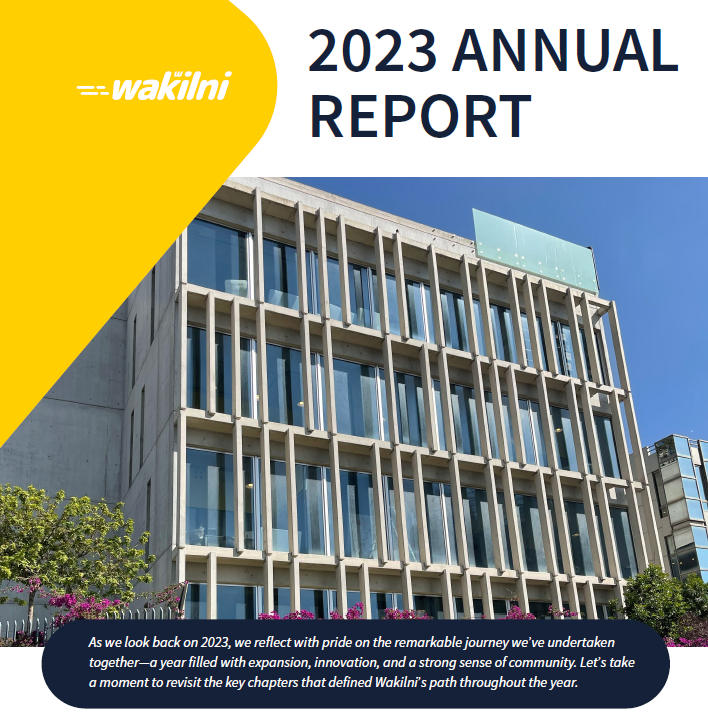

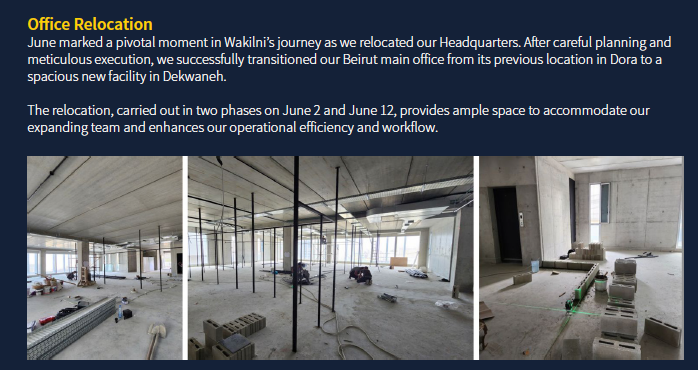
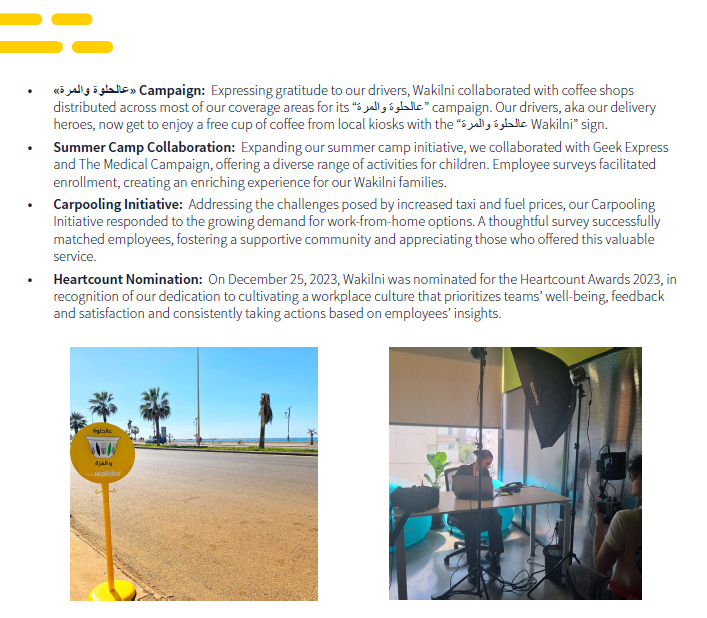

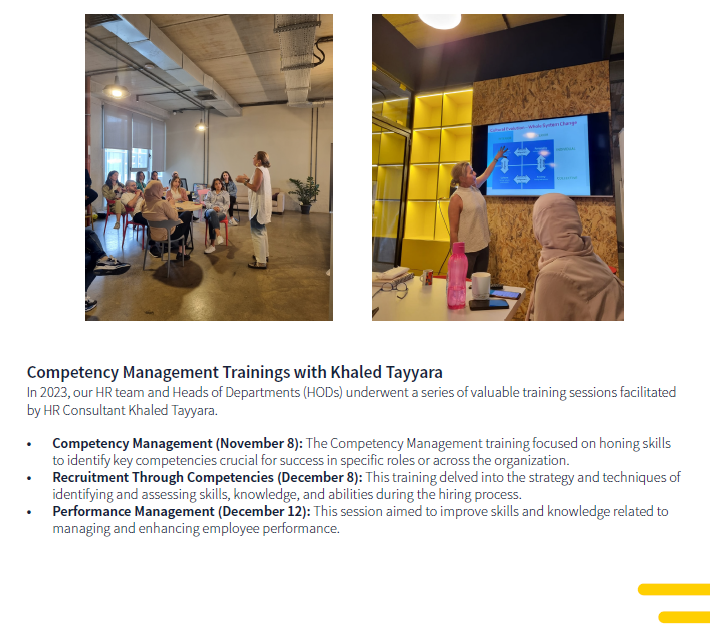
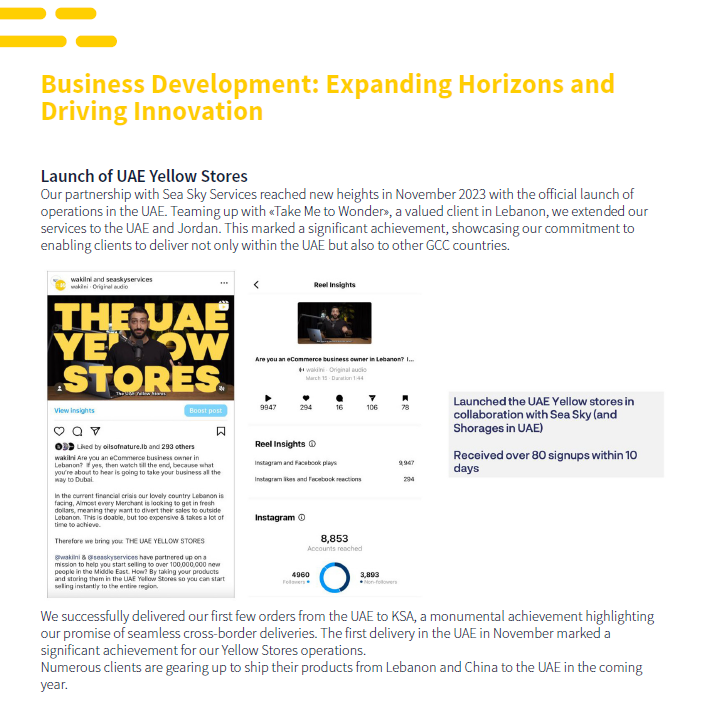
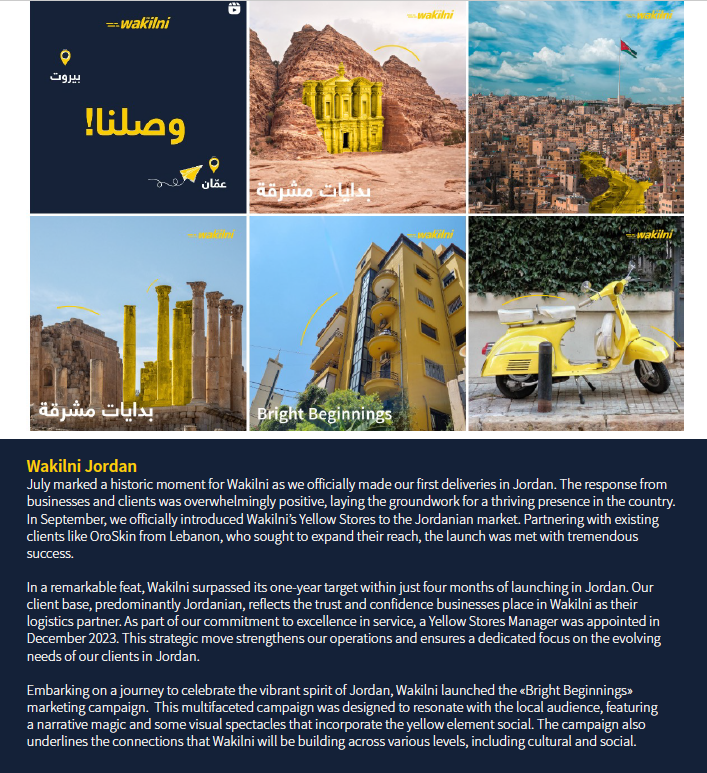
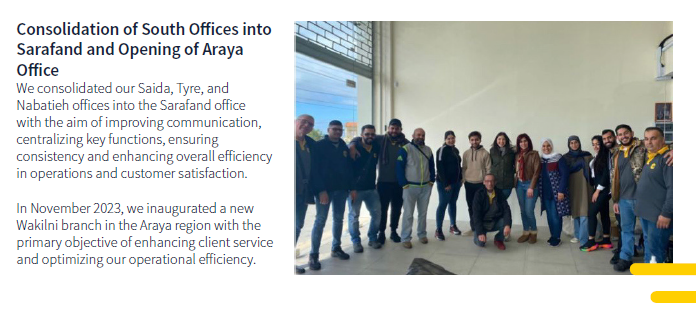
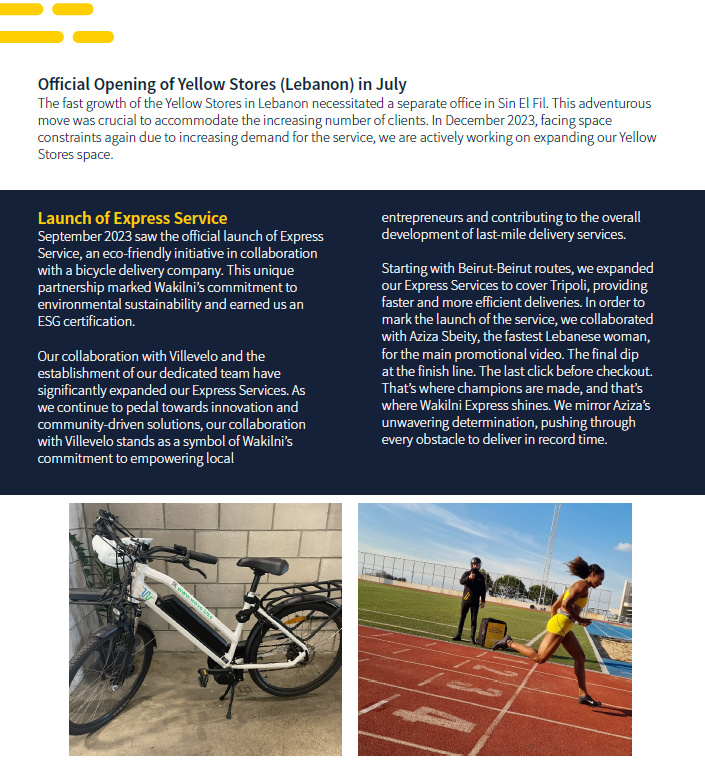
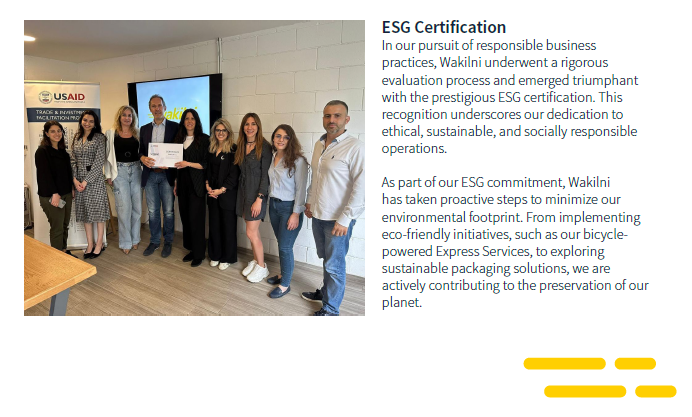
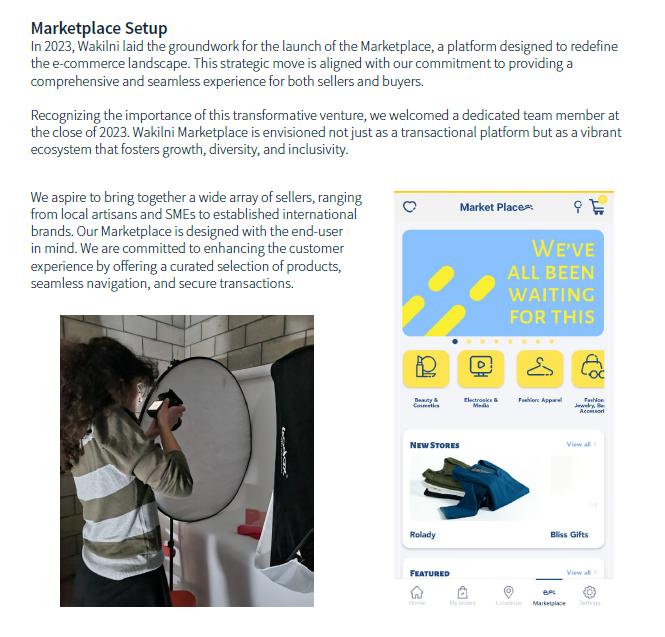
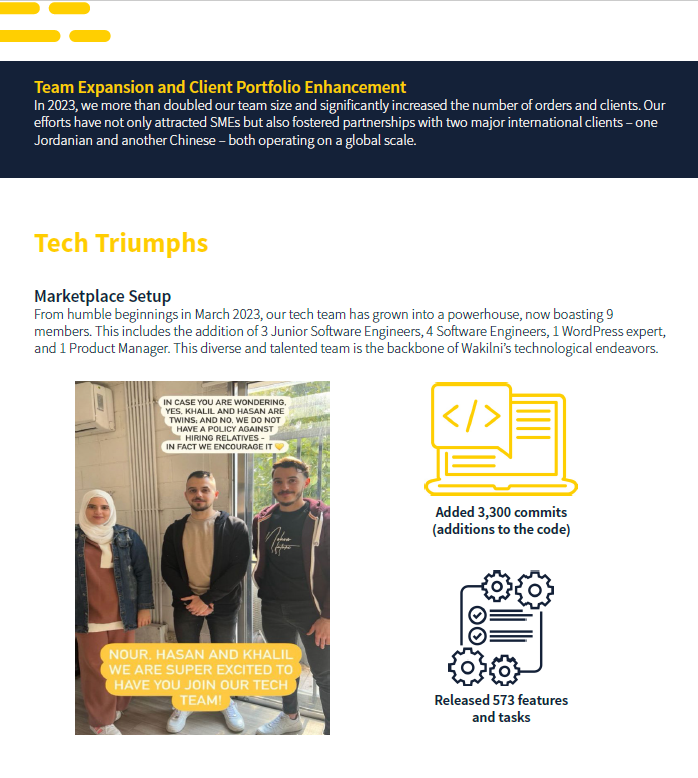
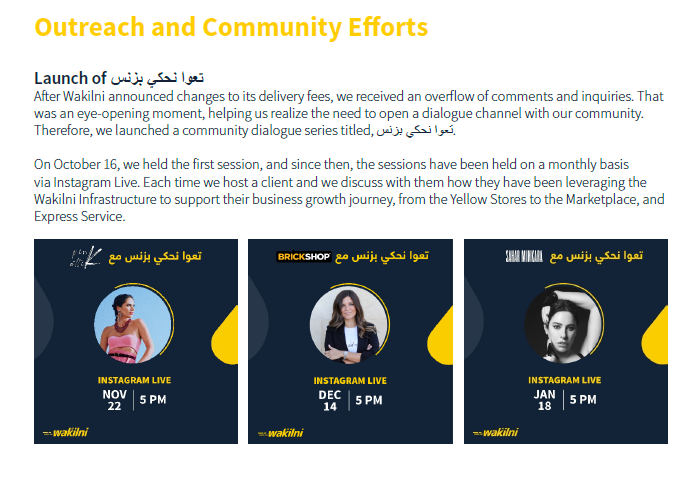
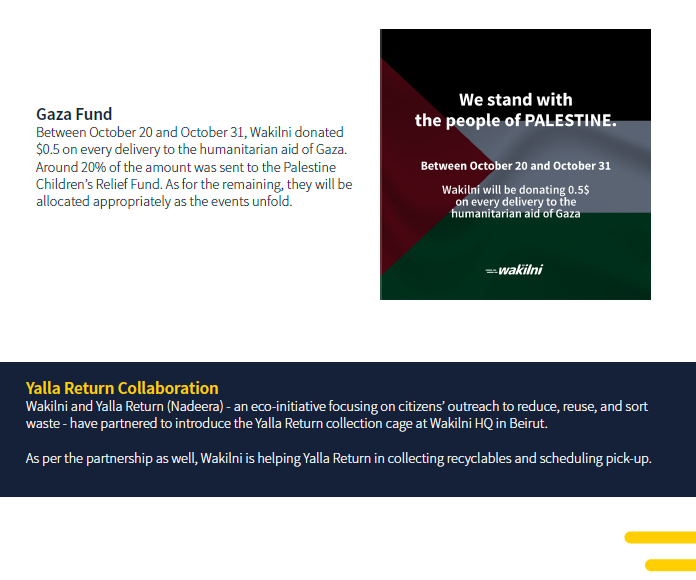
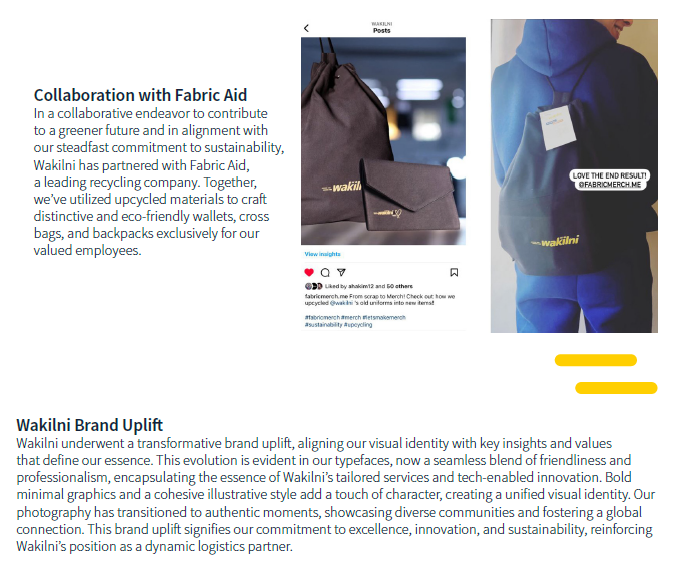
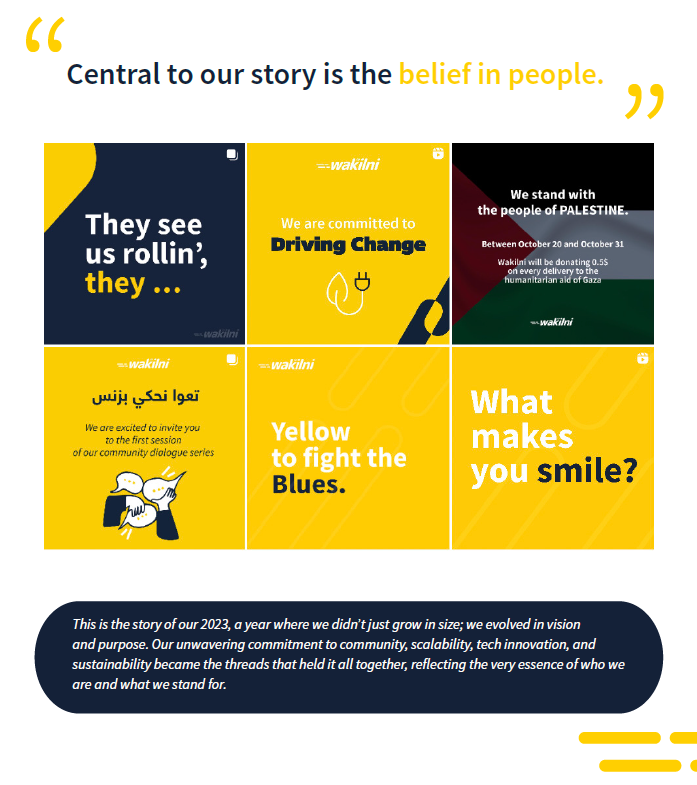


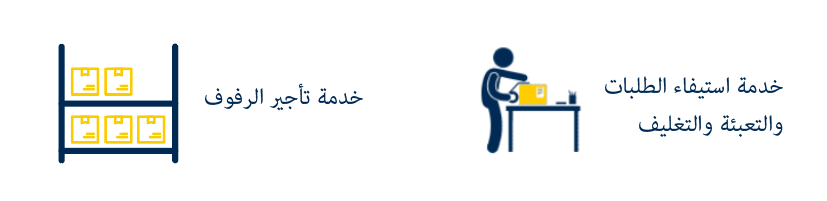







%20-%20Copy.png?alt=media&token=d3870d21-480d-4c6c-9922-160d11e1d1c0)
%20-%20Copy.png?alt=media&token=eca73baa-0054-49e3-87ba-0e81be97b0b5)


%20-%20Copy.png?alt=media&token=43cb8bb0-1792-4ab8-9602-a66dceffc102)
.png?alt=media&token=55c1a51a-e567-4f2b-b8ad-c738ee25257f)


.png?alt=media&token=06598f45-0edd-4951-ac7f-ee16857ca2e3)


 ### **The list of Webhook events:**
* 'Order Created'
* 'Order Confirmed'
* 'Order Declined'
* 'Order Assigned'
* 'Order Processed'
* 'Order Canceled'
* 'Order Postponed'
* 'Order Completed'
* 'Order Completed Rejected'
* 'Order Closed Failed'
* 'Order Pending Cancelation'
* 'Order Failed'
* 'Order Ready for Self-Pickup'
### **The following data are sent in the header of the event:**
* x-webhook-signature: `a base64 encoded HMAC-SHA256 hash of the payload`
* x-attempt-number: nb of attempts
* x-webhook-source: [https://api.wakilni.com](https://api.wakilni.com/)
* x-webhook-topic: e.g `Order Canceled`
* x-webhook-id: webhook\_id
* x-webhook-delivery-id: delivery\_id
### **Events Payload Samples:**
**Order Created:**
{\
"event\_id": "e2986cd1-1e85-4ef1-a85a-89488dd27b92",\
"event": "Order Created",\
"timestamp": "2024-11-14 14:39:13",\
"data": {\
"order\_id": ###,\
"waybill": "###",\
"created\_at": "2024-11-14 14:39:10"\
}
**Order Assigned:**
{\
"event\_id": "e2986cd1-1e85-4ef1-a85a-89488dd27b92",\
"event": "Order Assigned",\
"timestamp": "2024-11-14 14:39:13",\
"data": {\
"order\_id": ###,\
"waybill": "###",
"driver\_name": ###,\
"driver\_phone": "+961########",\
"updated\_at": "2024-11-14 14:39:10"\
}
**Order Ready for Self-Pickup:**
{\
"event\_id": "e2986cd1-1e85-4ef1-a85a-89488dd27b92",\
"event": "Order Ready for Self-Pickup",\
"timestamp": "2024-11-14 14:39:13",\
"data": {\
"order\_id": ###,\
"waybill": "###",\
"location": \[
"office\_name": "Wakilni Dekwaneh",
"phone\_number": "+961########", ]\
}
**For the rest of the events the payload sample will be as follow:**
{\
"event\_id": "e2986cd1-1e85-4ef1-a85a-89488dd27b92",\
"event": "Order Confirmed",\
"timestamp": "2024-11-14 14:39:13",\
"data": {\
"order\_id": ###,\
"waybill": "###",\
"new\_status\_code": 7,\
"new\_status": "Confirmed",\
"previous\_status\_code": 1,\
"previous\_status": "Pending",\
"updated\_at": "2024-11-14 14:39:10"\
}
## Subscribe to Wakilni Webhook
1\. Login as client to Wakilni portal.
2\. Go to "Settings".
### **The list of Webhook events:**
* 'Order Created'
* 'Order Confirmed'
* 'Order Declined'
* 'Order Assigned'
* 'Order Processed'
* 'Order Canceled'
* 'Order Postponed'
* 'Order Completed'
* 'Order Completed Rejected'
* 'Order Closed Failed'
* 'Order Pending Cancelation'
* 'Order Failed'
* 'Order Ready for Self-Pickup'
### **The following data are sent in the header of the event:**
* x-webhook-signature: `a base64 encoded HMAC-SHA256 hash of the payload`
* x-attempt-number: nb of attempts
* x-webhook-source: [https://api.wakilni.com](https://api.wakilni.com/)
* x-webhook-topic: e.g `Order Canceled`
* x-webhook-id: webhook\_id
* x-webhook-delivery-id: delivery\_id
### **Events Payload Samples:**
**Order Created:**
{\
"event\_id": "e2986cd1-1e85-4ef1-a85a-89488dd27b92",\
"event": "Order Created",\
"timestamp": "2024-11-14 14:39:13",\
"data": {\
"order\_id": ###,\
"waybill": "###",\
"created\_at": "2024-11-14 14:39:10"\
}
**Order Assigned:**
{\
"event\_id": "e2986cd1-1e85-4ef1-a85a-89488dd27b92",\
"event": "Order Assigned",\
"timestamp": "2024-11-14 14:39:13",\
"data": {\
"order\_id": ###,\
"waybill": "###",
"driver\_name": ###,\
"driver\_phone": "+961########",\
"updated\_at": "2024-11-14 14:39:10"\
}
**Order Ready for Self-Pickup:**
{\
"event\_id": "e2986cd1-1e85-4ef1-a85a-89488dd27b92",\
"event": "Order Ready for Self-Pickup",\
"timestamp": "2024-11-14 14:39:13",\
"data": {\
"order\_id": ###,\
"waybill": "###",\
"location": \[
"office\_name": "Wakilni Dekwaneh",
"phone\_number": "+961########", ]\
}
**For the rest of the events the payload sample will be as follow:**
{\
"event\_id": "e2986cd1-1e85-4ef1-a85a-89488dd27b92",\
"event": "Order Confirmed",\
"timestamp": "2024-11-14 14:39:13",\
"data": {\
"order\_id": ###,\
"waybill": "###",\
"new\_status\_code": 7,\
"new\_status": "Confirmed",\
"previous\_status\_code": 1,\
"previous\_status": "Pending",\
"updated\_at": "2024-11-14 14:39:10"\
}
## Subscribe to Wakilni Webhook
1\. Login as client to Wakilni portal.
2\. Go to "Settings".
 3\. Click "Webhooks" tab.
 4\. Click "Create Webhook" button.
 5\. Select your app token where the integration created with your shopify or WooCommerce account and Wakilni portal.
 6\. You are allowed to track many order's events through this webhook integration.
 7\. Click to select on of these events.
 8\. Check to enable this webhook.
 9\. Add the "Delivery URL" ,could be your app or web URL or any custom URL, where you want to receive the webhook updated events.
 10\. Click "CREATE".
 11\. You are able to edit or delete your webhooks created.
 Tip: For your inquiries, please don�t hesitate to contact us on
  3\. Now you can add new location for existing recipient from the recipient page by clicking on "CREATE NEW LOCATION FOR EXISTING RECIPIENT" button.
 4\. Choose the recipient.
 5\. Enter the recipient data and click "CREATE".
 6\. Another way to add the location directly for the selected recipient from the recipient table is by clicking on the "+" icon.
 7\. Enter the location data and click "CREATE".
 9\. You are able also to delete a location for an existing location by clicking on the location itself.
 10\. Click "DELETE" button.
 11\. Confirm your action.
 12\. The location deleted will not be available anymore for the selected recipient.
 13\. If the recipient has only one location then the deleting of this location will due to deleting the whole recipient. Click on the location.
 14\. Click "DELETE.
 15\. Confirm your action.
 16\. Then the whole recipient will be deleted from the system.
 17\. Side note: you can't delete a location for an existing recipient if there is an active order in the system with this location.
*For your inquiries, please don’t hesitate to contact us on* [*frontdesk@wakilni.com*](mailto:frontdesk@wakilni.com)
# Try On/Exchange for One Way Order - April 2024
1\. As Wakilni client, Login to the portal.
2\. Go to order's "Active" page.
17\. Side note: you can't delete a location for an existing recipient if there is an active order in the system with this location.
*For your inquiries, please don’t hesitate to contact us on* [*frontdesk@wakilni.com*](mailto:frontdesk@wakilni.com)
# Try On/Exchange for One Way Order - April 2024
1\. As Wakilni client, Login to the portal.
2\. Go to order's "Active" page.
 3\. Click "NEW ORDER".
 4\. Choose the "One Way" order type.
 5\. If you want to allow your customer to try the item with a potential for return, check the option "Try On" on the one way order type.
 6\. If there is a return items from the customer side, check the "Exchange" option on the one way order.
 7\. In the order details page you will see the tag for "Try On" option if selected.
 8\. In the order details page you will see the tag for "Exchange" option if selected.
 9\. You have the option to add them both if needed.
 #### Import Bulk Orders
10\. In the order page, click "CREATE BULK"
#### Import Bulk Orders
10\. In the order page, click "CREATE BULK"
 11\. Add "Try On" and "Exchange" options as two new columns in the imported orders excel sheet with value "yes" or "no" for each order.
 12\. Click "IMPORT EXCEL" to proceed with the process.
 *For your inquiries, please don’t hesitate to contact us on* [*frontdesk@wakilni.com*](mailto:frontdesk@wakilni.com)
# Generate Waybills for Multiple Orders - Jan 2024
1\. As Wakilni, client login to the portal.
2\. Go to "Active" page.

3\. Select the orders from the list to generate their waybills.

4\. Click " VIEW & DOWNLOAD WAYBILLS".

5\. You can view and download the generated waybill for the selected orders in one pdf file.

6\. You have the option to "Select all" the orders viewed per page (15 orders per page).

7\. Check "Select all" checkbox then click " VIEW & DOWNLOAD WAYBILLS".

8\. You will have all 15 selected orders' generated waybills in one PDF file.

**Note:** On Google Chrome, please make sure the popups aren't blocked for portal.wakilni.com in order to open the generated waybills in a new tab.
*For your inquiries, please don’t hesitate to contact us on* [*frontdesk@wakilni.com*](mailto:frontdesk@wakilni.com)
# Order auto creation from Shopify to Wakilni portal - Nov 2023
1\. As client, login to Wakilni portal
2\. In the settings page, click "APP TOKENS"

3\. Click on the edit icon for the selected shop

4\. Click to enable "Order auto creation from Shopify to Wakilni" feature

5\. Click "SAVE EDIT"

6\. The orders will appear directly in the "Shipped" page

7\. The order will be added automatically to the active page

8\. If an error occurs when pushing the order i.e. missing phone number. You can check the errors in the Notifications banner on top. Click on the notification bell to see notifications.

9\. In case any error happened and the order creation is failed, you will get a notification

10\. To see the Unshipped Order to correct them, Go to Third-Party -> Your Shop Name -> Unshipped, Edit orders and Ship again
*For your inquiries, please don’t hesitate to contact us on* [*frontdesk@wakilni.com*](mailto:frontdesk@wakilni.com)
# Multiple Packages (Wakilni/Shopify/WooCommerce) - August 2023
1\. Click on "New Order"

2\. Select recipient

3\. Fill the rest of the details

4\. Click on "+ Add your packages here" to add your packages

5\. Fill in the "Quantity", "Name", and "SKU" for your package

6\. Click on the "+" icon to add more packages

7\. Fill in the details for every additional package

8\. Click on "Create"

9\. Go to "Active" Order page and locate your new order

10\. Click on "Download Waybill" icon to download the Waybill

11\. Click on the Downloaded waybill

12\. You will get a new waybill with multiple pages for multiple packages, and one page for orders with one package. Each package will have its unique barcode

Note: Please note that old orders will still have one barcode per order. New orders added on the system will have multiple pages Waybill with package barcode on each page
13\. Click on "Download Barcode" icon to download barcodes

14\. Click "Save"

15\. Check the package barcodes instead of one barcode for order
*For your inquiries, please don’t hesitate to contact us on* [*frontdesk@wakilni.com*](mailto:frontdesk@wakilni.com)
# Generate Waybills for Multiple Orders - Jan 2024
1\. As Wakilni, client login to the portal.
2\. Go to "Active" page.

3\. Select the orders from the list to generate their waybills.

4\. Click " VIEW & DOWNLOAD WAYBILLS".

5\. You can view and download the generated waybill for the selected orders in one pdf file.

6\. You have the option to "Select all" the orders viewed per page (15 orders per page).

7\. Check "Select all" checkbox then click " VIEW & DOWNLOAD WAYBILLS".

8\. You will have all 15 selected orders' generated waybills in one PDF file.

**Note:** On Google Chrome, please make sure the popups aren't blocked for portal.wakilni.com in order to open the generated waybills in a new tab.
*For your inquiries, please don’t hesitate to contact us on* [*frontdesk@wakilni.com*](mailto:frontdesk@wakilni.com)
# Order auto creation from Shopify to Wakilni portal - Nov 2023
1\. As client, login to Wakilni portal
2\. In the settings page, click "APP TOKENS"

3\. Click on the edit icon for the selected shop

4\. Click to enable "Order auto creation from Shopify to Wakilni" feature

5\. Click "SAVE EDIT"

6\. The orders will appear directly in the "Shipped" page

7\. The order will be added automatically to the active page

8\. If an error occurs when pushing the order i.e. missing phone number. You can check the errors in the Notifications banner on top. Click on the notification bell to see notifications.

9\. In case any error happened and the order creation is failed, you will get a notification

10\. To see the Unshipped Order to correct them, Go to Third-Party -> Your Shop Name -> Unshipped, Edit orders and Ship again
*For your inquiries, please don’t hesitate to contact us on* [*frontdesk@wakilni.com*](mailto:frontdesk@wakilni.com)
# Multiple Packages (Wakilni/Shopify/WooCommerce) - August 2023
1\. Click on "New Order"

2\. Select recipient

3\. Fill the rest of the details

4\. Click on "+ Add your packages here" to add your packages

5\. Fill in the "Quantity", "Name", and "SKU" for your package

6\. Click on the "+" icon to add more packages

7\. Fill in the details for every additional package

8\. Click on "Create"

9\. Go to "Active" Order page and locate your new order

10\. Click on "Download Waybill" icon to download the Waybill

11\. Click on the Downloaded waybill

12\. You will get a new waybill with multiple pages for multiple packages, and one page for orders with one package. Each package will have its unique barcode

Note: Please note that old orders will still have one barcode per order. New orders added on the system will have multiple pages Waybill with package barcode on each page
13\. Click on "Download Barcode" icon to download barcodes

14\. Click "Save"

15\. Check the package barcodes instead of one barcode for order
 #### Shopify/WooCommerce Changes
1\. Go to "Unshipped" page where you can see all your Shopify/WooCommerce orders
2\. Items coming from Shopify/WooCommerce are in a new column named "Items"

3\. The number of packages in an order is 1 by default

4\. You can edit the number of packages by clicking on the Edit button

5\. Change the number of packages in the "Quantity" field.

6\. Click "SUBMIT"

7\. Click on the truck icon or "Ship Selected Orders" after selecting multiple orders

8\. Click "CREATE"

9\. The waybill will automatically open in a new page. You'll notice that you have multiple pages per order whenever there are multiple packages.

10\. Click "Active" to check the shipped orders

11\. Click on "Download Barcode" to download barcodes

12\. You will notice that multiple barcodes will be downloaded whenever there are multiple packages in the orders
#### Shopify/WooCommerce Changes
1\. Go to "Unshipped" page where you can see all your Shopify/WooCommerce orders
2\. Items coming from Shopify/WooCommerce are in a new column named "Items"

3\. The number of packages in an order is 1 by default

4\. You can edit the number of packages by clicking on the Edit button

5\. Change the number of packages in the "Quantity" field.

6\. Click "SUBMIT"

7\. Click on the truck icon or "Ship Selected Orders" after selecting multiple orders

8\. Click "CREATE"

9\. The waybill will automatically open in a new page. You'll notice that you have multiple pages per order whenever there are multiple packages.

10\. Click "Active" to check the shipped orders

11\. Click on "Download Barcode" to download barcodes

12\. You will notice that multiple barcodes will be downloaded whenever there are multiple packages in the orders
 *For your inquiries, please don’t hesitate to contact us on
  9\. To check the Order Tracking link, click on the Order Number

10\. Click "TRACK ORDER"

11\. A new tab will open with the Tracking details. This is what will show to your customers.

*For your inquiries, please don’t hesitate to contact us on
9\. To check the Order Tracking link, click on the Order Number

10\. Click "TRACK ORDER"

11\. A new tab will open with the Tracking details. This is what will show to your customers.

*For your inquiries, please don’t hesitate to contact us on 
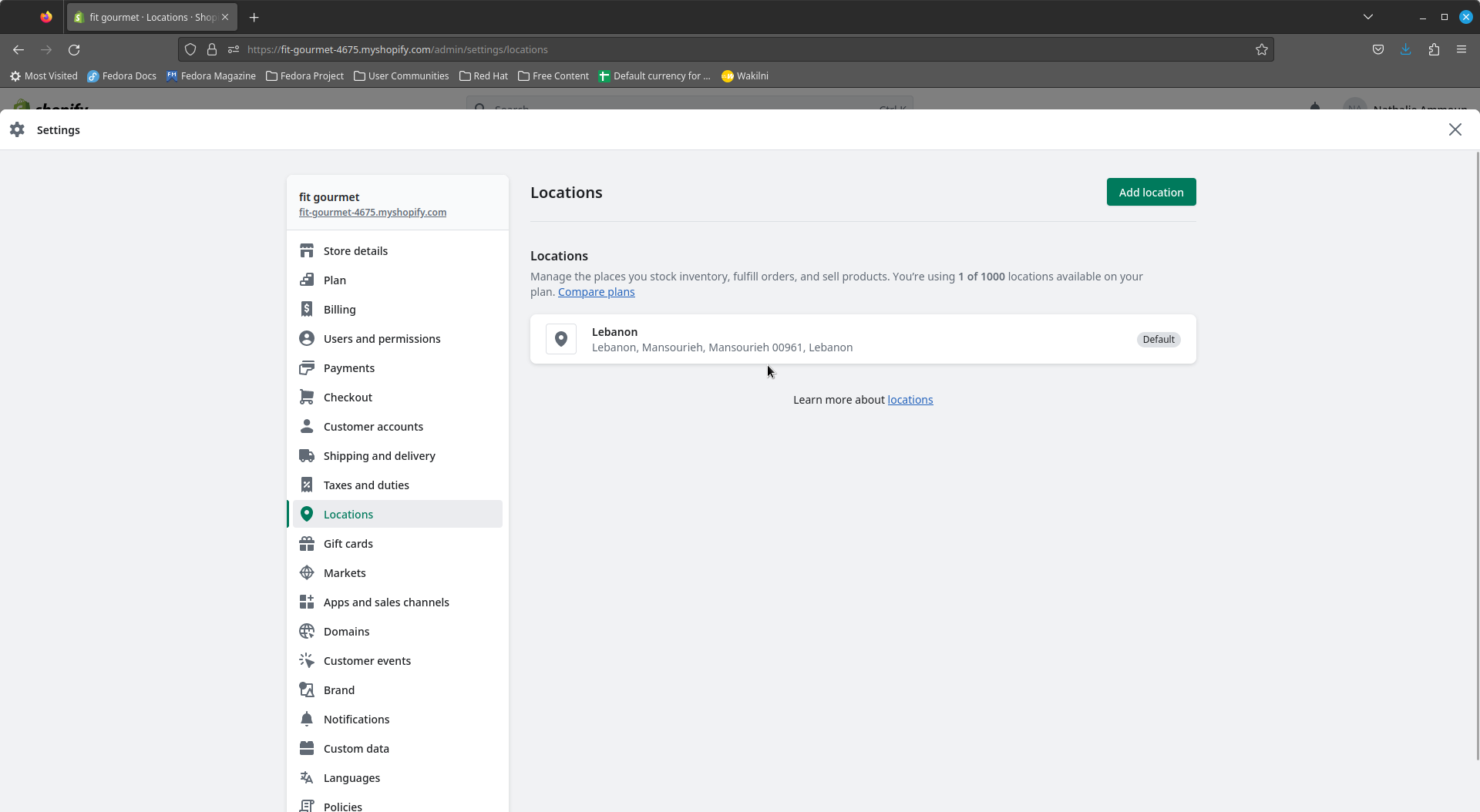
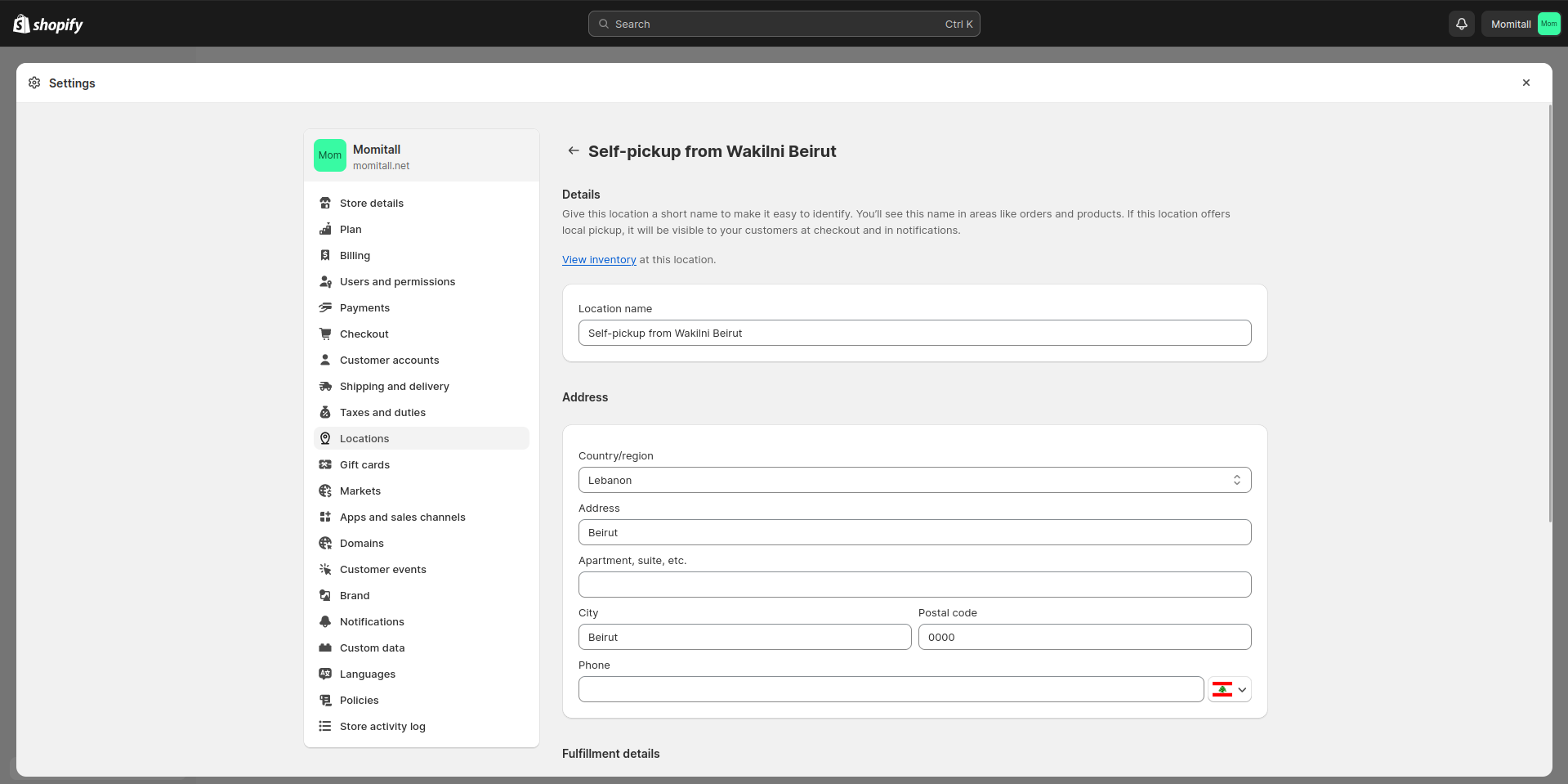
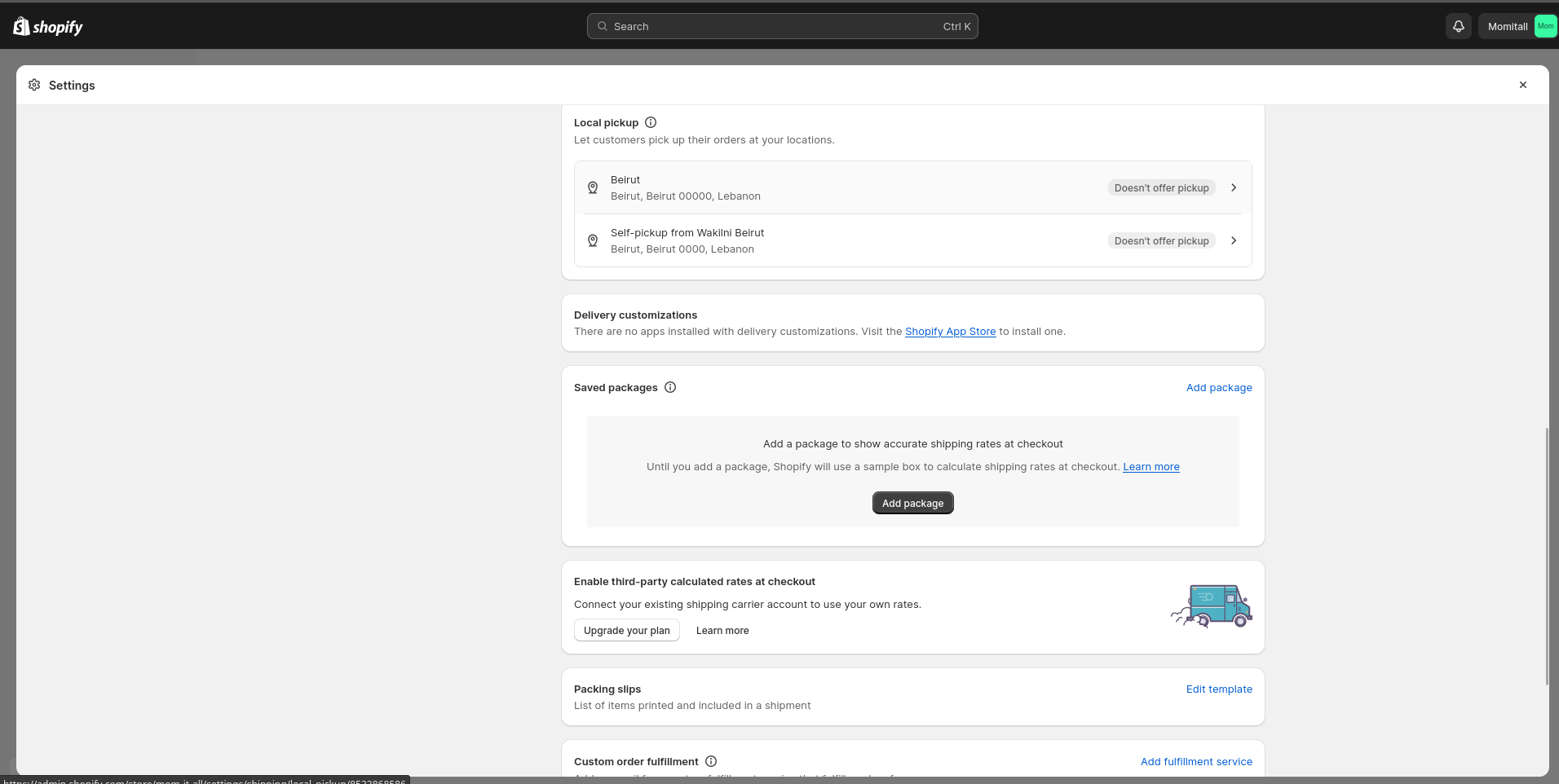
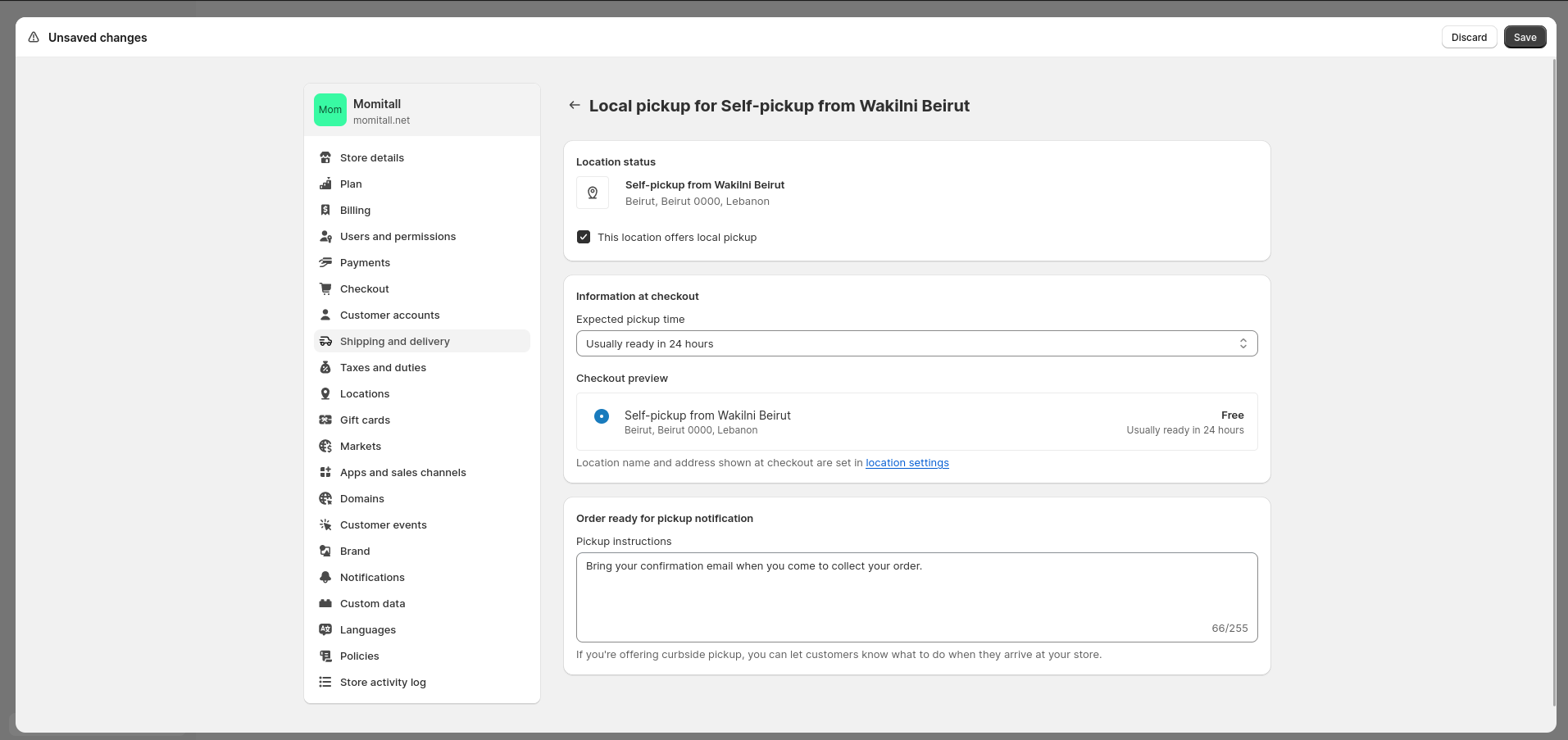

(1).png?alt=media&token=b66129dc-9351-4924-a5ff-84ae45f873bd)
 Feature #1: Set SKU when adding/editing an order
When adding or editing an order, you can set the Name and SKU for the packages included in the order.
####
Feature #1: Set SKU when adding/editing an order
When adding or editing an order, you can set the Name and SKU for the packages included in the order.
####  Instructions
1. From the **Create New Order** page, in the **Packages to Deliver** section. Add an **SKU** and **Name** for your packages. You can also click on the + button to add more packages.
Instructions
1. From the **Create New Order** page, in the **Packages to Deliver** section. Add an **SKU** and **Name** for your packages. You can also click on the + button to add more packages.
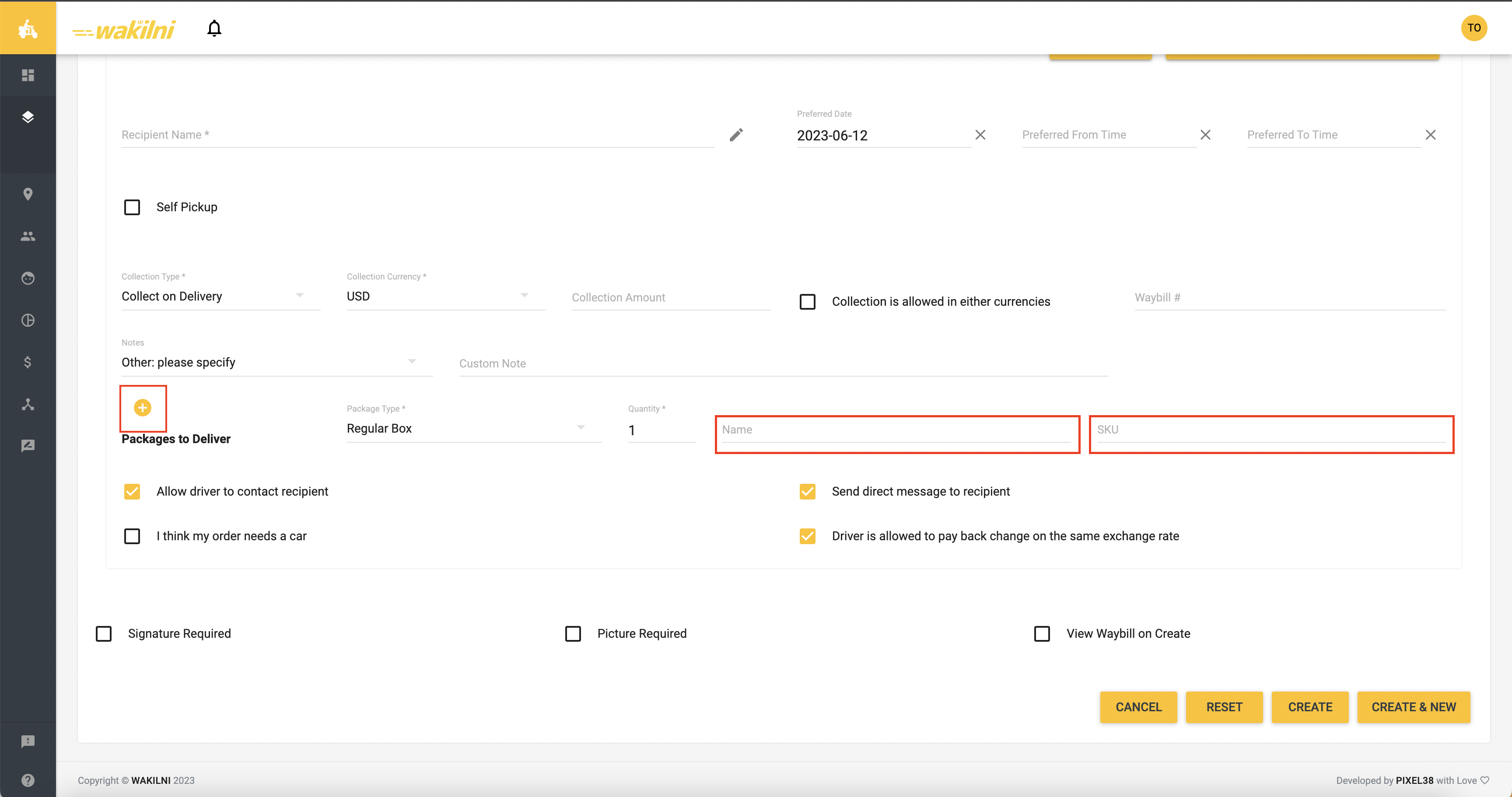
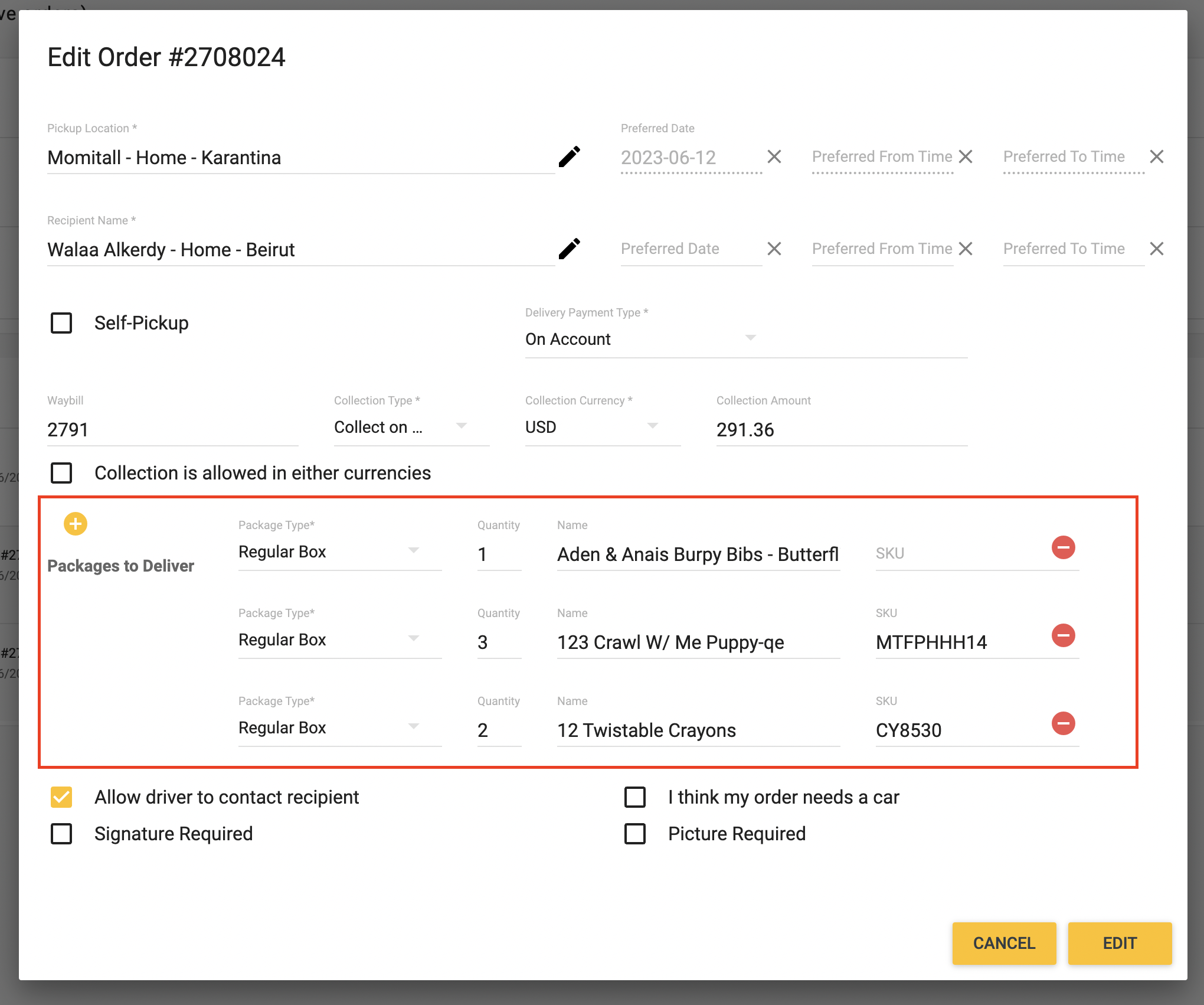

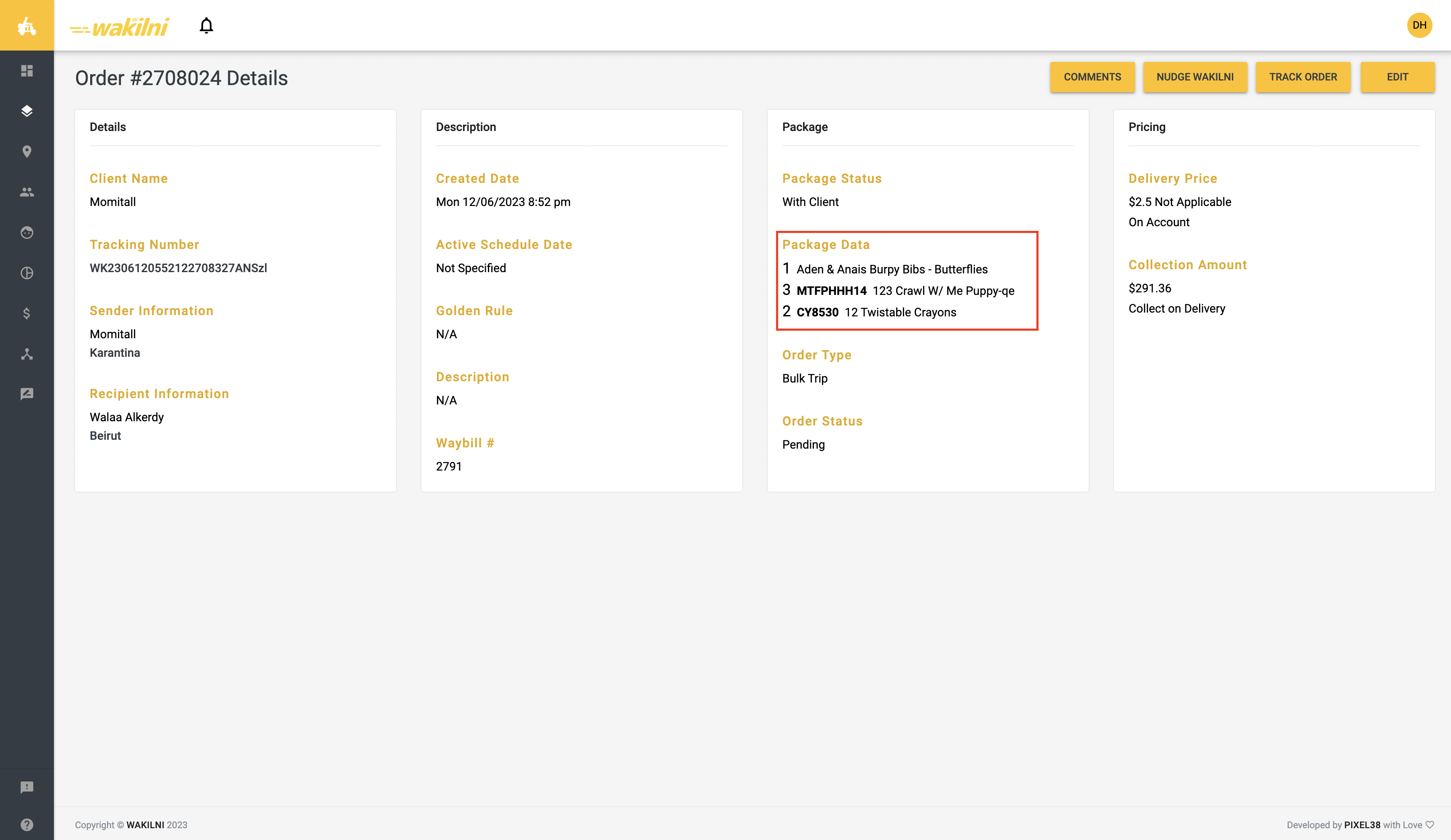
 Feature #1: Set an order as self-pickup when adding/editing orders
This feature allows the client to set the order as self-pickup when adding or editing the order from Wakilni Portal
####
Feature #1: Set an order as self-pickup when adding/editing orders
This feature allows the client to set the order as self-pickup when adding or editing the order from Wakilni Portal
####  Instructions
1. From the **Create New Order** page, check **Self-Pickup** option under the recipient name
Instructions
1. From the **Create New Order** page, check **Self-Pickup** option under the recipient name
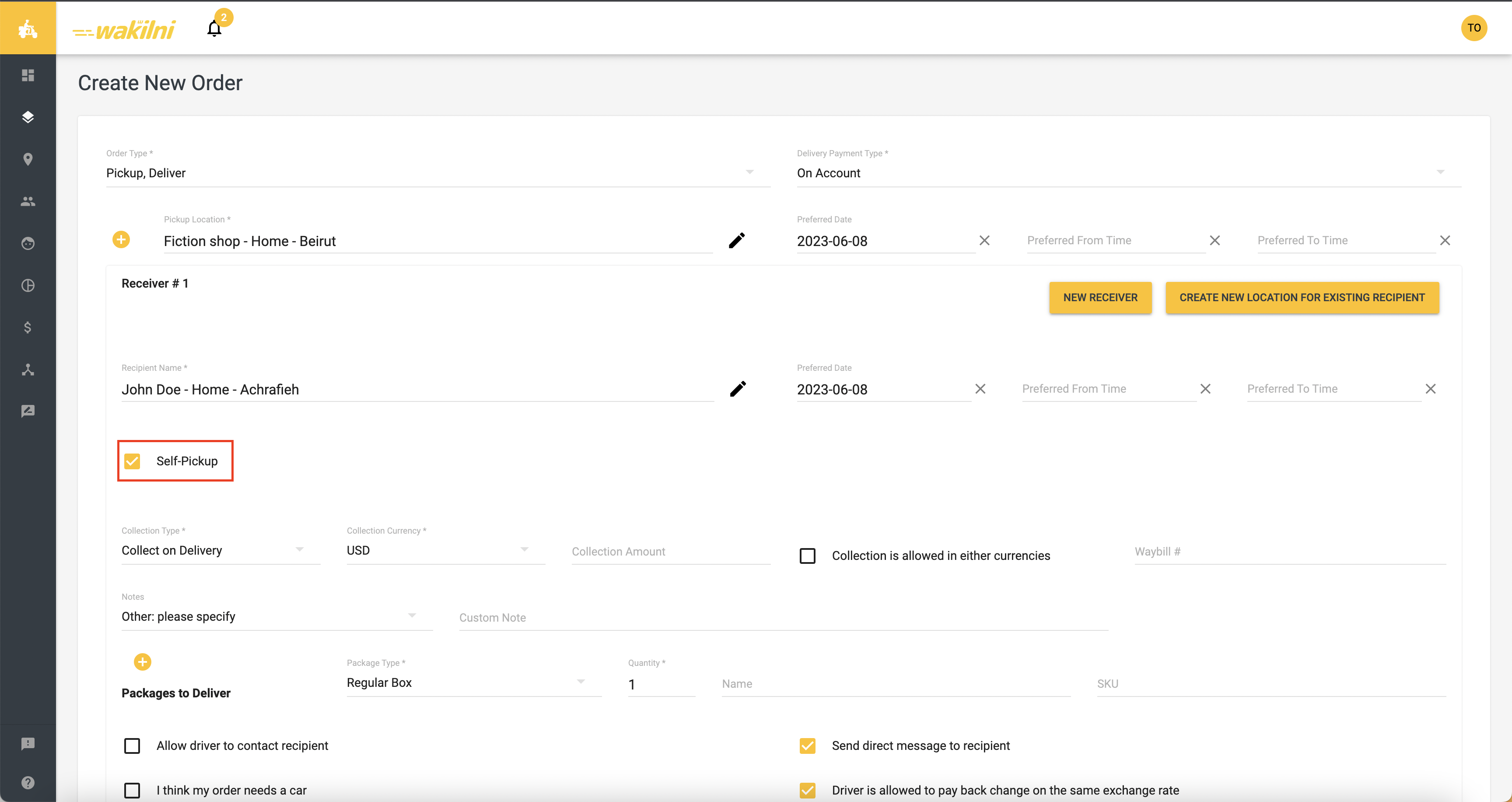
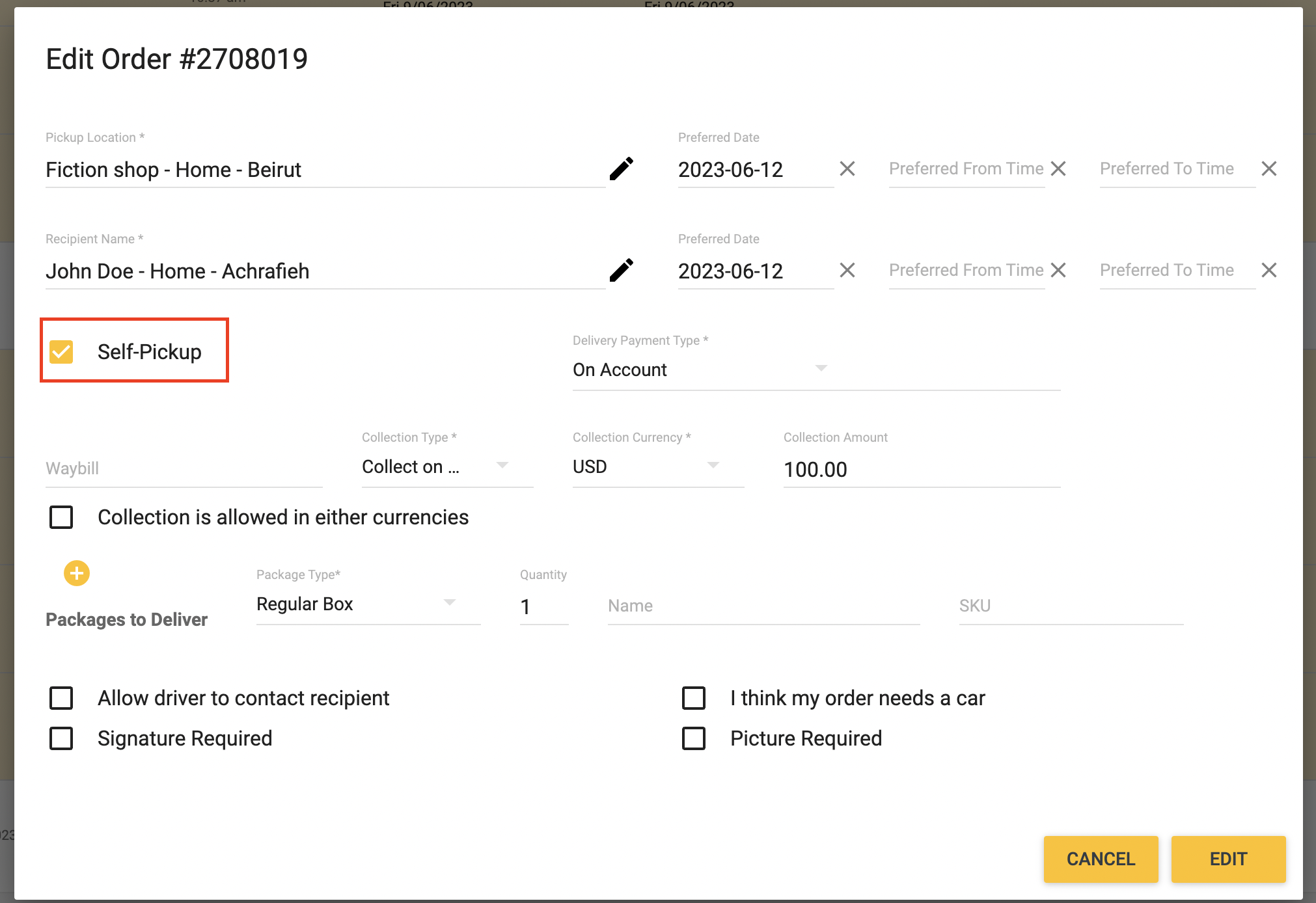


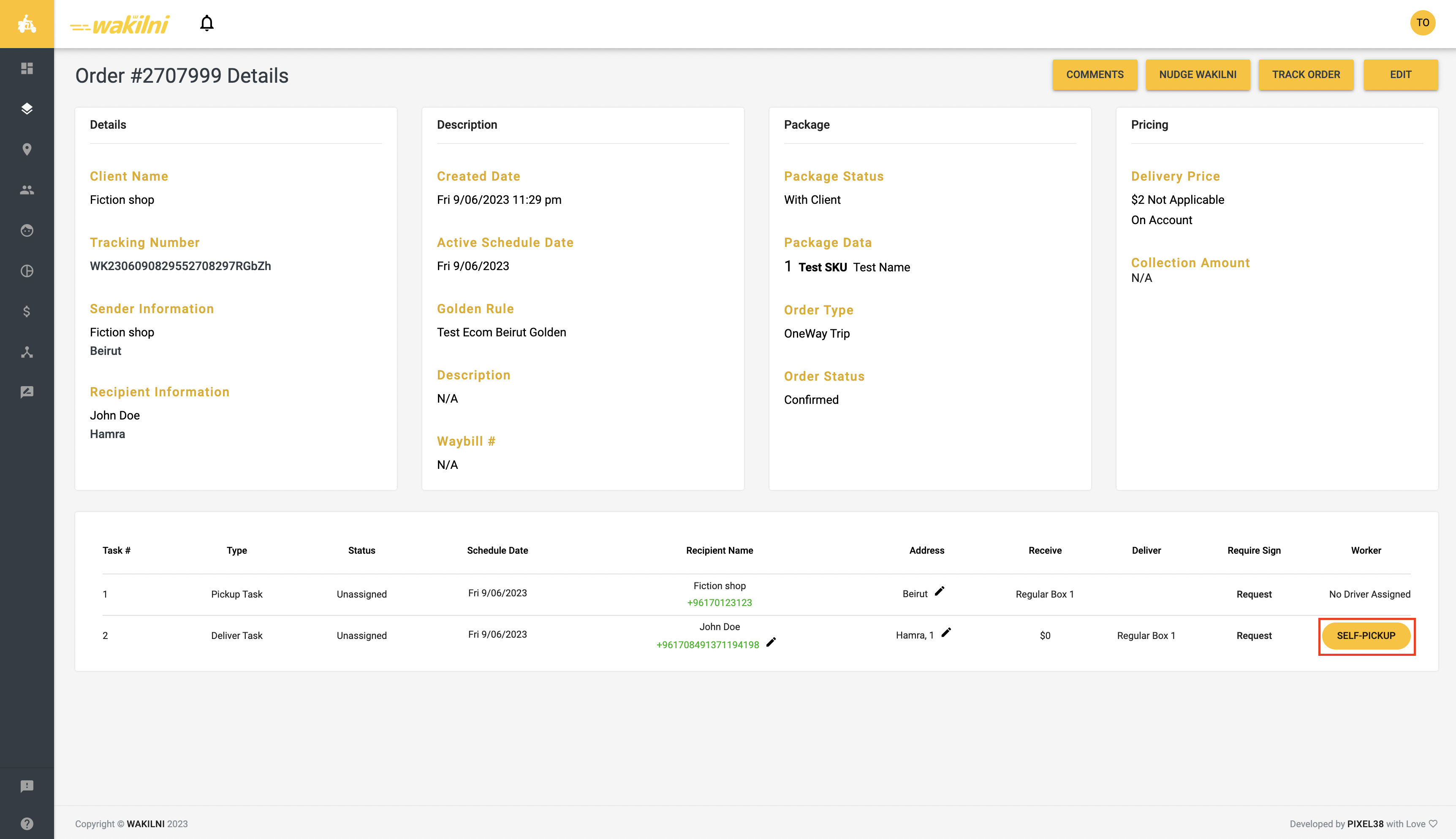

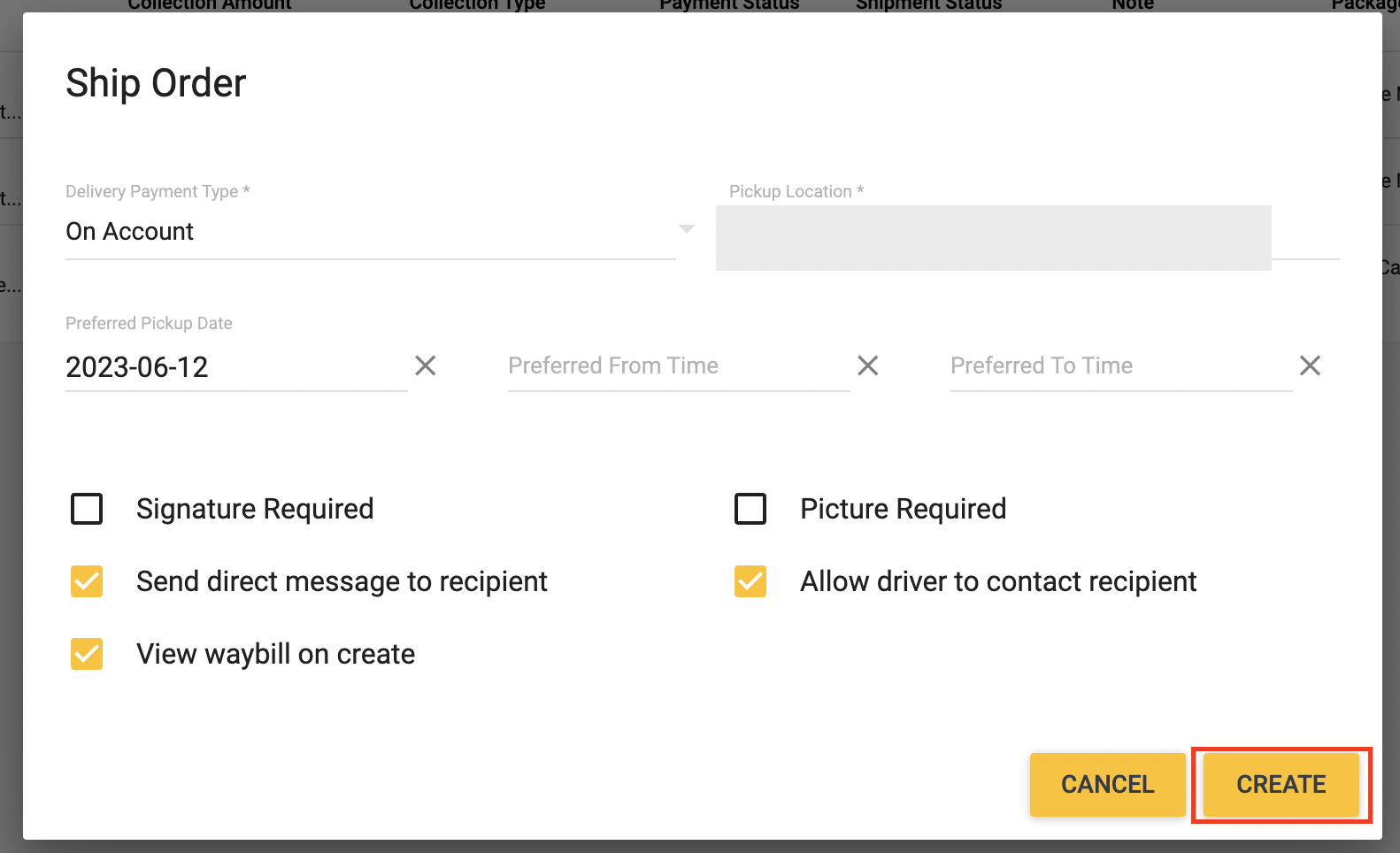


 Instructions
Follow the following instructions:
1. Go to your Admin Dashboard on Shopify
Instructions
Follow the following instructions:
1. Go to your Admin Dashboard on Shopify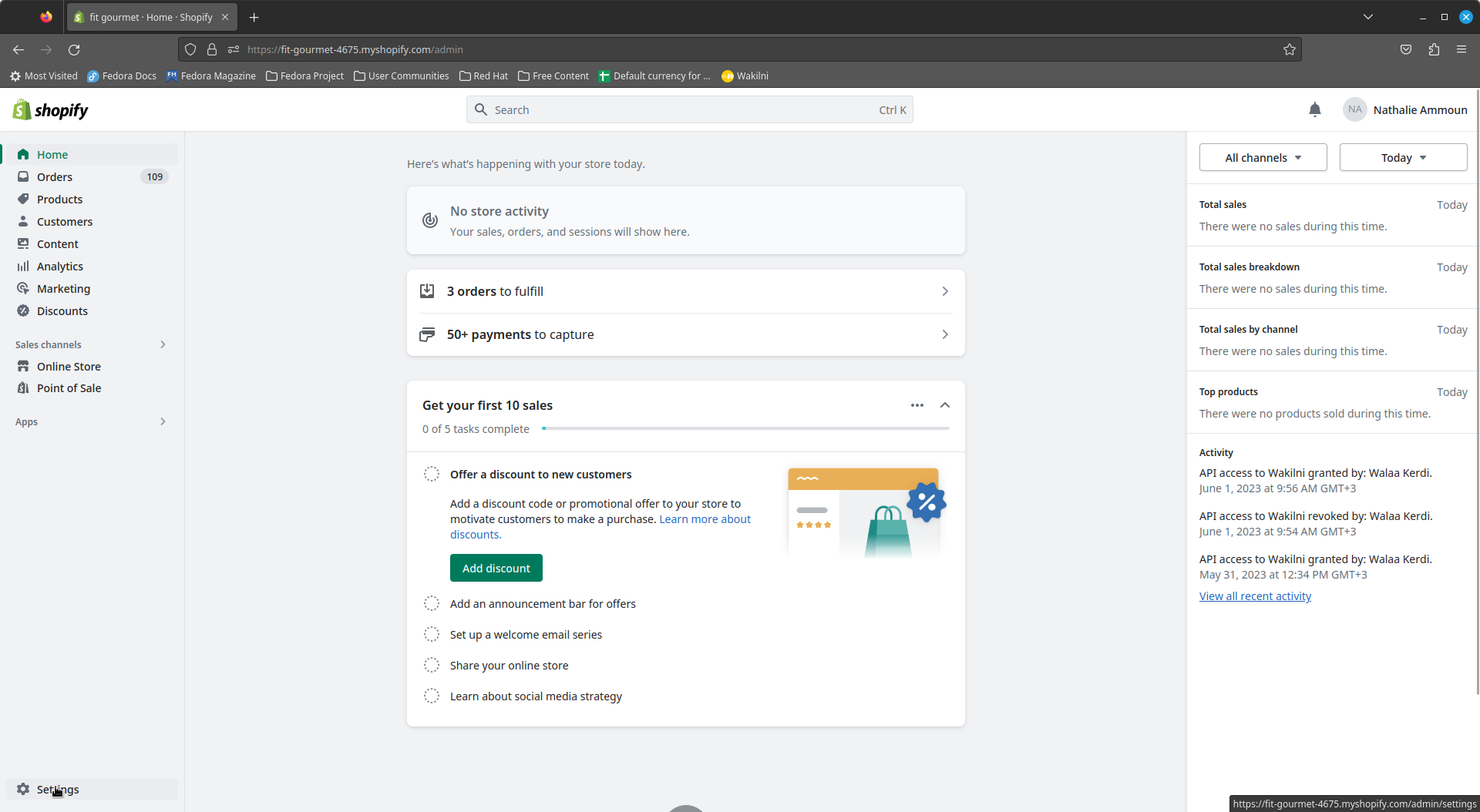
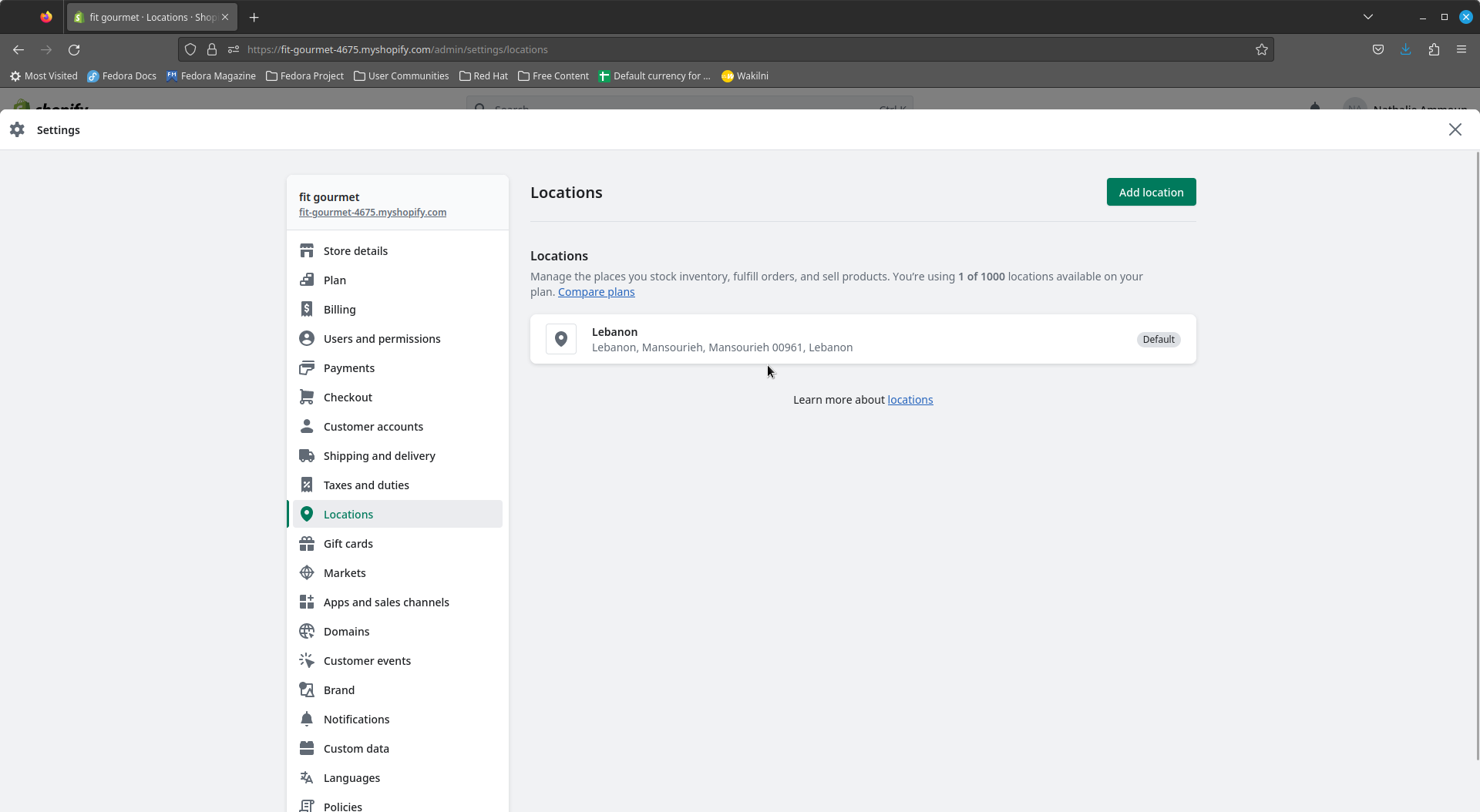
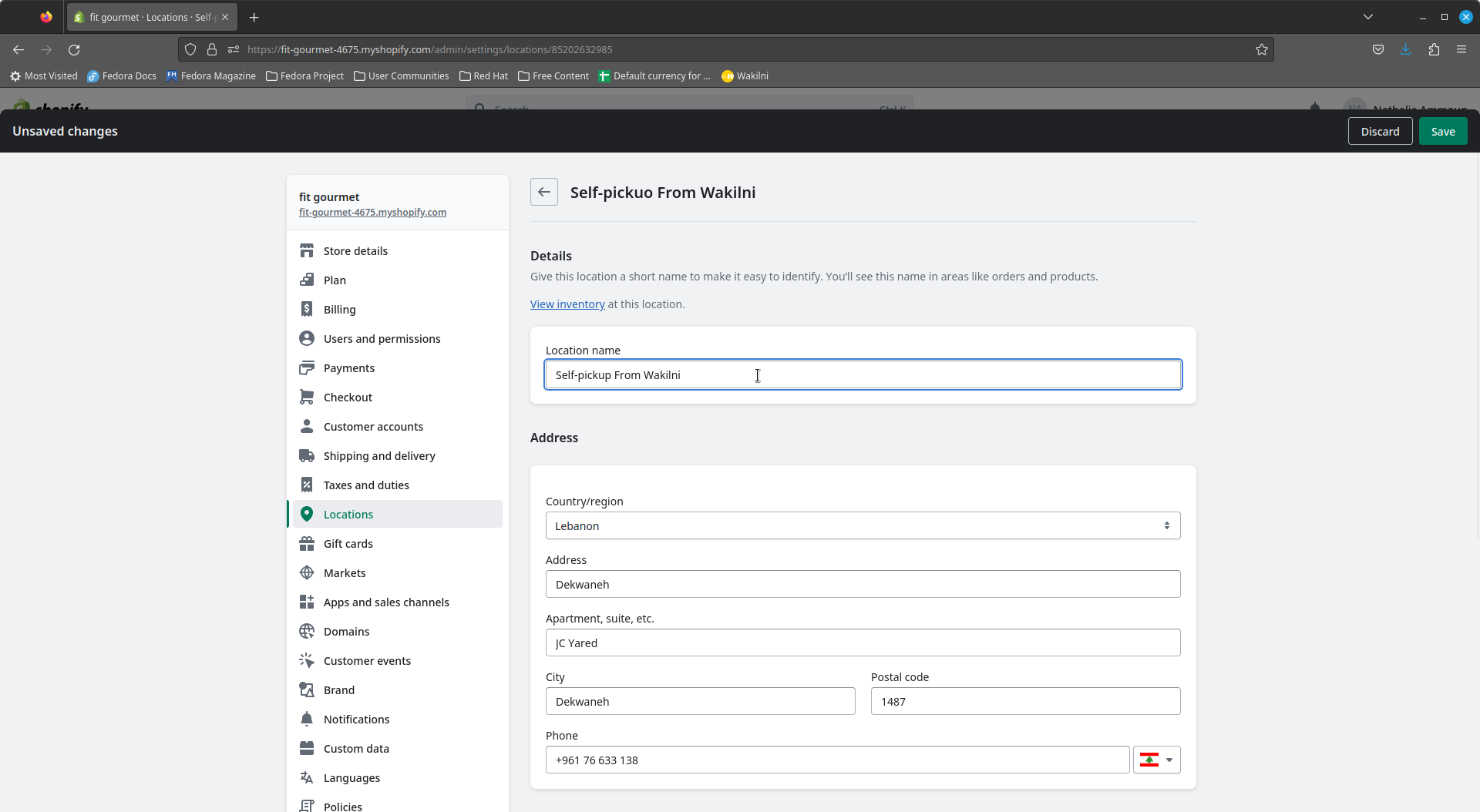
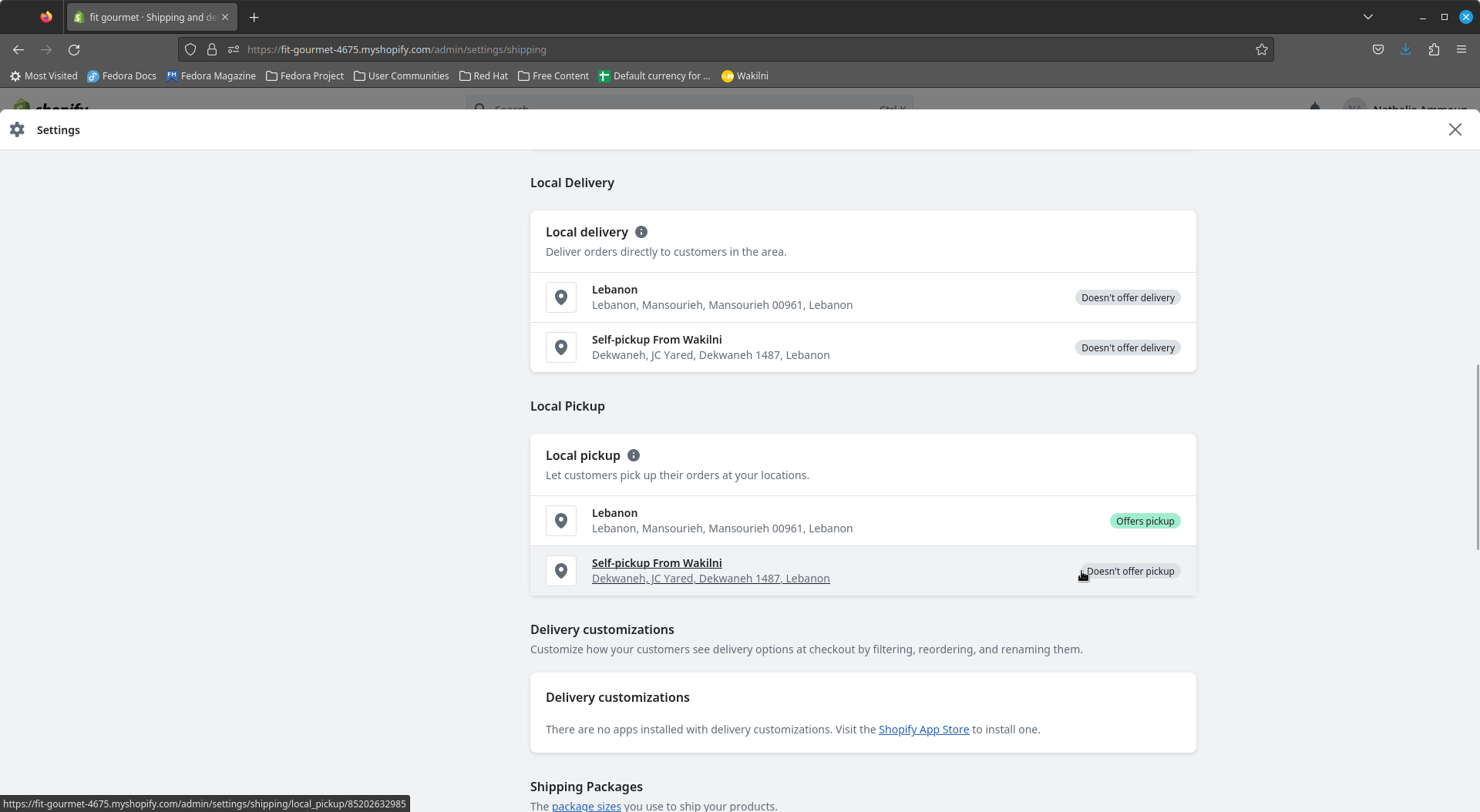
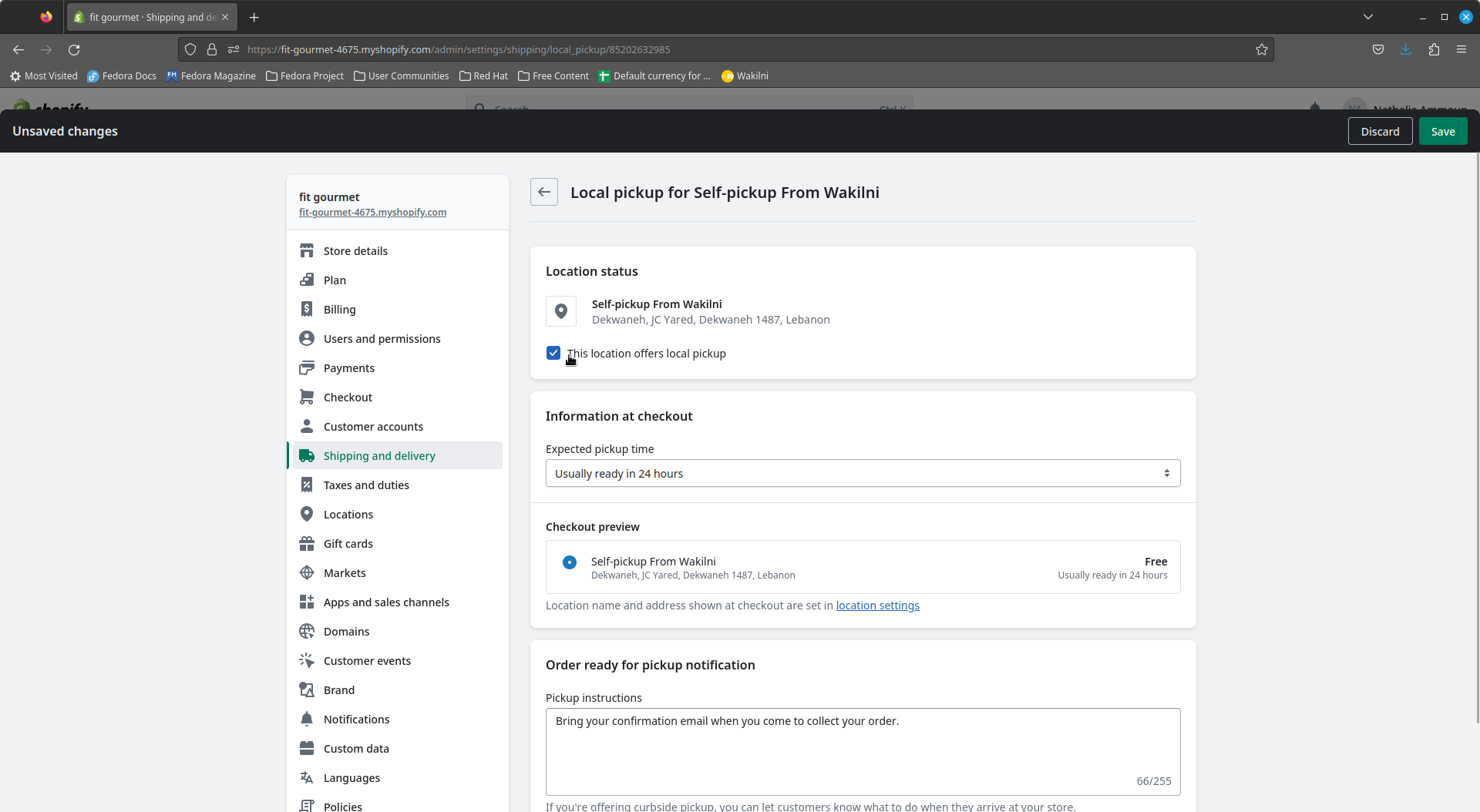
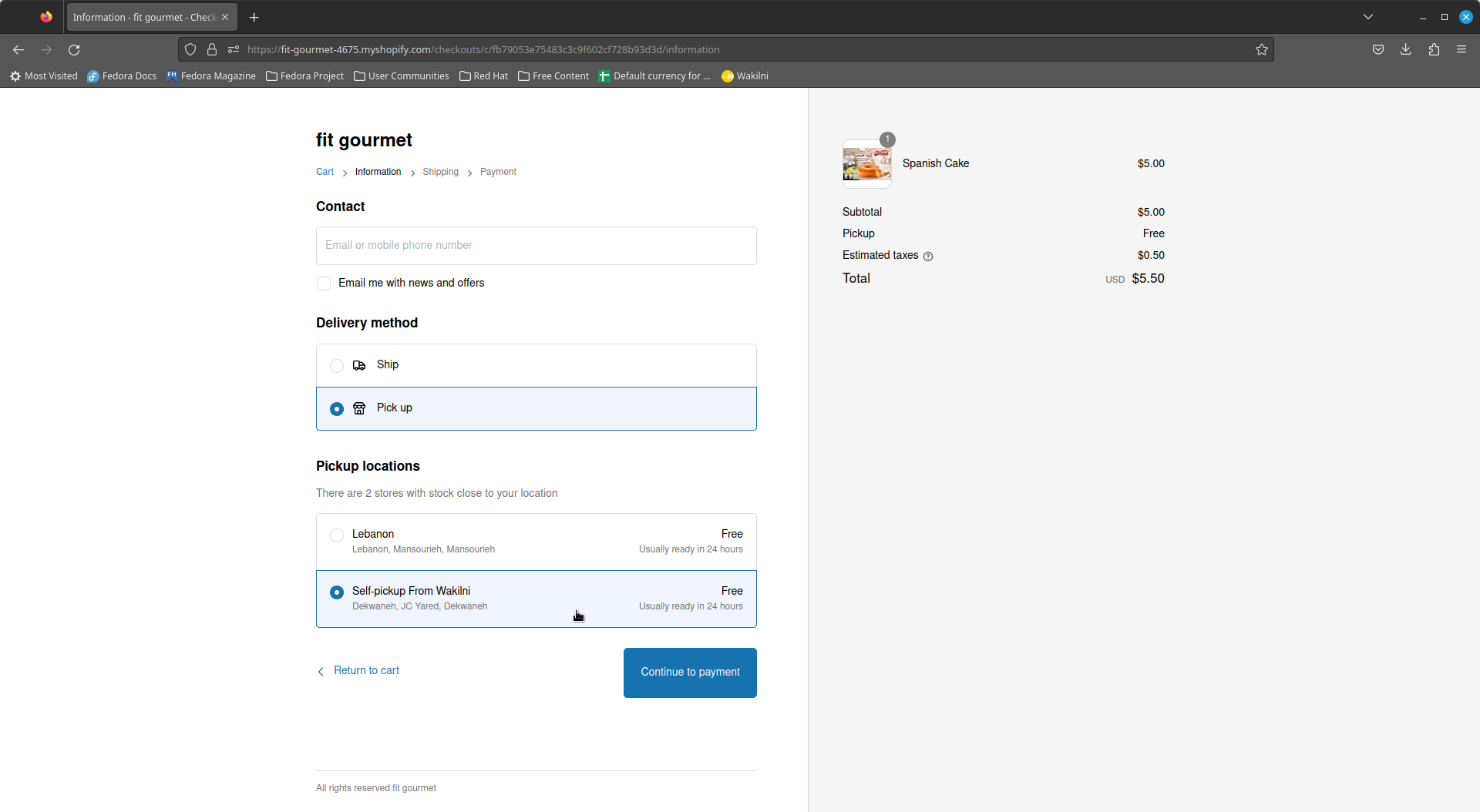
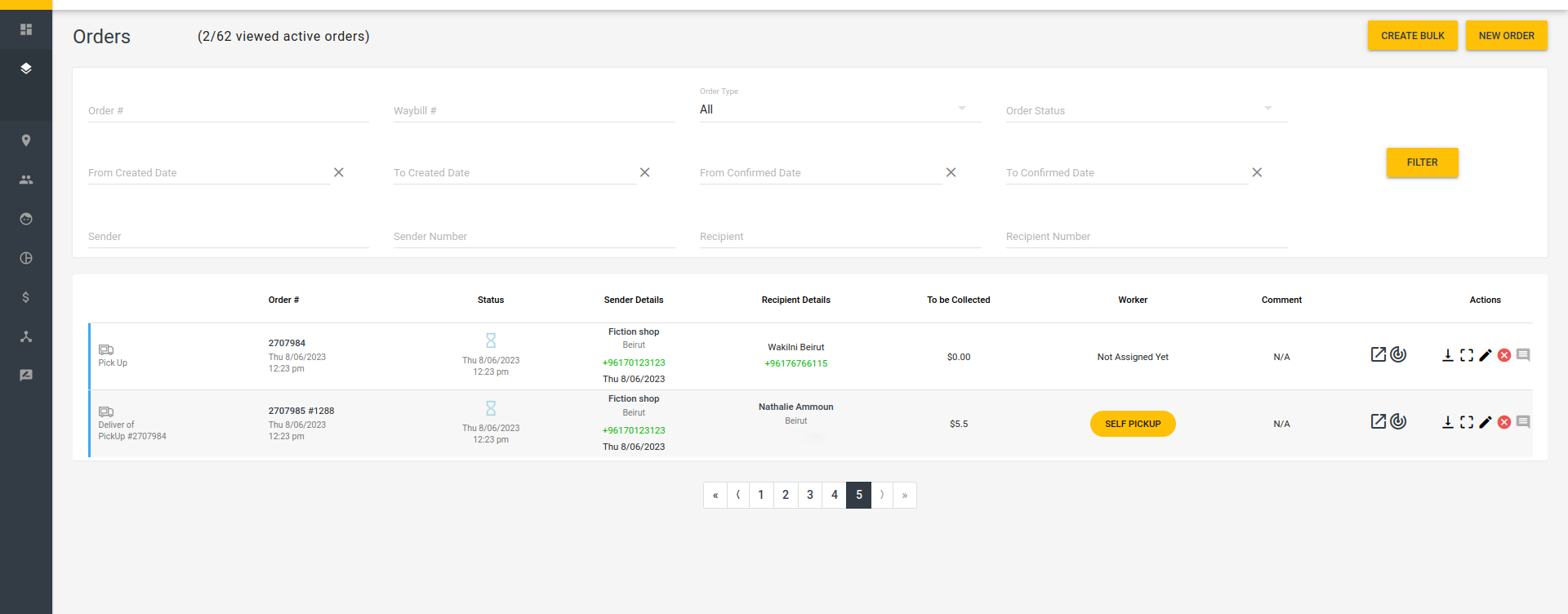
 Feature #1: Edit Default Collection Currencies and Alternative Currencies from Settings
From Settings, you can manage your currencies and what default currencies you would like to be applied when adding an order, and the preferred alternative currency if desired. For example, if you would like to have all your orders priced in USD and allow client to pay in LBP for all your orders, you can set the default currency to USD and the preferred alternative currency to LBP.
####
Feature #1: Edit Default Collection Currencies and Alternative Currencies from Settings
From Settings, you can manage your currencies and what default currencies you would like to be applied when adding an order, and the preferred alternative currency if desired. For example, if you would like to have all your orders priced in USD and allow client to pay in LBP for all your orders, you can set the default currency to USD and the preferred alternative currency to LBP.
####  Instructions
1. Go to **Settings** from the left menu
Instructions
1. Go to **Settings** from the left menu
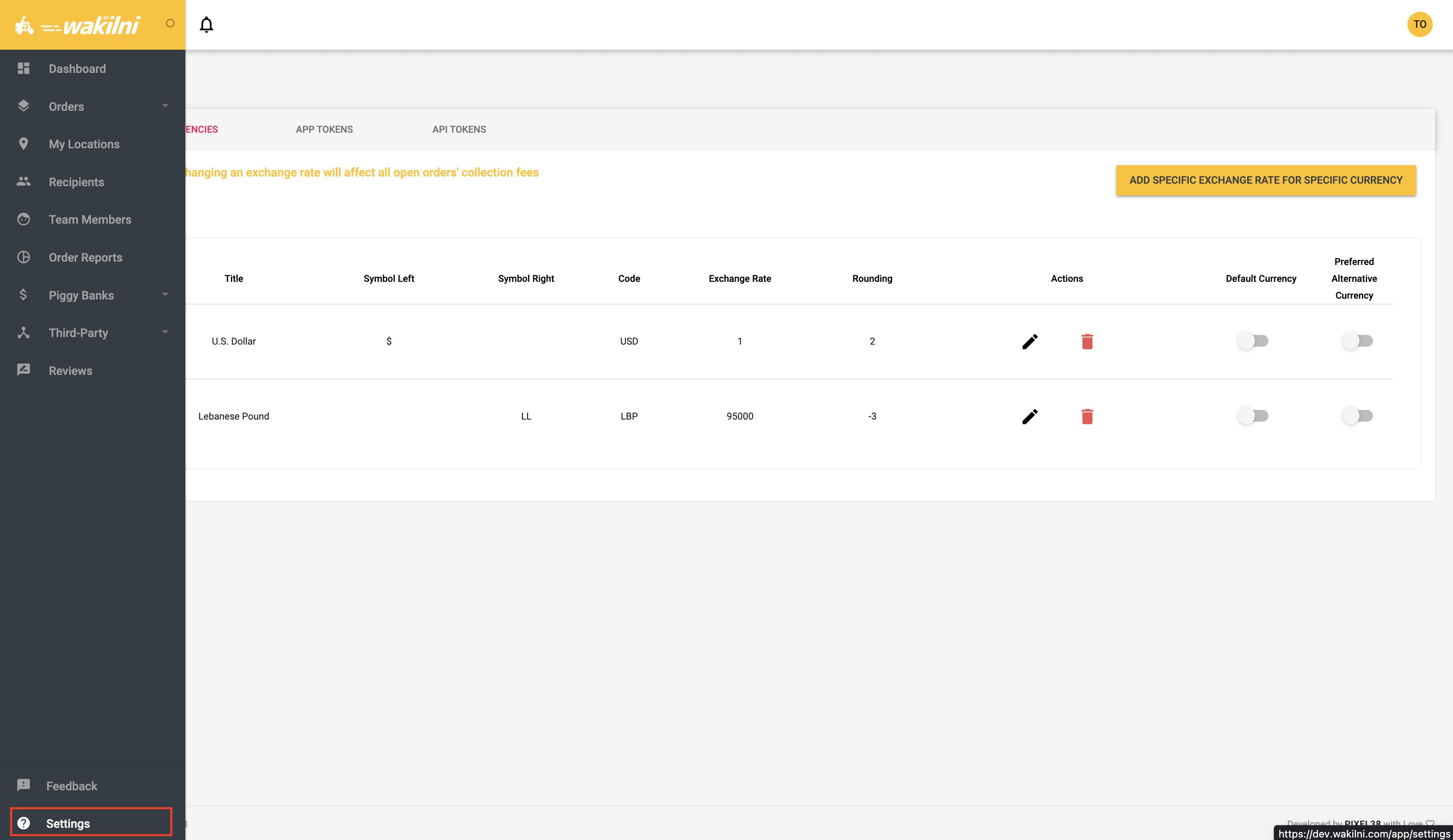
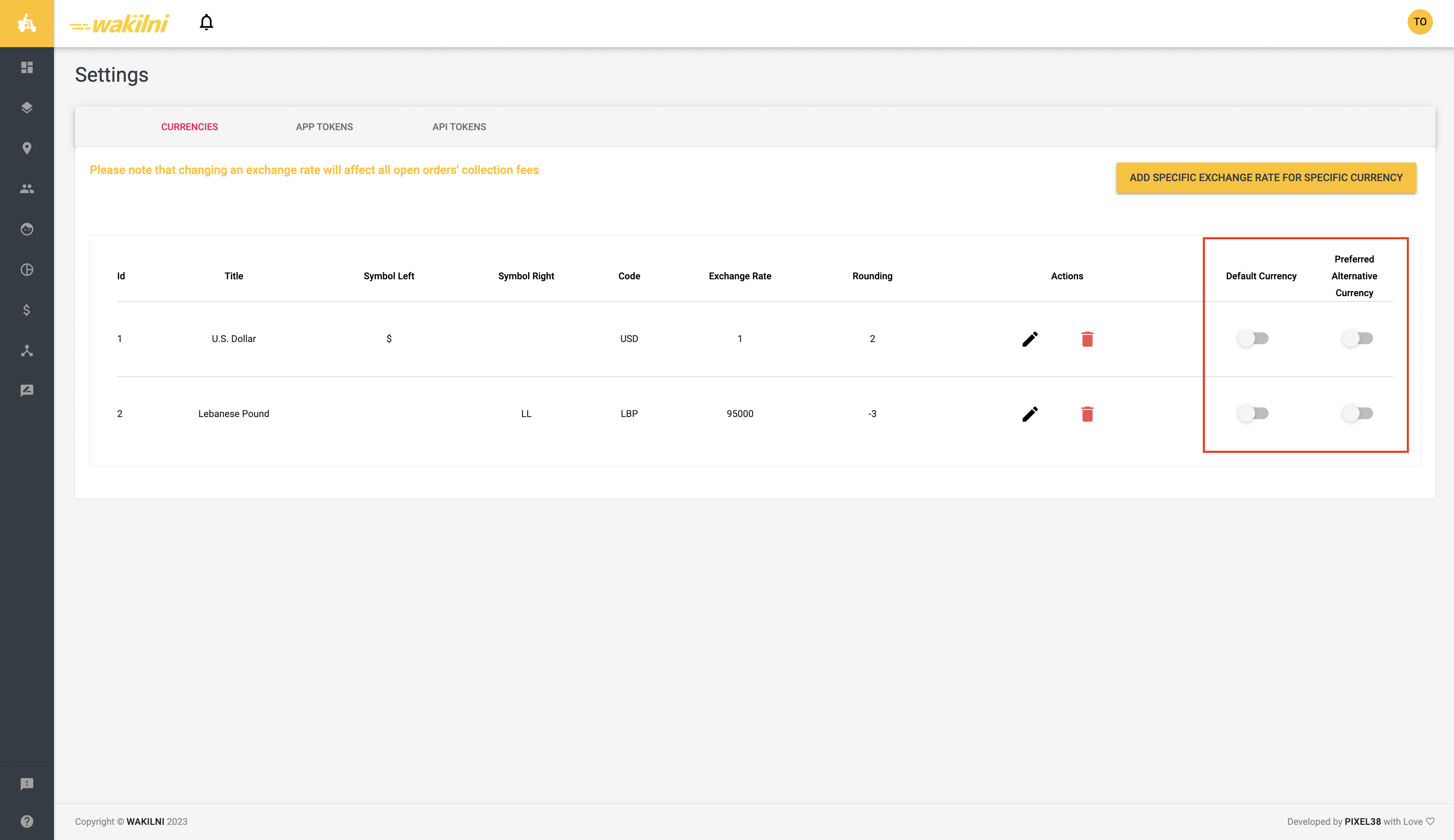
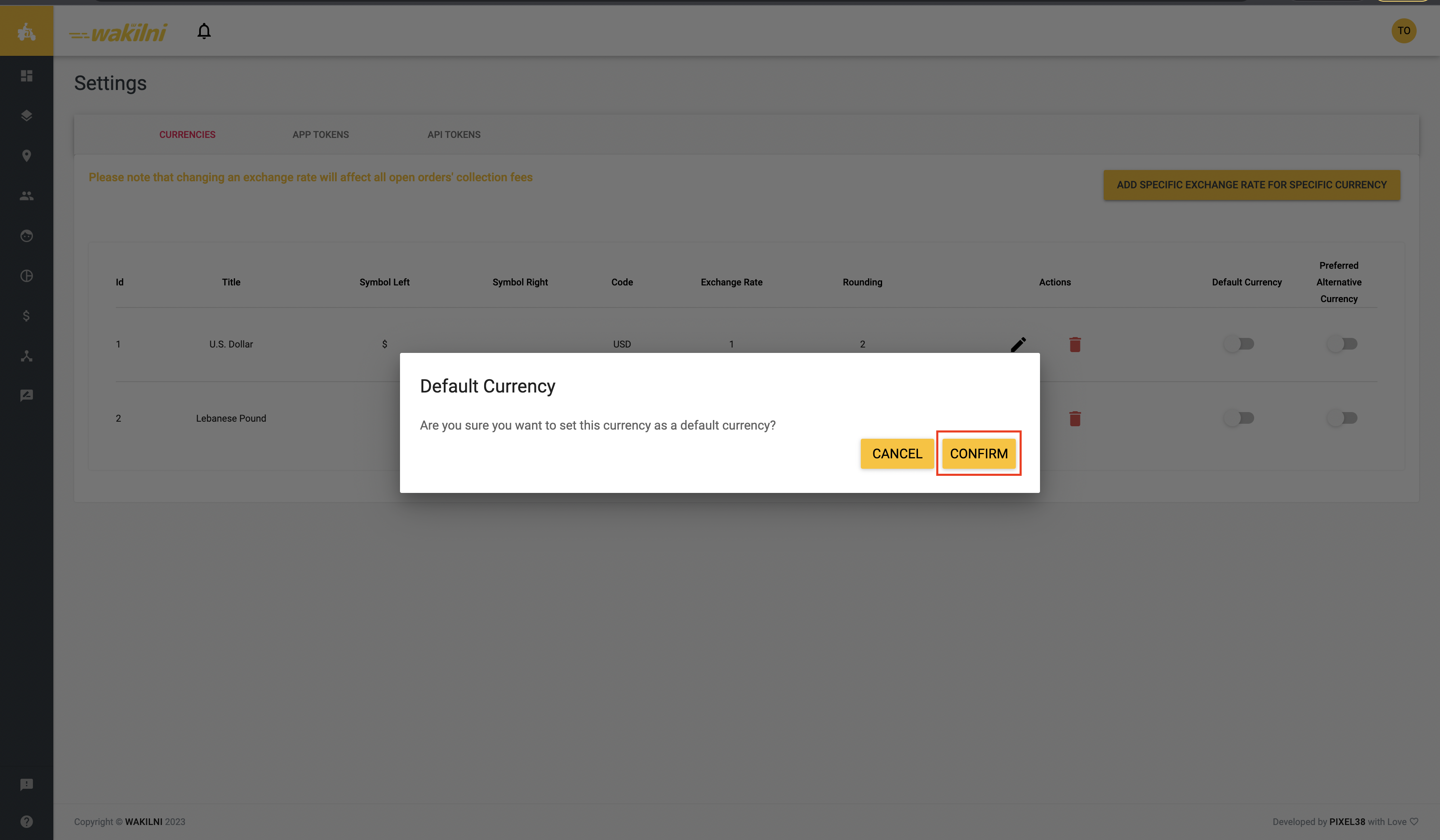
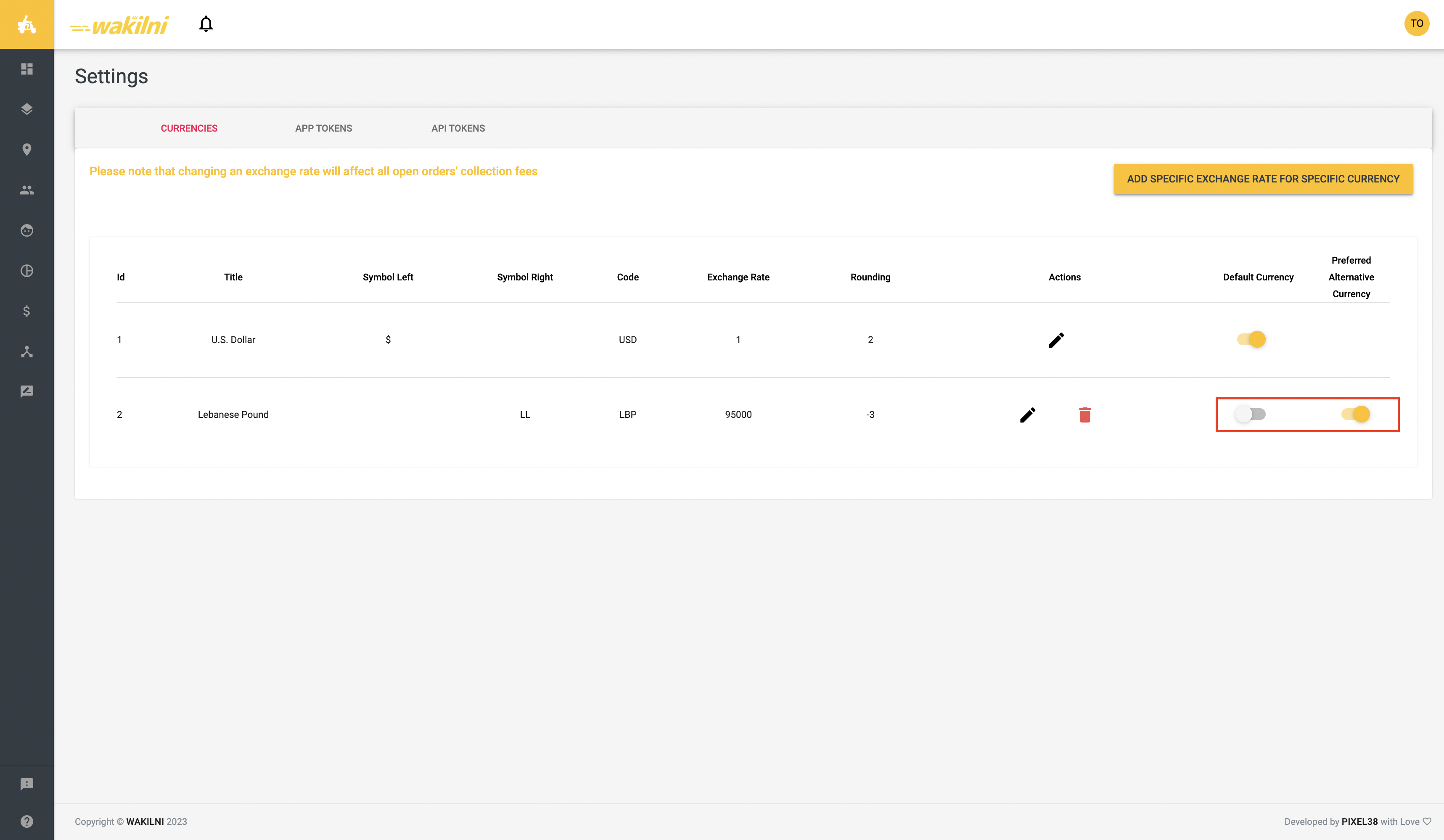
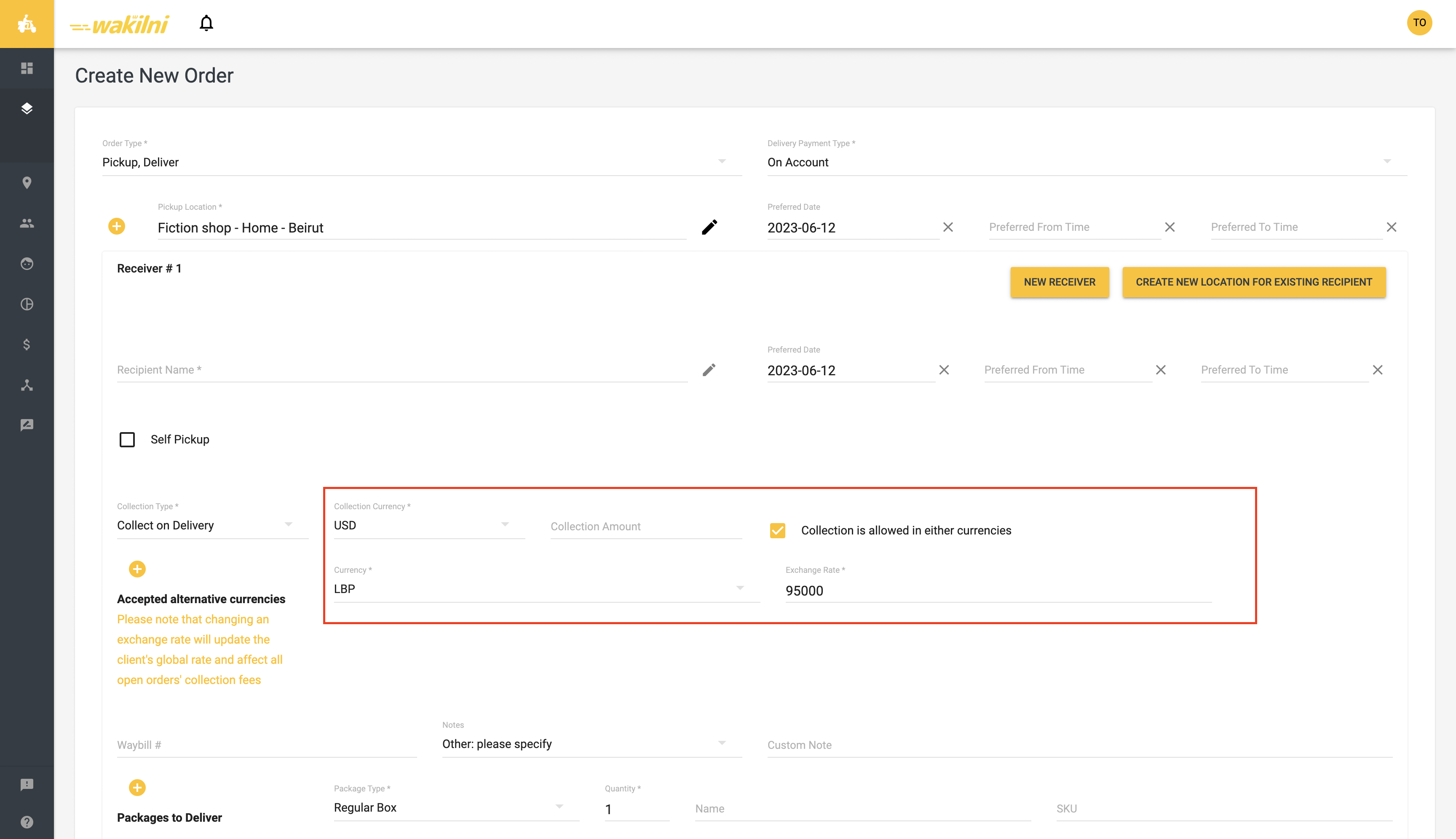
 Feature #1: Add Order on Portal
When adding an order, the user has the freedom to pick among multiple currencies available and choose if multiple alternative currencies are allowed or not, as well as the alternative currencies.
####
Feature #1: Add Order on Portal
When adding an order, the user has the freedom to pick among multiple currencies available and choose if multiple alternative currencies are allowed or not, as well as the alternative currencies.
####  Instructions
1. From Add Order page, choose the **Collection Currency**
Instructions
1. From Add Order page, choose the **Collection Currency**


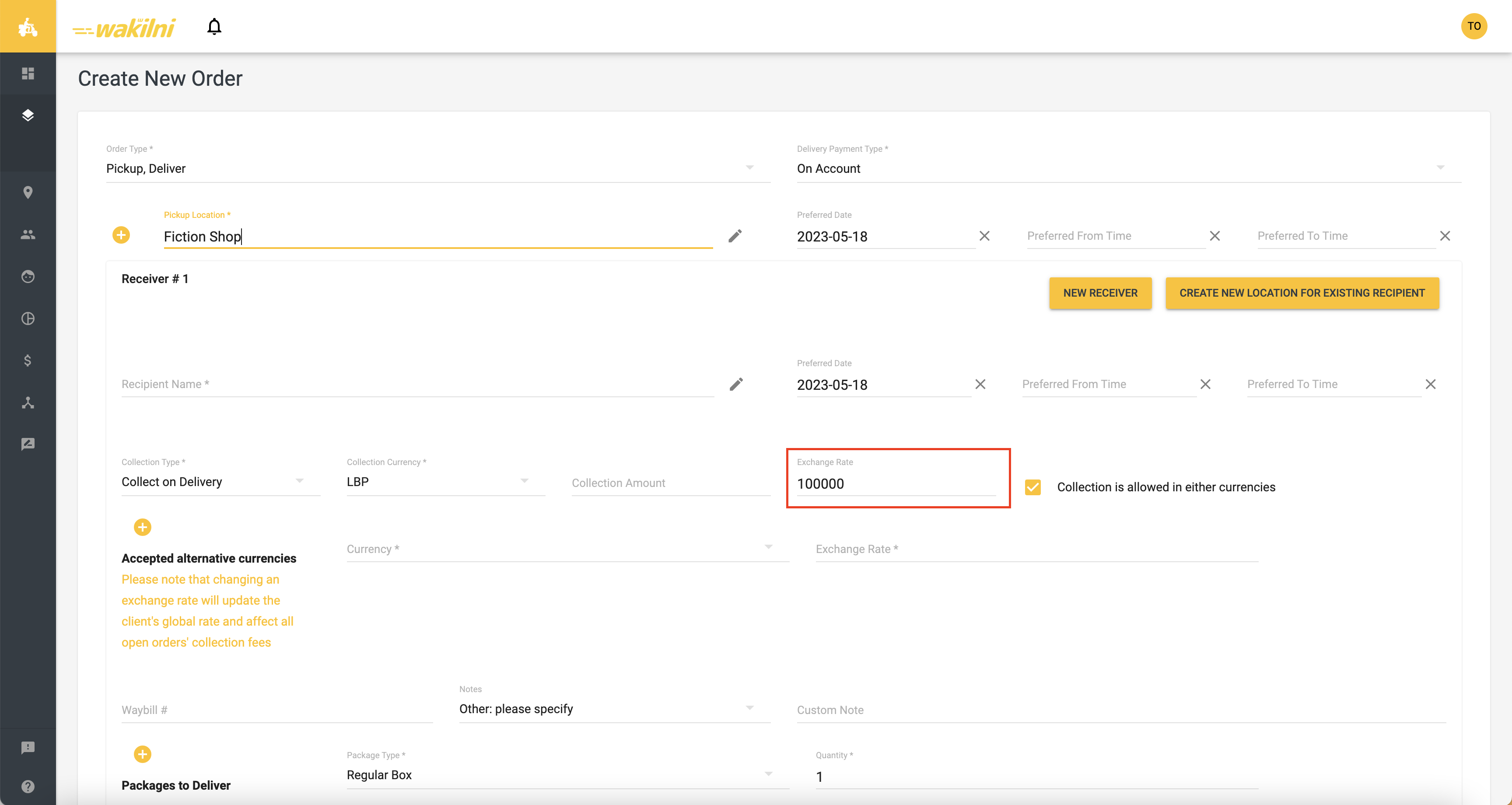


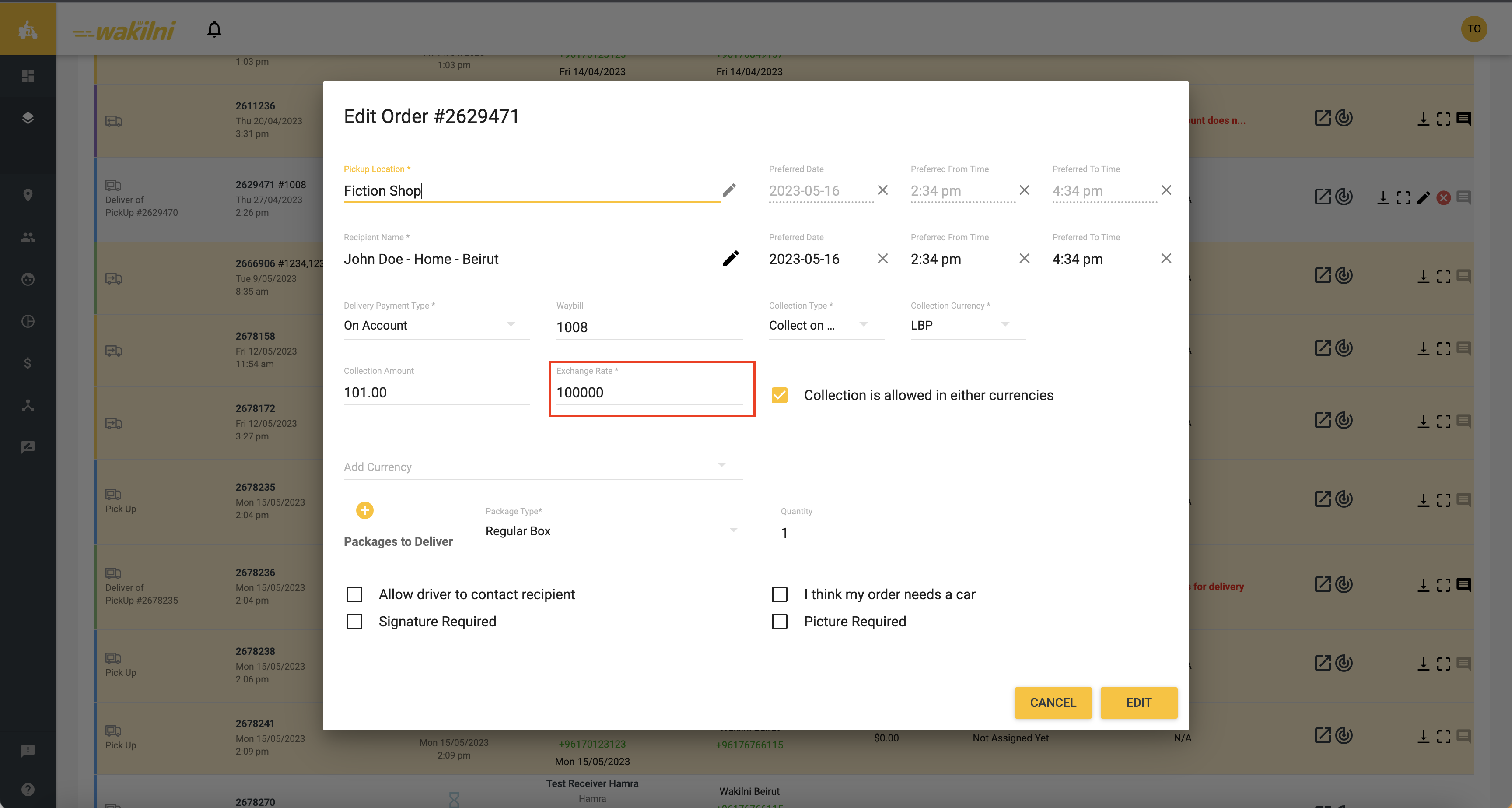


 Feature #1: Auto Fulfillment on Order Cancellation
This feature allows the client to customize the auto-fulfillment on Shopify when orders are cancelled on Wakilni. Combined with the auto restock option, this feature controls if orders are unfulfilled on Shopify when cancelled on Wakilni or not. To prevent orders from being unfulfilled and restocked when cancelled on Wakilni, users can turn auto fulfillment” and auto restock OFF from Shopify App Token Settings on Wakilni’s portal. Users might turn those features on if desired.
####
Feature #1: Auto Fulfillment on Order Cancellation
This feature allows the client to customize the auto-fulfillment on Shopify when orders are cancelled on Wakilni. Combined with the auto restock option, this feature controls if orders are unfulfilled on Shopify when cancelled on Wakilni or not. To prevent orders from being unfulfilled and restocked when cancelled on Wakilni, users can turn auto fulfillment” and auto restock OFF from Shopify App Token Settings on Wakilni’s portal. Users might turn those features on if desired.
####  Instructions
1. Go to **Settings** from the left menu
Instructions
1. Go to **Settings** from the left menu